
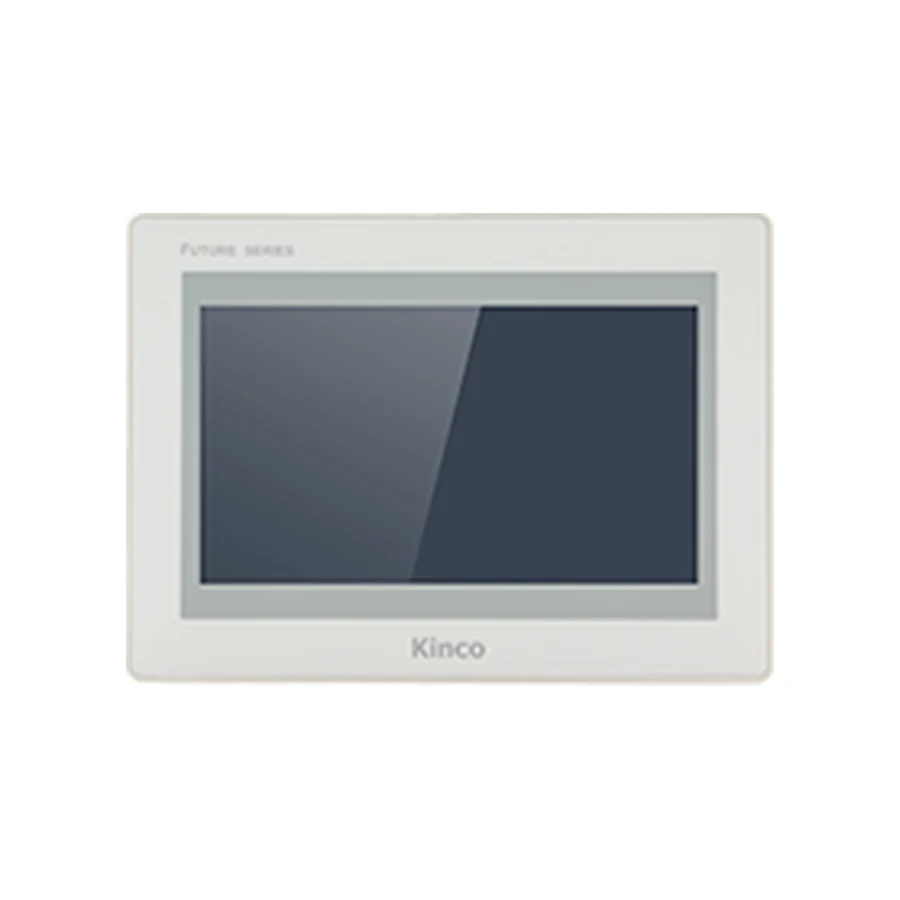
 F2070E7" · 1024 × 600Cut-out: 192 × 138 mm · Kinco DTools ProA 7-inch control screen with 1024 × 600 detail for alarm lists and several controls on one view. Check the full code, 192 × 138 mm opening and DTools Pro project before ordering.Compare full specifications →
PANEL SELECTION
Kinco DTools Pro HMI Panel Catalogue
Open a listed product record to review the panel codes that use DTools Pro. This catalogue is a route into the hardware specifications, rather than a software download or conversion guide. Keep the original engineering project and software release when planning a replacement. Use the software and migration guides for the documented requirements before choosing a new target.
Start with the machine requirements
- Check the target model in the software supported-target list.
- Compare the PLC driver, screen resolution, fonts, alarms and recipe mapping.
- Keep a working backup and test the converted application before replacing the old panel.
Compare the model codes
Representative front views show panel appearance. Confirm the full model code and specifications for interface and configuration differences. Check the listed full codes for this collection.
F2070E7" · 1024 × 600Cut-out: 192 × 138 mm · Kinco DTools ProA 7-inch control screen with 1024 × 600 detail for alarm lists and several controls on one view. Check the full code, 192 × 138 mm opening and DTools Pro project before ordering.Compare full specifications → F2070E27" · 800 × 480Cut-out: 192 × 138 mm · Kinco DTools ProAn 800 × 480 7-inch screen for a project whose text and controls are already designed for that resolution. Check the full code, 192 × 138 mm opening and DTools Pro project before ordering.Compare full specifications →
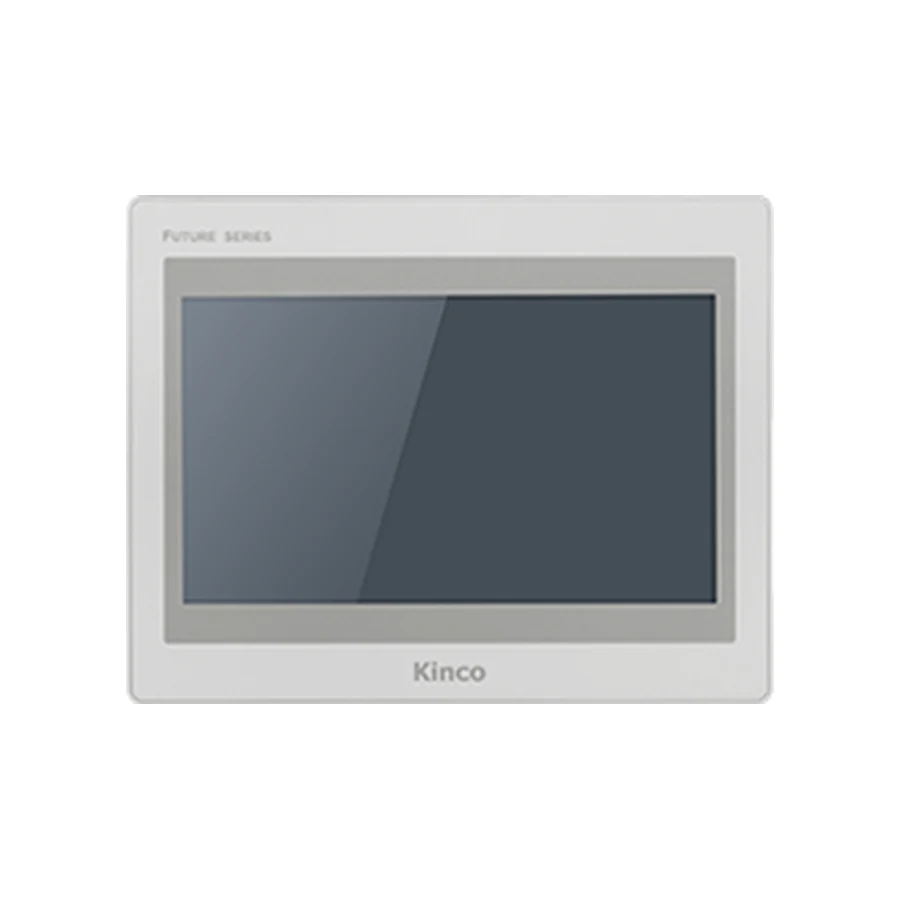 F2100E | F2100E210.1" · 1024 × 600Cut-out: 260 × 202 mm · Kinco DTools ProA 10.1-inch FUTURE panel when the project needs more screen area and the Ethernet port count matters. Check the full code, 260 × 202 mm opening and DTools Pro project before ordering.Compare full specifications →
 F2121E | F2121E212.1" · 1280 × 800Cut-out: 299 × 219 mm · Kinco DTools ProA 12.1-inch FUTURE panel for wider operator screens without moving to a 15-inch cabinet opening. Check the full code, 299 × 219 mm opening and DTools Pro project before ordering.Compare full specifications →
 F2150E215" · 1024 × 768Cut-out: 352 × 279 mm · Kinco DTools ProA 15-inch 4:3 display where the existing page layout benefits from a taller screen. Check the full code, 352 × 279 mm opening and DTools Pro project before ordering.Compare full specifications →
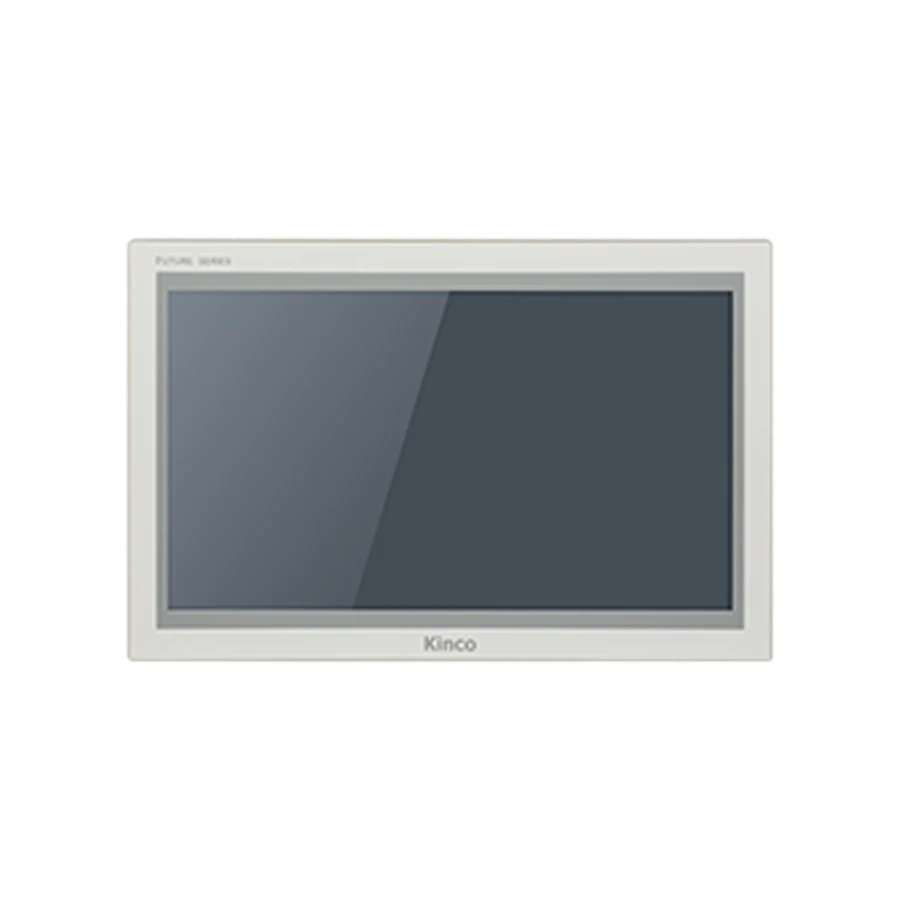 F2156E | F2156E215.6" · 1920 × 1080Cut-out: 382 × 246 mm · Kinco DTools ProA 15.6-inch Full HD FUTURE panel for a wide layout; compare the base and E2 connection sets. Check the full code, 382 × 246 mm opening and DTools Pro project before ordering.Compare full specifications →
 GL2043HE4.3" · 800 × 480Cut-out: 119 × 93 mm · Kinco DTools ProA compact GL2 panel when the machine requires Ethernet in a small cabinet opening. Check the full code, 119 × 93 mm opening and DTools Pro project before ordering.Compare full specifications →
 GL2070HE | GL2070HE-4G | GL2070HE-WIFI7" · 1024 × 600Cut-out: 192 × 138 mm · Kinco DTools ProA 7-inch GL2 group with wired, Wi-Fi and 4G options; specify the network type before ordering. Check the full code, 192 × 138 mm opening and DTools Pro project before ordering.Compare full specifications →
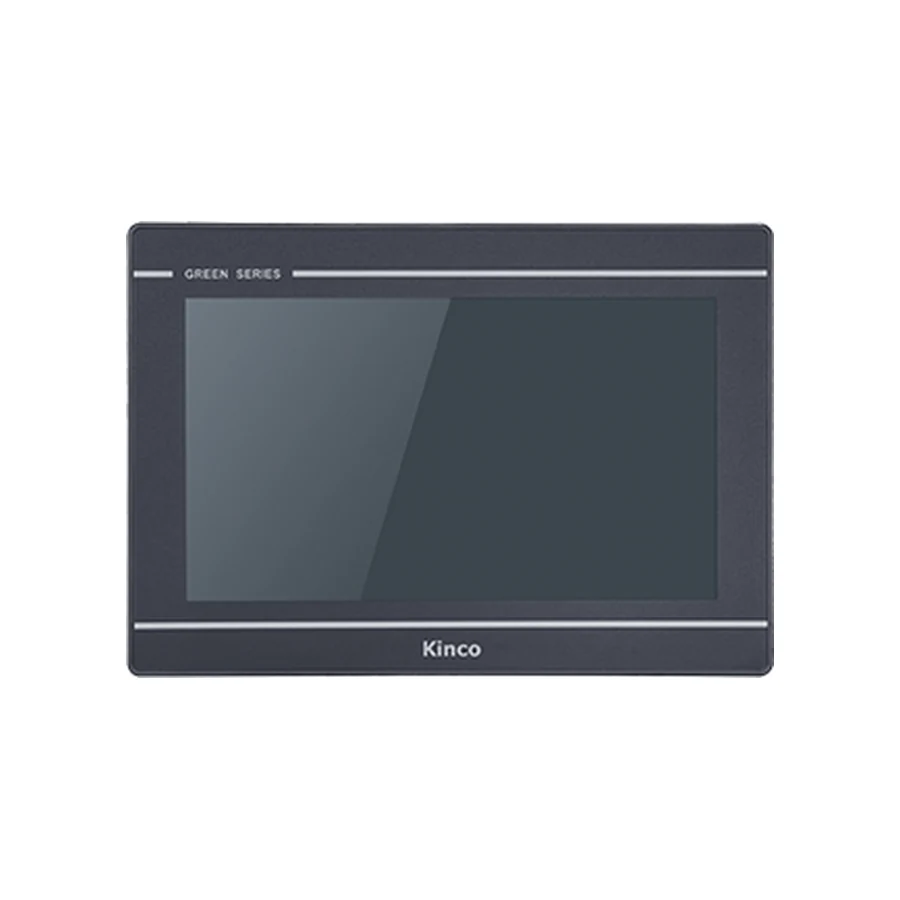 GL2100E | GL2100E-4G | GL2100E-WIFI10.1" · 1024 × 600Cut-out: 260 × 179 mm · Kinco DTools ProA 10.1-inch GL2 group for a larger screen with a choice of wired or wireless machine connectivity. Check the full code, 260 × 179 mm opening and DTools Pro project before ordering.Compare full specifications →
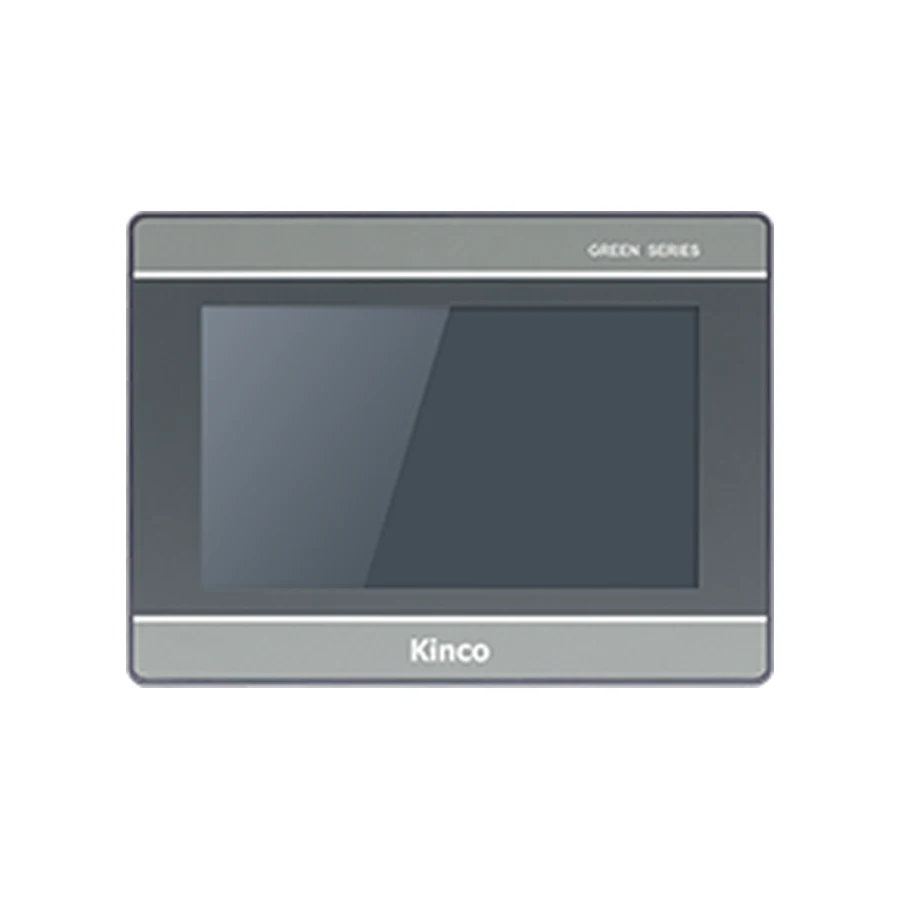 G2070HE | G2070HE-4G | G2070HE-WIFI | G2070HE27" · 1024 × 600Cut-out: 192 × 138 mm · Kinco DTools ProA 7-inch G2 group with wireless and E2 variants; compare ports and power isolation code by code. Check the full code, 192 × 138 mm opening and DTools Pro project before ordering.Compare full specifications →
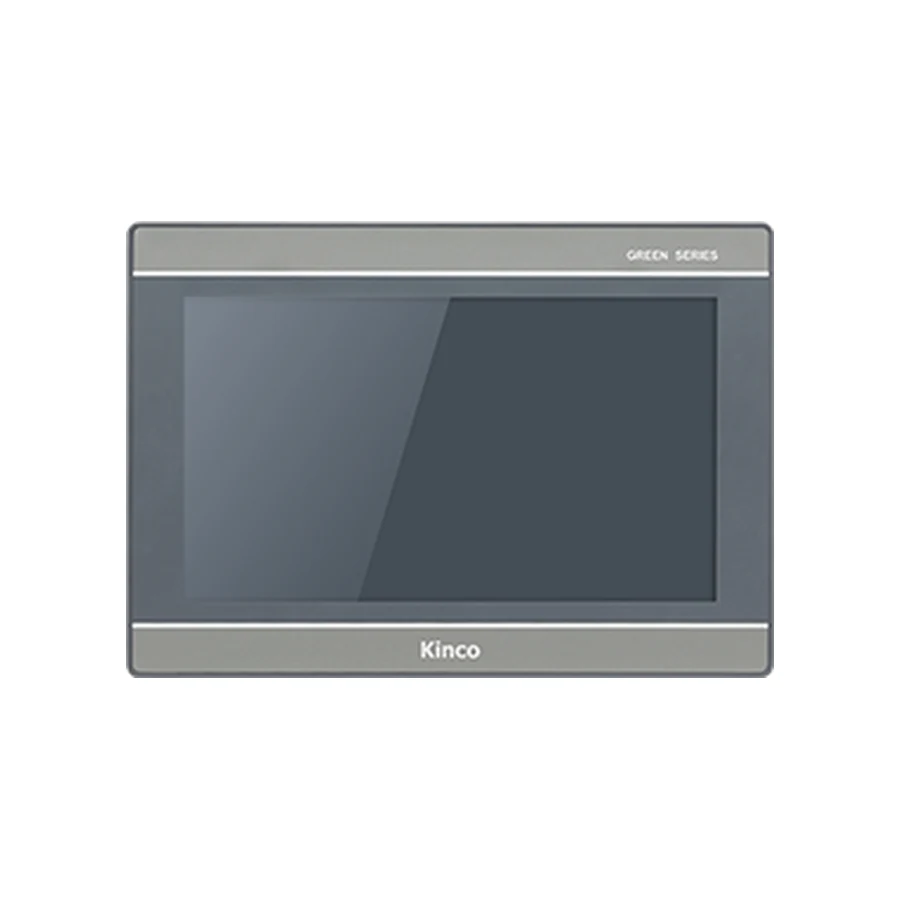 G2100E | G2100E-4G | G2100E-WIFI | G2100E210.1" · 1024 × 600Cut-out: 260 × 179 mm · Kinco DTools ProA 10.1-inch G2 group with wired, Wi-Fi, 4G and E2 variants; a shared screen size does not mean shared wiring. Check the full code, 260 × 179 mm opening and DTools Pro project before ordering.Compare full specifications →
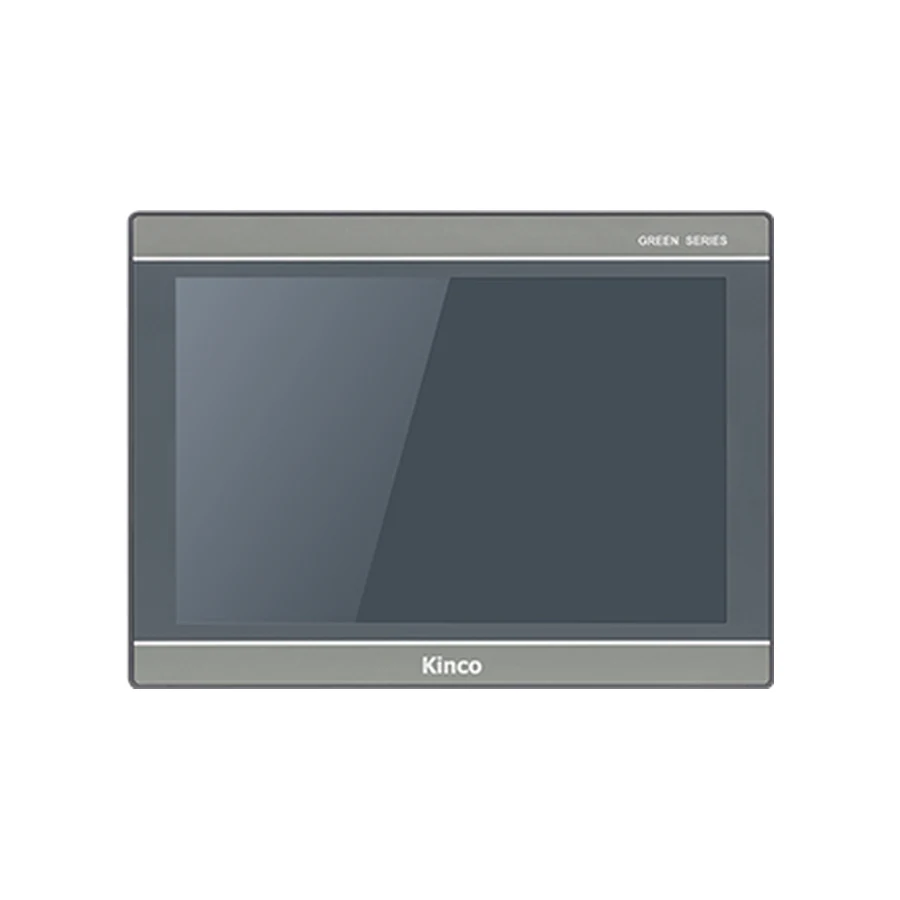 G2121E2 | G2121E2-4G12.1" · 1280 × 800Cut-out: 299 × 219 mm · Kinco DTools ProA 12.1-inch G2 E2 panel with a separate 4G option for machines requiring a mobile network connection. Check the full code, 299 × 219 mm opening and DTools Pro project before ordering.Compare full specifications →
 G2150E215" · 1024 × 768Cut-out: 383 × 283 mm · Kinco DTools ProA 15-inch G2 E2 panel for a 4:3 operator layout and a larger cabinet opening. Check the full code, 383 × 283 mm opening and DTools Pro project before ordering.Compare full specifications →
 G2156E | G2156E-WIFI | G2156E215.6" · 1920 × 1080Cut-out: 382 × 246 mm · Kinco DTools ProA 15.6-inch G2 screen for a wide operator view; compare the wired, Wi-Fi and E2 code requirements. Check the full code, 382 × 246 mm opening and DTools Pro project before ordering.Compare full specifications →
Selection questions
Is DTools Pro a universal replacement for DTools?
No. Use the software family listed for the exact HMI and check the documented conversion route for the original project.
Does a converted project need a machine test?
Yes. Verify screens, PLC reads and controlled writes, alarms, recipes and restart behaviour. Retain the original panel and project for rollback.
Check the project and connection
Request the right full code
Include the panel code, quantity and destination. For a replacement, add the old label, measured opening, connector photos and project version.
Request a Quote