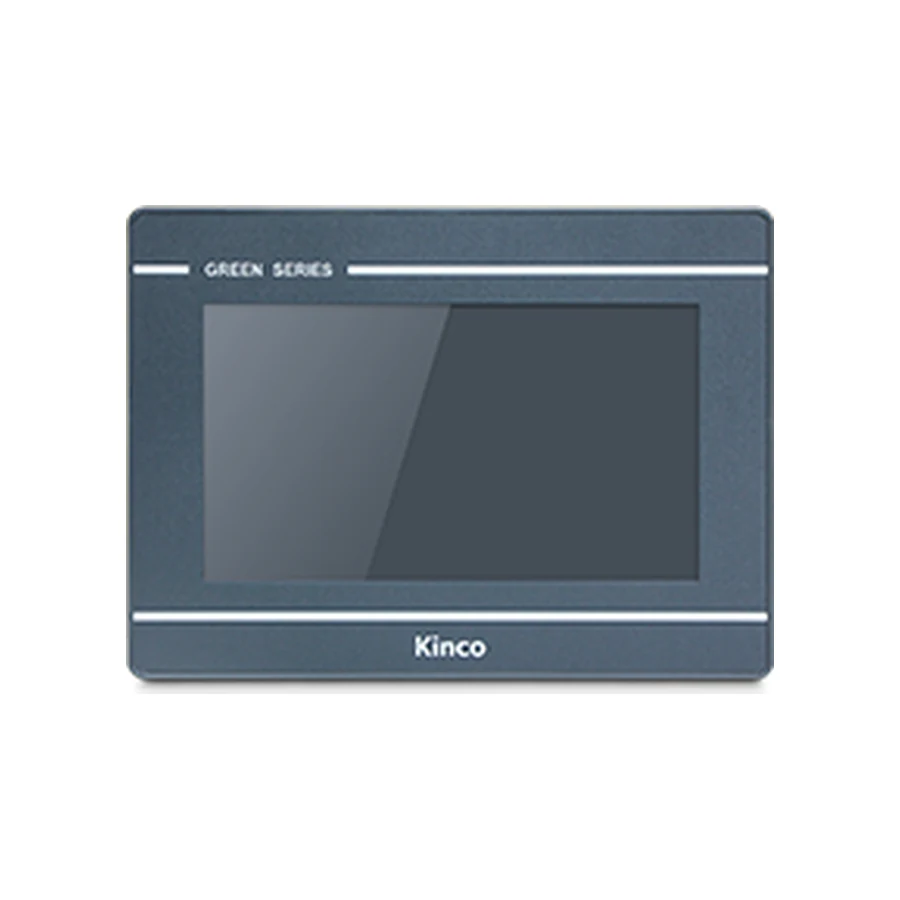
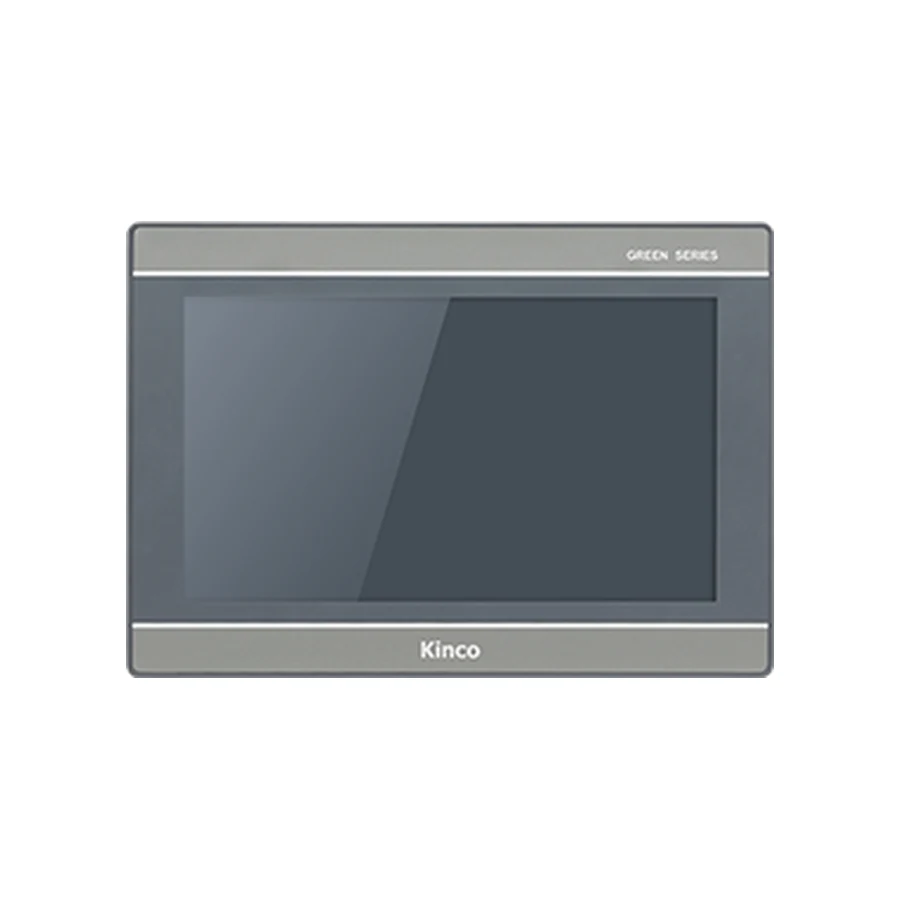
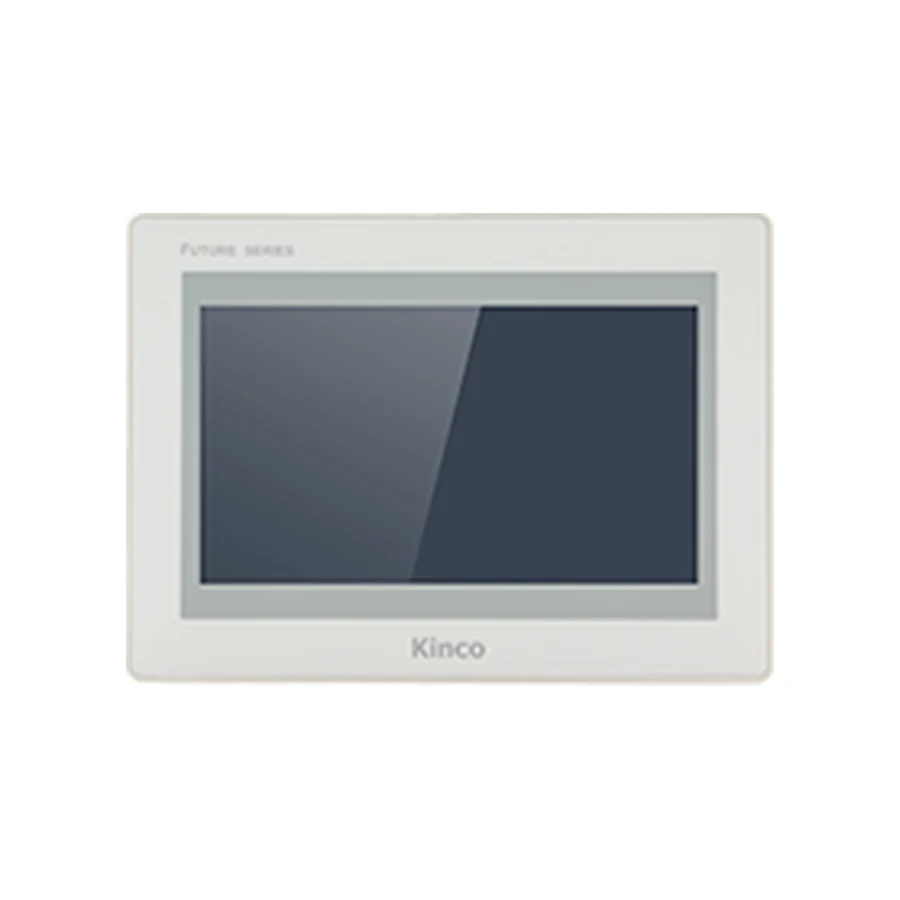
Plan a Kinco HMI project migration from an untouched copy of the editable source and its dependencies. Identify the old panel, proposed target and software families before selecting a conversion route. Shared cabinet dimensions or a file that opens do not establish that drivers, screens and machine behaviour will transfer correctly. Prove communication on a small test page, then compare layouts, alarms, recipes and operating limits before changeover.
Preserve Source Files and the Working Machine Record
Begin with the project owner or machine builder. Request the editable application, its software release, fonts, images, recipe records and scripts. Identify external files and any project dependencies stored separately. An upload from a running panel may be useful for recovery, but it does not automatically contain everything required for editing or migration.
Keep the received original untouched and create a separate working copy. Record file identity and software release before opening the copy in another package. Do not repeatedly save the original in different versions while searching for a route that appears to work. The backup and recovery guide addresses source protection and restoration evidence in more detail.
Capture the working machine record as well: installed HMI code, revision where available, PLC CPU and firmware, driver, communication settings and relevant operating behavior. Photograph labels and connections. Preserve representative screens and the accepted recipe and alarm definitions so the target can be compared with something more precise than memory.
Identify Old and New Software Targets
Use the exact old and proposed codes, not just the screen size or product family. The local records list GL070 and GL070E with DTools, and GL2070HE with DTools Pro. Other targets may have different requirements, so a newer-sounding package name is not a reliable selection method.
Compare the GL070 and GL070E source-target information with the GL2070HE target and document request when those are the actual migration candidates. The representative move changes from 800 × 480 to 1024 × 600, despite a shared published 192 × 138 mm opening. Those facts justify separate layout and mechanical reviews; they do not establish successful conversion.
Record whether each target appears in the selected software release and whether the necessary driver is available. A missing target, rejected file type or unavailable driver is an unresolved requirement. Preserve the error and version information while retaining the working installation.
Confirm a Documented Conversion Route
Same Software Family Versus Cross-Family Conversion
A target change within one software family still needs supported-target and object checks. Moving between families introduces an additional conversion question. Treat DTools-to-DTools Pro migration as a route requiring documentation for the actual source and target, not as a universal feature inferred from the product names.
The same boundary applies to HMIware projects, MT4000 applications and files identified by a WPJ extension. A search term or file suffix does not establish how the source can be converted. Determine the originating software and release, then request a documented route for the destination. Do not rename a file or infer compatibility from an import dialog alone.
Use the existing Kinco download center reference to locate matching resources. Retain the conversion basis and any limitations with the project record. This article supplies a planning workflow, not verified conversion menus for every release.
A useful worksheet names the source target, source release, destination target, destination release, conversion reference and unresolved objects. Add who reviewed the route and which functions require rebuilding. If documentation cannot establish the route, keep the migration conditional rather than promising an unchanged application.
Review Resolution, Objects and Resources
Open the converted working copy and inspect every screen at the destination resolution. Automatic resizing, where available, is not acceptance evidence. Text may clip, controls may become too small physically, and an input dialog may cover information needed to make a decision.
Review language switching using actual long labels, not only the default language. Inspect fonts, symbols, image assets, modal screens, passwords, numeric input limits and navigation paths. Compare operator tasks at the intended mounting position. More pixels can change layout possibilities without making every existing screen easier to use.
Inventory scripts and event-driven behavior separately. Record supported functions, triggers, timing assumptions and external dependencies. Compilation can identify some problems, but a compiling script still needs functional review against the machine task. Preserve the old behavior description so a deliberate change can be distinguished from an accidental regression.
For recipes, logs and other files, identify storage locations, retention needs and restore requirements. Available flash does not establish a particular history duration or identical file behavior. Confirm the target and software implementation using the representative data the actual application requires.
Prove PLC Communication on a Test Page
Known Read Before Production Commands
Create a small temporary commissioning page containing one known, non-critical read and a communication indication. Match the selected driver’s device assignment, channel, address convention and data type. Compare the displayed result with PLC monitoring under the machine’s approved maintenance procedure.
A completed download proves project transfer; ping provides limited network evidence. Neither proves application data correctness. If the reference read differs, investigate address interpretation, signedness, width, scaling and word order before expanding the test. The PLC compatibility evidence guide helps retain those fields and their supporting documents.
Only after correct reads should the responsible engineer authorize a designated commissioning write. Define the variable, permitted machine state, expected PLC response and restoration step. Check access rights and confirmation, with control and safety interlocks remaining in the approved PLC design. Do not use an actual pump, motion or production command merely to discover whether communication exists.
Record the accepted test configuration. Remove temporary controls before release and verify their removal in the final project version. A useful test page should not become an undocumented maintenance shortcut left available to normal operators.
Run Application Acceptance and Rollback Checks
Layout, Recipes and Alarm Regression Checks
Build acceptance around complete tasks rather than visual similarity. An operator should navigate to the required screen, identify the actual state, make a permitted request and see the controller’s accepted outcome. Compare both routine operation and exceptional conditions with the source behavior record.
| Area | Required comparison | Evidence to retain |
|---|---|---|
| Layout and languages | Readable labels, dialogs and touch actions | Target screenshots and reviewer findings |
| Recipes | Field mapping, units, limits and transfer confirmation | Selected and accepted record identity |
| Alarms | Trigger meaning, acknowledgement and cause clearing | Expected and observed state sequence |
| Communication recovery | Invalid data indication and fresh-value return | Loss and restoration observations |
| Restart behavior | Required retained state and permitted actions | Agreed power-cycle test outcome |
Check that screen changes do not leave an unintended command active and that pending requests remain understandable after interrupted communication. Review trends, storage and permissions where the application uses them. Record failures and the project revision that corrects them rather than silently replacing an earlier result.
Keep the original panel, source and connection settings available until the replacement passes the agreed machine test. Define who can decide to roll back, what conditions trigger that decision and how the accepted previous configuration will be restored. The replacement checklist connects this application work with installation and changeover planning.
Prepare the Model-Specific Migration Brief
Send both panel codes, software releases, originating file type, available source resources, PLC details and connection method. Add measured opening, body clearance, power and any required wiring changes. State which behaviors must remain equivalent and which changes are intentional.
The final record should identify the conversion basis, driver changes, open issues, regression results, rollback conditions and responsible acceptance reviewers. Distinguish panel supply from conversion, application reconstruction and commissioning. Include quantity and destination when requesting a hardware quotation.
Migration Questions
Does opening an old project prove it can run on a new target?
No. It establishes only that the software opened that file. Supported target, conversion limitations, communication and application behavior still require review and testing.
What should be tested after changing HMI resolution?
Inspect every screen, input dialog, language, alarm and touch action using representative content. Also verify scripts and data functions affected by changed objects or navigation.
When should a migration retain the working installation?
Keep it available while conversion support, source completeness or acceptance remains unresolved, and through the agreed changeover period. A compile or transfer result is not enough to retire the rollback route.