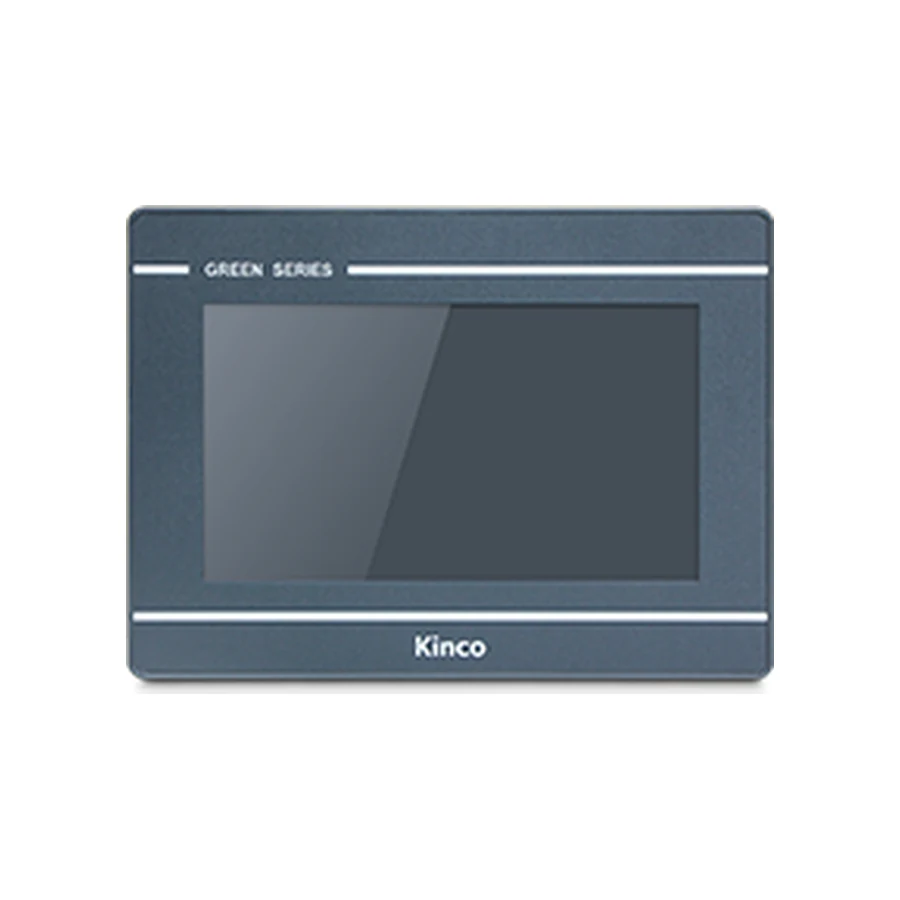
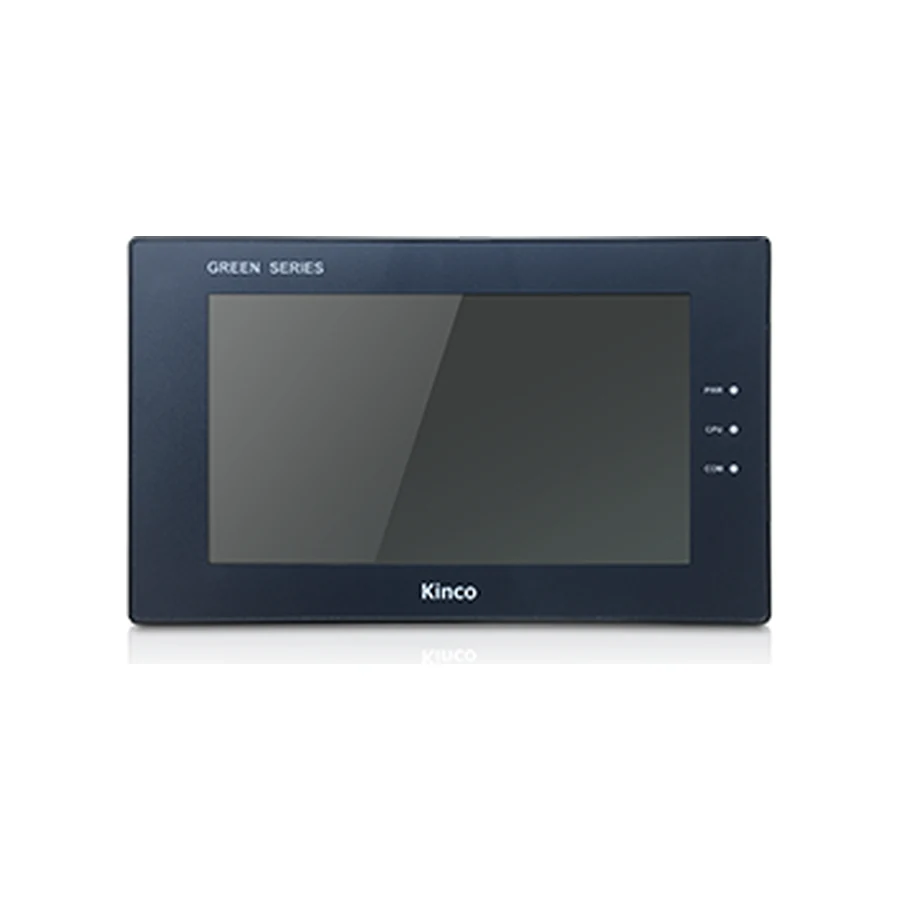
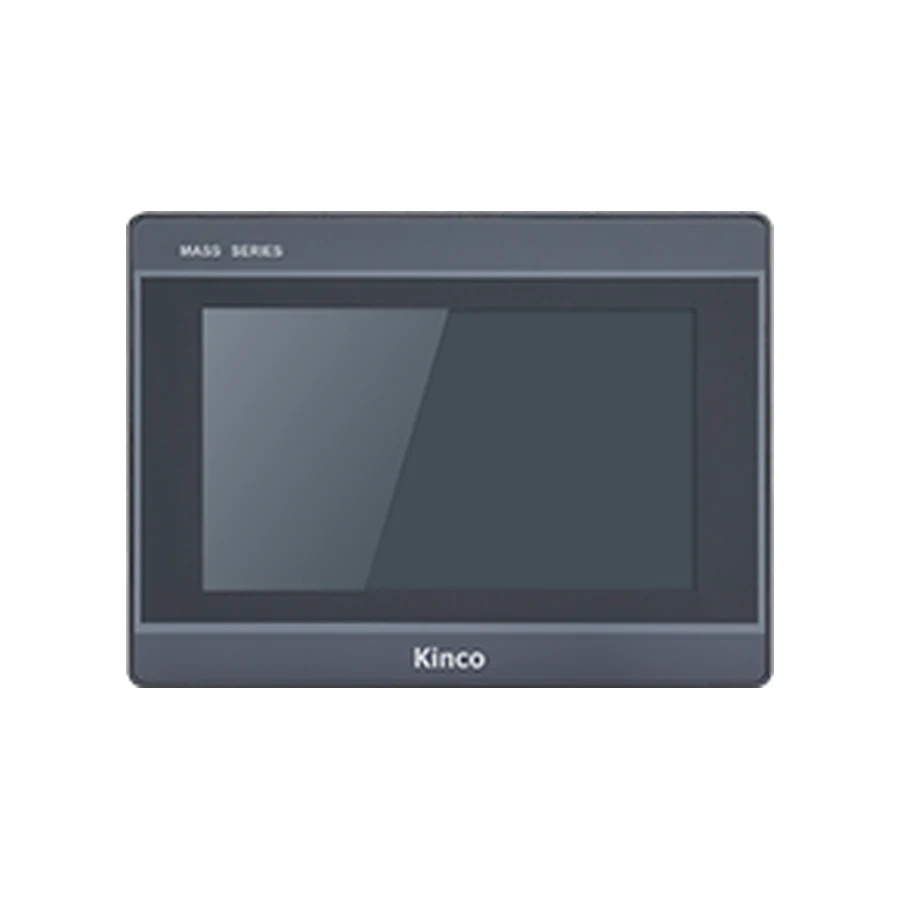
A Kinco HMI replacement must preserve the machine functions as well as fit the cabinet. Start with the old rear label, editable project and working connection record. Then check the proposed panel against the opening, supply, connector pinout, software target and PLC driver. Separate an identical-code spare from a different-model upgrade so purchasing can see what stays usable and what needs engineering work.
Identify the Old Panel and Replacement Scope
Photograph the rear label, used connectors and cable labels. Record the machine identity and the hardware revision where shown. Note whether the old panel boots, whether communication works and which functions remain available. These observations distinguish a hardware replacement request from a wider fault investigation. A front photograph alone rarely establishes the complete order code.
Describe what must be preserved. Keeping the cabinet opening, existing PLC program and operator workflow are separate requirements. A candidate may satisfy one while demanding changes to another. Write those constraints before selecting a new panel so an attractive specification does not silently expand the engineering scope.
Identical-Code Spare Versus Generation Upgrade
An identical-code spare starts with the existing target, but still needs revision, project and installation checks. A different code in the same software family introduces target and interface comparisons. A generation upgrade adds the need for a supported migration route and a broader screen review.
For example, moving from GL070E to GL2070HE is an upgrade assessment, not a substitution established by screen size. Use the GL070 and GL070E product record for the old-code specification and the GL2070HE variant record for the proposed target. Keep the selected suffix visible throughout the review.
Preserve Source Files and Working Settings
Before changing anything, preserve the editable source, software release and external resources. Include images, fonts, scripts and any project dependencies used by the application. Store an untouched copy separately from the evaluation copy. Record the working controller driver, channels and communication settings while the old panel can still provide evidence.
Editable Source Versus Uploaded Runtime
A running application or uploaded runtime is not automatically editable source. What can be retrieved depends on stored content, permissions, software and panel condition. Ask the machine builder or project owner for the engineering files before assuming an upload can support a different target.
If source is missing, record recovery or redevelopment as a separate work item with an owner. Resolve how the application will be produced before buying a different-model panel. Reconstructing screen behavior also requires knowledge of addresses, scaling, alarms and operator permissions; a photograph cannot supply all of that information.
The backup and recovery guide helps establish what files and settings are available. Record the outcome as source confirmed, recovery under review or redevelopment required. None of these statuses should be hidden inside a general claim that the project is backed up.
Verify Opening, Depth and Mounting Access
Measure the actual opening width and height, mounting thickness and available space behind the door. Compare the replacement drawing, clamps and sealing conditions. Include nearby cable ducts and hardware that might obstruct installation or servicing. The visible bezel and the body depth are insufficient as a complete installation envelope.
The representative GL070E and GL2070HE records both list a 192 × 138 mm opening. Their listed bodies are 204 × 150 × 37.2 mm and 204 × 150 × 37 mm respectively. That makes the opening a potential reuse item; it does not approve clamp access, gasket seating or the connected installation.
A useful contrast is GH070, whose listed opening is 194 × 113 mm despite also being a 7-inch panel. If retaining the original opening is mandatory, an incompatible opening can exclude a candidate before software work begins. Avoid treating an enclosure modification as an incidental purchase detail.
Measure connector projection and the cable bend arrangement with the door closing through its normal movement. A cable that clears the body on an open door may interfere with internal equipment when closed. Keep a dimensioned record or annotated photograph with the exact drawing used for approval.
Check Supply, Pinout and Communication Routes
Compare supply ranges and power requirements for the actual codes. GL070E lists DC 10 to 28 V, while GL2070HE lists DC 10.8 to 28 V. A nominal supply label does not show the voltage at the panel terminals under the intended conditions or establish available capacity for every connected load.
Retain the terminal assignment and grounding requirements from the applicable installation documents. Electrical measurements and wiring changes belong to the machine’s established maintenance procedure. This checklist identifies evidence to collect; it does not provide a universal wiring diagram.
For every reused cable, compare both ends, the electrical interface, signal assignments and intended HMI channel. Connector shape and wire color cannot establish equivalence. Record whether each cable is reusable, requires alteration or lacks sufficient documentation. Inspect physical condition as part of that decision.
GL070E lists COM0 with RS232/RS485/RS422 and COM2 with RS232. GL2070HE adds a listed COM1 RS485 channel. An added channel does not automatically preserve an old channel assignment. Reconcile the working driver configuration with the target drawing before connecting the machine. Ethernet likewise requires the correct PLC service and driver, not simply an available socket.
Review Software and Project Reuse
The GL example changes from DTools to DTools Pro and from 800 × 480 to 1024 × 600. Those differences require a documented conversion assessment and a layout review. Keep the detailed conversion work in the project migration guide; this checklist records whether that work has an accepted route and a responsible owner.
Use three explicit statuses: reusable with evidence, modification required, or evidence missing. A known opening match can enter the first status after the mounting review. A changed resolution belongs in the second because pages need inspection. An unconfirmed conversion path belongs in the third until documentation and evaluation resolve it.
| GL070E to GL2070HE review item | Initial implication | Evidence needed for approval |
|---|---|---|
| Shared listed opening | Potential mechanical reuse | Actual door and target mounting drawing |
| Different screen grid | Layout review required | Reviewed pages and operator tasks |
| Different software family | Migration route unresolved until assessed | Source, target support and conversion documentation |
| Cable and PLC behavior | No substitution conclusion | Pinout comparison and connection tests |
A successful compilation narrows one software question but does not demonstrate correct scaling, alarms or control behavior. Preserve the project change record so reviewers can identify which differences were intentional and which remain defects.
Approve Tests and Changeover Records
Each approval item needs an owner, supporting document and approval date. Keep mechanical, power, communication, project and environment decisions separate. A critical missing driver or absent source file must remain visible even if every mechanical item passes. Purchasing can then distinguish a hardware quotation from unresolved engineering work.
Acceptance Tests Before Production Restart
Begin with a known read-only PLC value and compare it with the engineering view. Establish freshness, data type and scaling before testing a designated commissioning variable. Controlled writes require the machine owner’s approved conditions, bounded values and PLC-side interlocks. Keep the PLC responsible for control and safety logic.
Continue with required screens, alarms, recipes, retained information and recovery after power cycling. Use the machine’s commissioning procedure and record actual results. Remove temporary test controls after evaluation. Do not treat successful communication as approval of every operator function.
Define rollback before changeover. Keep the original panel, known working project and connection record available where practicable. Identify who can authorize return to the previous configuration and what failures trigger that decision, such as unresolved critical alarms or unreliable communication. Rollback also needs verified wiring and configuration records.
For the quotation request, include both full codes, source availability, measured opening, supply information, used connectors, PLC details, quantity and destination. Attach the open-item list so the response can address specific uncertainties instead of repeating a general compatibility claim.
Frequently Asked Questions
Does the same screen size make a panel interchangeable?
No. The opening, rear clearance, supply, wiring, software target and PLC driver can differ. Approve reuse item by item with the relevant drawing and application evidence.
What if the editable HMI project is missing?
Ask the project owner or machine builder for the engineering files. Establish whether authorized recovery is possible or redevelopment is required before committing to another target.
Which checks distinguish a spare from an upgrade?
A spare review confirms the existing code, revision and working project. An upgrade additionally needs target differences, migration support, page review and machine acceptance tests documented before production use.