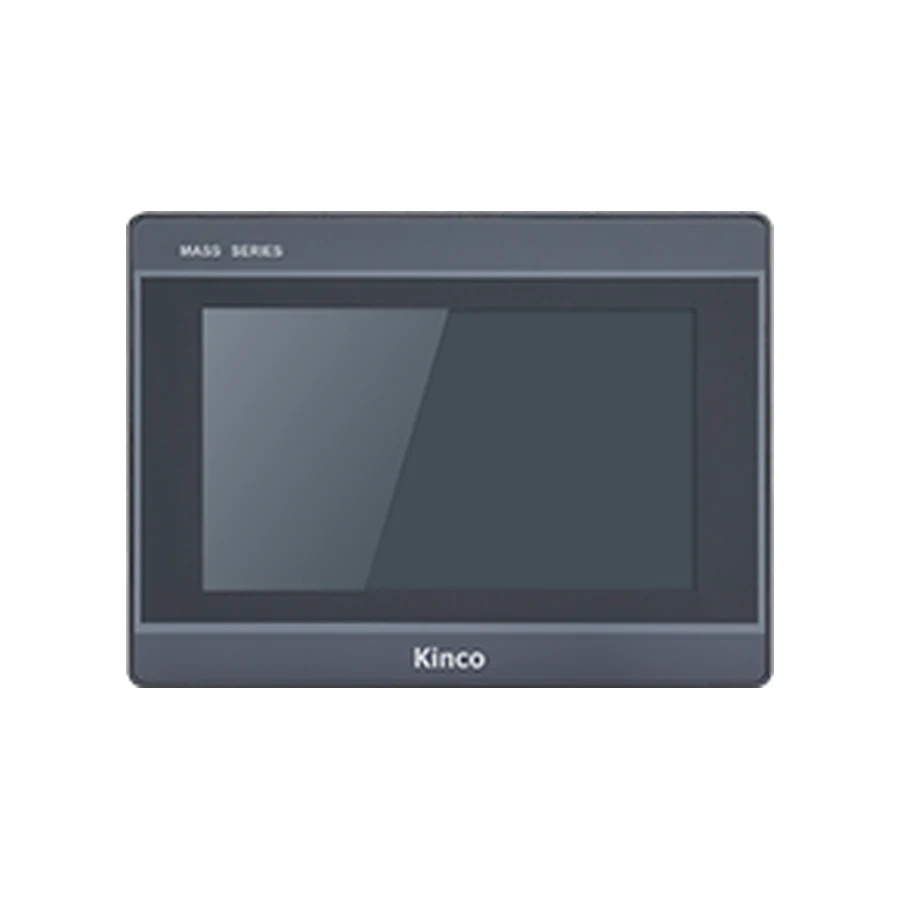
The Kinco M2070H family shares a 7-inch 1024 × 600 display and a 192 × 138 mm opening. Consider it when checking a DTools layout that needs this resolution within a familiar cabinet format. Wi-Fi is listed only for M2070HE-WIFI; the current per-code record lists no Ethernet port for this group. Confirm the intended connection from applicable documentation before ordering, and compare serial wiring and the 204 × 150 × 37 mm body with the machine.
Model codes: M2070H | M2070HE | M2070HE-WIFI
Kinco M2070H HMI Panel Overview
A seven-inch screen often sits where the operator performs both routine running and occasional adjustment. For M2070H, the 1024 × 600 canvas gives the designer a defined space for status, navigation and numerical entry. It does not justify reducing every object until more content fits. Evaluate character height and the distance between touch controls at the installed viewing position.
This family merits review when the required display layout, existing cabinet opening and DTools application align. Start by identifying the actual machine task and old model label. The three listed codes should remain distinct throughout selection because a shared screen and enclosure do not establish a shared network function. Use the individual variant record and applicable documentation to resolve the ordering decision.
A detailed screen can show related values together, helping an operator interpret a machine condition without repeatedly opening separate pages. Decide which values belong beside each other and which engineering settings should remain in a separate workflow. In an existing project, inspect units, alarm text, page navigation and numerical input limits after a target or resolution change.
Wi-Fi selection is a separate requirement from screen selection. If M2070HE-WIFI is being considered for a service connection, involve the network owner in deciding access, coverage and the permitted use. The radio listing alone does not establish a connection to a particular PLC or remote service. Use the Wi-Fi versus 4G guide when clarifying the access requirement; this family does not list a cellular variant.
M2070H Serial Connections and Wi-Fi Suffix
M2070H, M2070HE and M2070HE-WIFI list 128 MB RAM, 256 MB flash and four-wire resistive touch. Their serial record identifies COM0 for RS232, RS485 or RS422, COM1 for RS485 and COM2 for RS232. Only M2070HE-WIFI lists IEEE 802.11 b/g/n wireless hardware. Neither the base code nor M2070HE should be described as having that radio.
Variant descriptions associate M2070HE and M2070HE-WIFI with EdgeAccess 1.0. However, the current per-code Ethernet fields list no port, conflicting with broader connection wording in the old overview. Treat wired Ethernet as an unresolved documentation requirement, not a feature inferred from HE. Obtain a full-code interface drawing and applicable manual before approving an application that needs a physical network connector. A remote-platform reference cannot resolve the hardware discrepancy.
M2070H PLC Ports and Driver Checks
Match M2070H PLC Drivers and Cable Pinout
Map the existing connections to their actual functions before selecting a suffix. A serial cable may serve the controller, another device or a service task; its connector shape does not disclose which standard and driver the project uses. Record the PLC CPU, communication module and firmware alongside the DTools driver and documented cable assignments.
Consult the PLC compatibility guide for that evidence checklist. Begin commissioning with a known read-only value under an approved machine condition. If a controlled write is necessary, the PLC engineer must choose a suitable test point, assess its effect and retain the machine’s safety logic. A successful read does not authorize unrestricted writes. The PLC communication troubleshooting guide helps investigate failures without assuming an address, protocol or unsupported menu setting.
M2070H 192 × 138 mm Cut-out and Body Dimensions
Measure the 192 × 138 mm Opening for M2070H
The listed opening is 192 × 138 mm and external body dimensions are 204 × 150 × 37 mm. Measure the cabinet aperture directly, then review clearance around the bezel and behind the door. Neighboring equipment and the door’s travel can constrain installation even when the opening width and height match.
Use the applicable installation drawing for fixing details, door thickness and connector positions. The product image and opening sketch are explanatory illustrations, not pinout evidence. Allow cable bends and access to the mounting parts in addition to the nominal body depth. Input power is DC 10.8 to 28 V; confirm the actual supply and connection requirements. A replacement assessment must include power and grounding even when the former panel occupied an apparently similar enclosure.
Kinco DTools is listed across this group. Record the original project version, selected model target and drivers before changing anything. Work from a copy of editable source, preserving the last known working application and machine settings. An application that opens without an error may still contain objects, addresses or retained-data behavior that need review for the new target.
The guide to DTools software for M2070H explains the software and document-selection process. When requesting support, state whether the source project is available and whether the old panel remains operable. These facts change what can be compared directly. Review display operation and communication as separate tests, since a convincing screen preview cannot prove that the machine data is correct.
M2070H Existing-Panel Fit and Project Checks
The Kinco GL070 HMI Panel lists the same 192 × 138 mm opening but an 800 × 480 display. M2070H lists 1024 × 600, so a cabinet match does not establish a pixel-for-pixel project match. Both use DTools, yet the precise target and driver still require review. Pay particular attention to labels and controls placed near the edges of existing screens.
The MT070 model group provides another existing-machine comparison, while the G070 product page helps assess a separate candidate on its own facts. None of these links confirms a alternative selection candidate. Keep the broader work in the M2070H project migration checks and the replacement checklist, with the Ethernet discrepancy recorded as an open selection condition.
M2070H Price and Quotation Details
Request the exact code, quantity and delivery destination. Distinguish a serial application from a proposed Wi-Fi application, and state explicitly if wired Ethernet is required. Include the old label and connector photographs so that a family-level description cannot hide the outstanding interface question. Hardware selection should follow the verified connection requirement.
For a manual or datasheet inquiry, identify whether you need installation dimensions, serial assignments, wireless documentation or the DTools target information. Request documentation applicable to the selected suffix. Add the measured aperture, PLC identification and project version when seeking replacement advice. Pricing and availability are quotation matters; no stock position or fixed delivery period follows from this technical description.
M2070H Questions and Answers
How do M2070H, M2070HE, M2070HE-WIFI differ?
The HE descriptions add EdgeAccess 1.0, and only HE-WIFI lists Wi-Fi. Current per-code records do not list Ethernet; obtain applicable documentation before relying on wired networking.
What cut-out and rear clearance does M2070H need?
The opening is 192 × 138 mm and body is 204 × 150 × 37 mm. Determine additional wiring and fixing clearance from the installation drawing.
How do I check M2070H against my PLC driver and project?
Match the exact controller, protocol, project target and documented connection. Validate reads first and arrange any write test with the engineer responsible for PLC behavior.
How can I request a M2070H datasheet, manual or quotation?
Send the complete suffix, requested document topic, quantity and destination, plus the existing-machine evidence and any unresolved network requirement.
Comprehensive Field Maintenance and Operational Sign-Off
Ensuring long-term operational dependability on industrial equipment demands establishing structured routine inspection routines and preventative maintenance standards across all production shifts. Maintenance personnel should regularly verify that enclosure door hinges and structural latches retain sufficient mechanical tension to preserve continuous sealing pressure across the front bezel perimeter gasket. In manufacturing environments exposed to continuous mechanical vibration from heavy punch presses or stamping tools, technicians should periodically inspect rear screw terminal blocks and cable restraint clamps to prevent loose electrical terminations.
Before returning modified machinery to active production service, engineering teams should execute a formal commissioning sign-off protocol. Verify that emergency stop interlocks function independently of terminal software screens, confirm that communication retry counters operate within acceptable thresholds under peak network loading, and archive both the active PLC runtime image and the compiled operator interface project files into the central engineering repository.