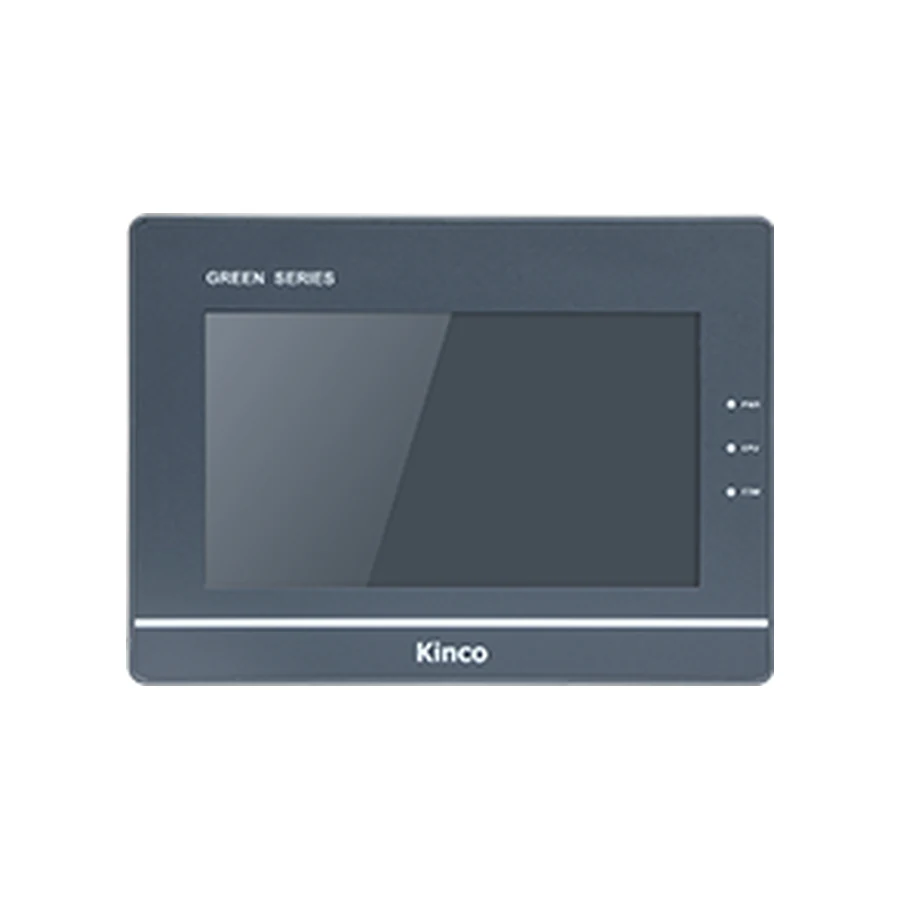
The Kinco G070 family uses a 7-inch 800 × 480 display with a 192 × 138 mm cut-out. Consider these DTools codes when the machine connection determines the choice: G070 is the serial base, G070E adds Ethernet, and G070E-CAN is the explicit CAN variant. Record the required connection before requesting a price. The shared 204 × 150 × 37 mm body still needs wiring clearance, and any PLC or CAN implementation requires the applicable driver and documentation.
Kinco G070 HMI Panel Overview
G070, G070E and G070E-CAN belong to the G1 selection, with the same screen format but different communication hardware. Start a selection by identifying what is actually connected to the machine: a serial PLC cable, an Ethernet network or a CANopen installation. That distinction is more useful than choosing by the front bezel.
The 800 × 480 working area suits a compact operator layout when the important controls can remain clearly separated. Review a representative alarm screen and numeric-entry screen at the intended viewing distance. The panel uses a 4-wire resistive touch surface; the application still needs sensible target sizes and a navigation structure that operators can follow during a fault.
G070 for Serial, Ethernet or CAN Machine Connections
A machine with a documented serial PLC connection can be assessed against the G070 base code. Where the design calls for a network connection, compare G070E against the actual Ethernet driver rather than selecting the base and expecting the same connector set. For a CANopen requirement, retain G070E-CAN explicitly on the purchase request.
For example, a maintenance team may find a G070-family label on a cabinet drawing but a CAN cable inside the door. The drawing alone does not settle the order. Photograph the installed label and connectors, identify the PLC and trace the cable function before choosing a suffix. The communication choice should follow the machine design, with any changes reviewed by the responsible controls engineer.
G070 Base, Ethernet and CAN Variant Hardware
G070E adds one Ethernet port and the EdgeAccess 1.0 remote platform. G070E-CAN adds Ethernet, EdgeAccess 1.0 and CANopen. These additions do not make the ordinary G070 a network or CAN panel. Remote-platform hardware also does not establish that a site’s access arrangement is ready to use; review the applicable platform instructions and customer requirements.
The listed 128 MB RAM and 256 MB flash provide the memory context for project review. Assess graphics, recipes, alarm history and trend requirements together rather than assuming storage remains unlimited because the pages compile. Use the existing specification and variant tables for the complete values; a connection decision should not depend on a second, shortened specification list.
G070 PLC Ports and Driver Checks
The family lists COM0 for RS232/RS485/RS422, COM1 for RS485/RS422 and COM2 for RS232. Those electrical interfaces need to be matched to the chosen connector and the controller’s supported protocol. A port that can carry RS485 does not identify a PLC driver, station address or cable pin assignment.
Match G070 PLC Drivers and Cable Pinout
Record the PLC CPU, communication module if fitted, firmware and protocol before reviewing the DTools driver. Compare the driver documentation with the controller configuration, then verify the cable drawing for the selected G070 code. The PLC compatibility guide explains this evidence chain. If a documented connection fails, use the PLC no-response troubleshooting sequence to separate wiring, settings and addressing problems.
Start commissioning with agreed read-only values. Any controlled write test belongs on an isolated test arrangement or a safely stopped machine, under the PLC engineer’s supervision; the PLC retains responsibility for interlocks and permitted actions.
G070 192 × 138 mm Cut-out and Body Dimensions
Measure the 192 × 138 mm Opening for G070
The 192 × 138 mm cut-out is the cabinet opening, while 204 × 150 × 37 mm describes the body. Measure both the opening and the surrounding door area. A bezel covering an old opening is not sufficient evidence that mounting clips will engage or that the rear housing will clear adjacent equipment.
Allow space beyond the 37 mm depth for cable plugs, wire bends and mounting access. Request the applicable dimensional drawing before modifying a door; the product picture and cut-out illustration cannot establish connector positions or pinouts. The listed input is DC 12 to 28 V. Review supply polarity, grounding and the cabinet power budget against the selected code’s documentation, including conditions during machine startup.
Kinco DTools is the configuration software listed for this group. Preserve the original editable application and its software-version record, then work from a copy when examining the target. The name of the family on a purchase order cannot replace the target-model setting inside the project.
Use DTools software for G070 to review the software acquisition and version-checking process. Request a G070 manual or datasheet with the suffix, hardware revision and document language specified. After opening the application, examine fonts, touch objects, PLC connections and stored machine settings. A successful download only shows that a transfer completed; functional acceptance also requires the intended screens and communication behavior to work on the selected hardware.
G070 Existing-Panel Fit and Project Checks
The Kinco GT2070HE HMI Panel shares the listed 192 × 138 mm opening, but its display is 1024 × 600 rather than G070’s 800 × 480; both list DTools. Review object placement and the exact code’s body and ports before considering a change. An unchanged opening cannot establish application reuse.
For other selection directions, compare the G100 larger DTools panel when a different operator area is being considered, or the G2070HE DTools Pro family when network options and software generation are part of a redesign. These are comparison routes, not interchangeable orders. Keep detailed conversion work with the G070 project migration checks and the HMI panel replacement checklist.
G070 Price and Quotation Details
Choose this family when its screen, DTools application and documented machine connection match the job. Send G070, G070E or G070E-CAN in full, together with quantity and destination, for a quotation. Include a requested delivery date so the response can address the actual purchasing requirement.
For an existing machine, attach the old nameplate, connector photographs, measured opening and project version. For a new build, describe the PLC and intended connection. If documents are needed before selection, state whether you require the datasheet, installation drawing, communication manual or software guidance. Price and lead time are supplied for the specific inquiry; the family name alone leaves the communication hardware undecided.
G070 Selection FAQ
How do G070, G070E, G070E-CAN differ?
The base serves the serial selection. G070E provides Ethernet and EdgeAccess 1.0; G070E-CAN also provides CANopen. Retain the suffix when requesting documents or ordering, because a shared screen size does not preserve those functions.
What cut-out and rear clearance does G070 need?
Use the 192 × 138 mm opening and 204 × 150 × 37 mm body as separate checks. Add practical clearance for connectors and service access using the applicable drawing.
How do I check G070 against my PLC driver and project?
Identify the controller and protocol, review the DTools driver, and compare the existing project’s target with the selected code. Then verify wiring and validate the application under controlled conditions.
How can I request a G070 datasheet, manual or quotation?
Provide the full code, revision if known and document language. For a quote, add quantity, destination and the required delivery date; include application evidence where selection support is needed.
Comprehensive Field Maintenance and Operational Sign-Off
Ensuring long-term operational dependability on industrial equipment demands establishing structured routine inspection routines and preventative maintenance standards across all production shifts. Maintenance personnel should regularly verify that enclosure door hinges and structural latches retain sufficient mechanical tension to preserve continuous sealing pressure across the front bezel perimeter gasket. In manufacturing environments exposed to continuous mechanical vibration from heavy punch presses or stamping tools, technicians should periodically inspect rear screw terminal blocks and cable restraint clamps to prevent loose electrical terminations.
Before returning modified machinery to active production service, engineering teams should execute a formal commissioning sign-off protocol. Verify that emergency stop interlocks function independently of terminal software screens, confirm that communication retry counters operate within acceptable thresholds under peak network loading, and archive both the active PLC runtime image and the compiled operator interface project files into the central engineering repository.