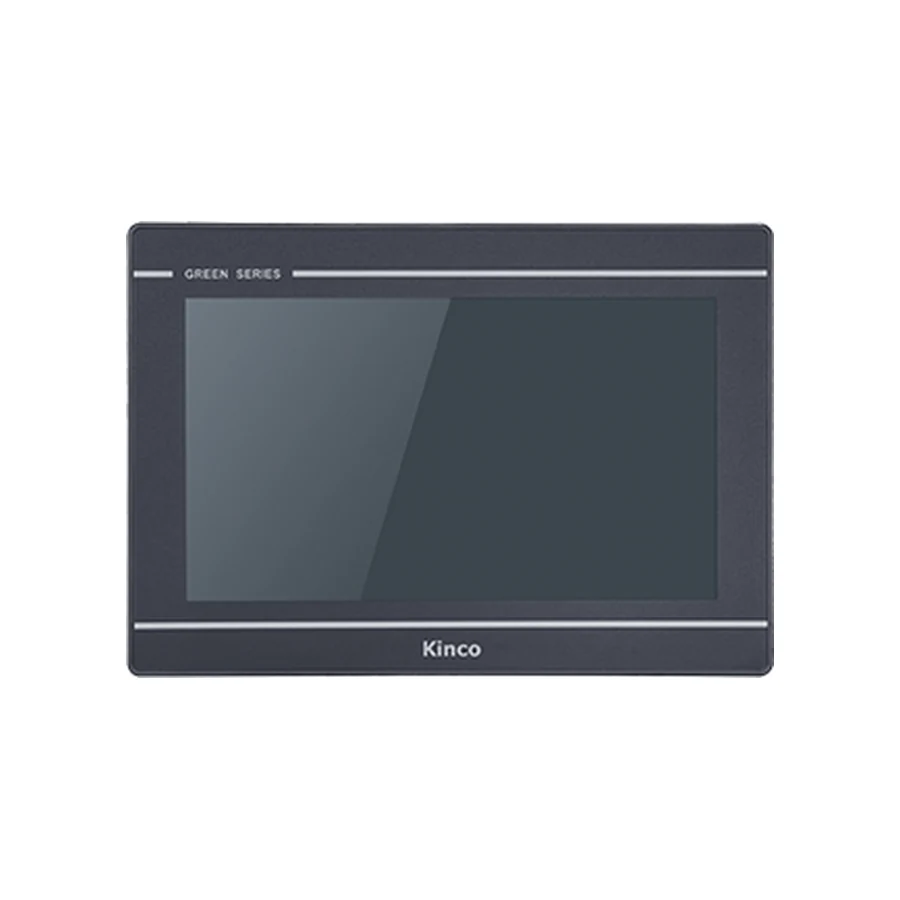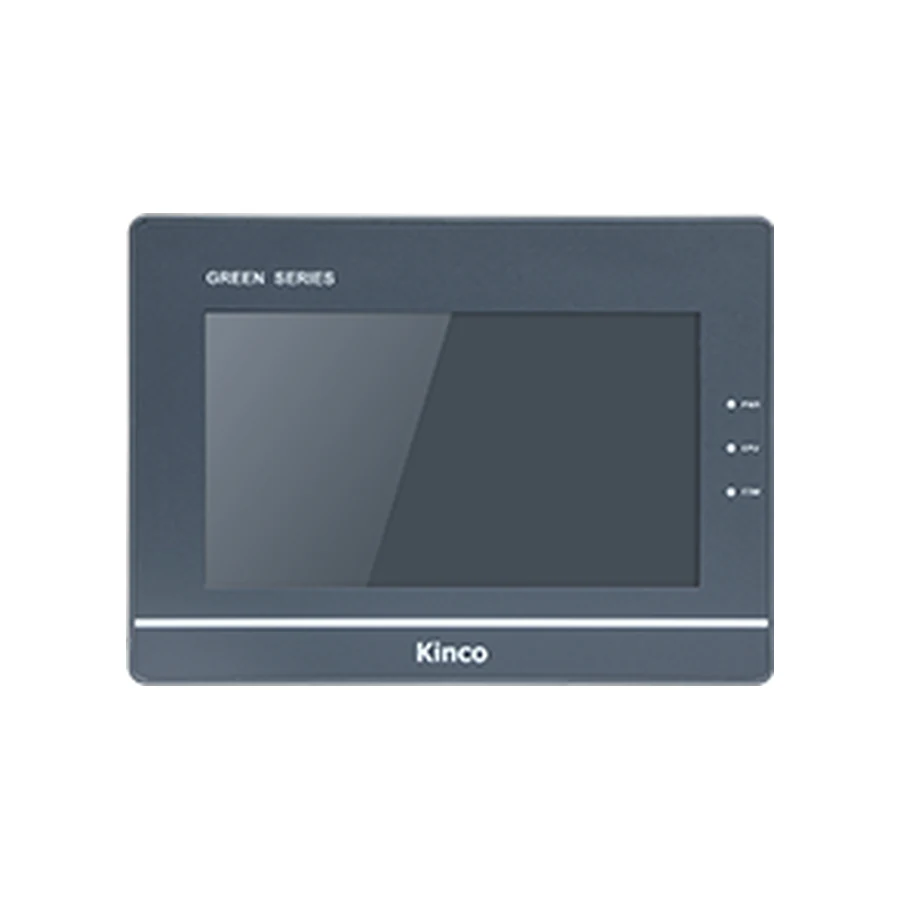
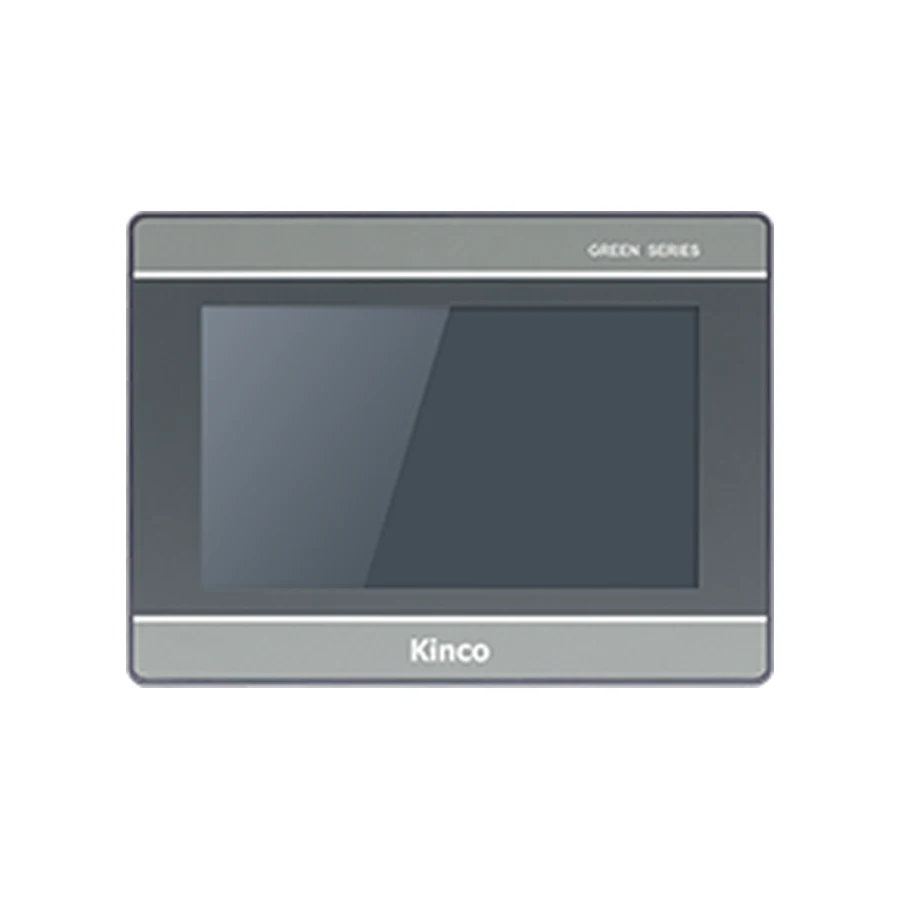
Compare Kinco G1 and G2 using the existing machine project and the connections it must keep. G070 and G2070HE provide representative starting points, but their software families and optional interfaces need separate checks. Record any CAN requirement before considering wireless or Ethernet variants. A generation upgrade should follow a documented target and driver review, with cabinet fit and application tests recorded before changeover.
Identify the G1 Application and Required Connections
Read the old rear label and compare it with the target stored in the editable project. Record whether the machine uses G070, an Ethernet variant or a CAN variant. An abbreviated description such as G1 7-inch can conceal the very interface that the replacement must preserve. Photograph the used connectors and retain cable drawings before disconnecting equipment.
List the actual devices and their roles. A PLC, a drive and a maintenance computer may need different routes, and some must remain connected simultaneously. For each route, record the supported protocol, HMI channel and electrical interface. A CAN device should appear as a separate requirement rather than disappearing into a generic communication-port count.
Also record why the change is being considered. Replacing a damaged operator panel while preserving the project is different from redesigning a machine around a new network. The acceptable amount of cabinet, cable and software work depends on that scope. Keep mandatory reuse conditions visible when comparing generation names.
Compare G070 and G2070HE as Examples
The G070 product group and G2070HE product group provide the complete code-specific records. The representative base codes illustrate real differences, but they do not define every member of either generation. In particular, G070 has no Ethernet on its base code; Ethernet and CAN choices require their own codes.
| Comparison item | G070 base code | G2070HE base code | Engineering implication |
|---|---|---|---|
| Software | DTools | DTools Pro | Establish the supported migration route |
| Resolution | 800 × 480 | 1024 × 600 | Inspect layout and touch targets |
| Ethernet | Not provided | One port | Match the actual PLC route |
| Supply range | DC 12 to 28 V | DC 18 to 28 V | Review the available supply conditions |
| Listed opening | 192 × 138 mm | 192 × 138 mm | Verify mounting and connected clearance |
The source records also distinguish memory resources, but those figures do not establish a measured runtime improvement for an existing machine. Use the actual project to determine whether a resource difference addresses a requirement. A higher processor or memory figure cannot compensate for a missing required driver.
Resolution and Operator Screen Review
The screen grid changes even though the representative opening matches. Inspect long labels, alarm messages, numeric limits and navigation after any supported conversion. More pixels can support a clearer layout, but they can also produce physically small controls if the developer uses them only to add density.
Use the old operator task as the comparison baseline. Ask whether an alarm can still be understood and acknowledged in context, whether setpoints retain their units and limits, and whether language resources remain readable. Record page-level changes rather than a single statement that the project opened successfully.
Review DTools to DTools Pro Migration
DTools and DTools Pro are distinct software-family requirements in this comparison. Before editing, retain the original package release, editable source and linked resources. Confirm that the proposed G2 target is available in the intended software and that the documented conversion approach covers the source application.
Editable Project and Target Support
A compiled application from a running panel is not automatically editable source. If the engineering files are missing, resolve recovery or redevelopment with the project owner before approving a different generation. Do not use the availability of a newer panel as evidence that the old application can be reconstructed.
| G1 source evidence | G2 target evidence | Driver evidence |
|---|---|---|
| Editable file and original release | Target present in the intended package | Actual PLC family and route listed in driver help |
| Objects, fonts and external resources | Documented treatment of source functions | Addressing and required controller services documented |
| Working channel assignments | Corresponding target channels identified | Known read and approved write test planned |
An empty evidence cell is an open engineering item. It should not be replaced with a guessed menu sequence or a promise of automatic conversion. The project migration article covers conversion review and screen regression in more detail. Obtain matching documentation through the Kinco Download Center.
Keep CAN Requirements Separate from Wireless Options
G070 offers a separate G070E-CAN code, while G2070HE has separate Wi-Fi, 4G and E2 variants in its product group. These option lists answer different questions. A wireless link can provide a network access route under suitable conditions; it does not provide the field connection expected by an existing CAN device.
CAN Hardware and Supported Device Profiles
A CAN connector and CANopen support do not establish support for every proprietary CAN protocol. Identify the connected device, its profile and the application driver required by the machine. Preserve node settings and the working device documentation, then compare the proposed panel’s explicitly documented support.
For a machine with mandatory CAN communication, retain only candidates with evidence for that exact requirement. If the proposed G2 code lacks the needed documented interface or device support, exclude it from a like-for-like shortlist. Any alternative architecture becomes a separate engineering change with its own application and acceptance work.
For a machine requiring only Ethernet, the shortlist can instead focus on the driver, software target and network arrangement. G2070HE may remain a candidate, subject to those checks. A two-port variant still needs a review of network behavior; two sockets do not establish plant-network isolation. Wireless options need site-network and service review before their maintenance role is approved.
Verify Cabinet Fit and Cable Reuse
Both representative base codes list a 192 × 138 mm opening and a 204 × 150 × 37 mm body. Treat those common values as a reason to examine reuse, not a completed installation approval. Confirm mounting thickness, clamp access, gasket conditions and the clearance of every connected cable.
The supply difference also deserves explicit attention. A nominal cabinet voltage does not establish the terminal voltage during the machine’s intended conditions. Compare the actual supply arrangement with the target requirements and retain the applicable installation documents.
Serial mode labels are insufficient to approve a reused cable. Compare the pin assignments and project channels at both ends. If a device changes channel, record the configuration and wiring changes together. The replacement checklist provides the hardware and approval record that complements the software review here.
Choose a Generation and Record Acceptance Tests
Make the decision around evidence. Keeping a G1 target can remain reasonable when its required code and software route meet the machine’s needs. A G2 candidate needs an identified benefit, a supported project route and the required interfaces. Neither choice should depend solely on which generation name sounds newer.
Before production use, prove a known read-only PLC value, including data type and scaling. Any controlled write must use a designated commissioning variable under the machine owner’s approved conditions, with PLC interlocks intact. The PLC retains responsibility for control and safety logic.
Record tests of screens, alarms, recipes and restart behavior. Preserve the original panel and source for an agreed rollback route where practicable. If CAN communication, critical alarms or required operator actions remain unresolved, keep the changeover approval open. Send the exact old and proposed codes, open items, quantity and destination with the quotation request.
Frequently Asked Questions
Can a G1 project move directly to a G2 panel?
Do not assume that it can. Confirm editable source, destination target support and the documented DTools to DTools Pro route, then inspect functions and test the machine application.
Does a G2 wireless option replace a CAN connection?
No. They serve different communication roles. A CAN requirement needs explicitly supported hardware, protocol and device-profile evidence.
Which documents are needed for a G1 to G2 review?
Keep both full codes, source and software releases, PLC driver help, device manuals, cable drawings, installation measurements and the planned acceptance record. These identify what can be reused and what remains unresolved.