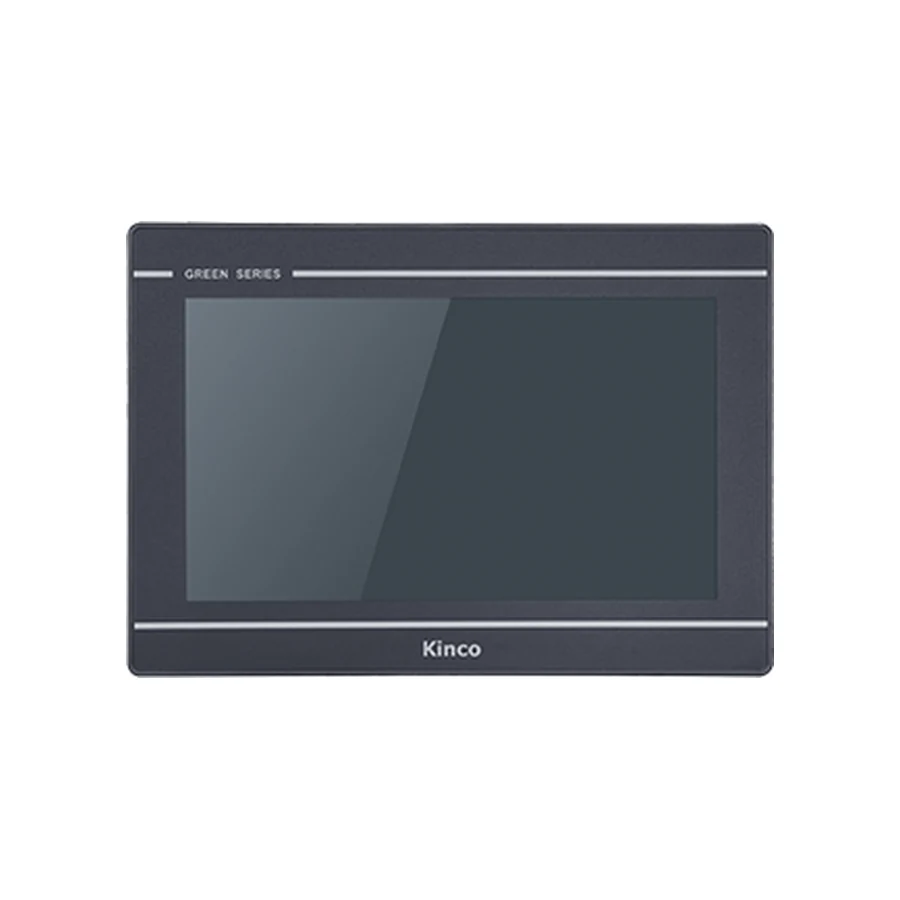
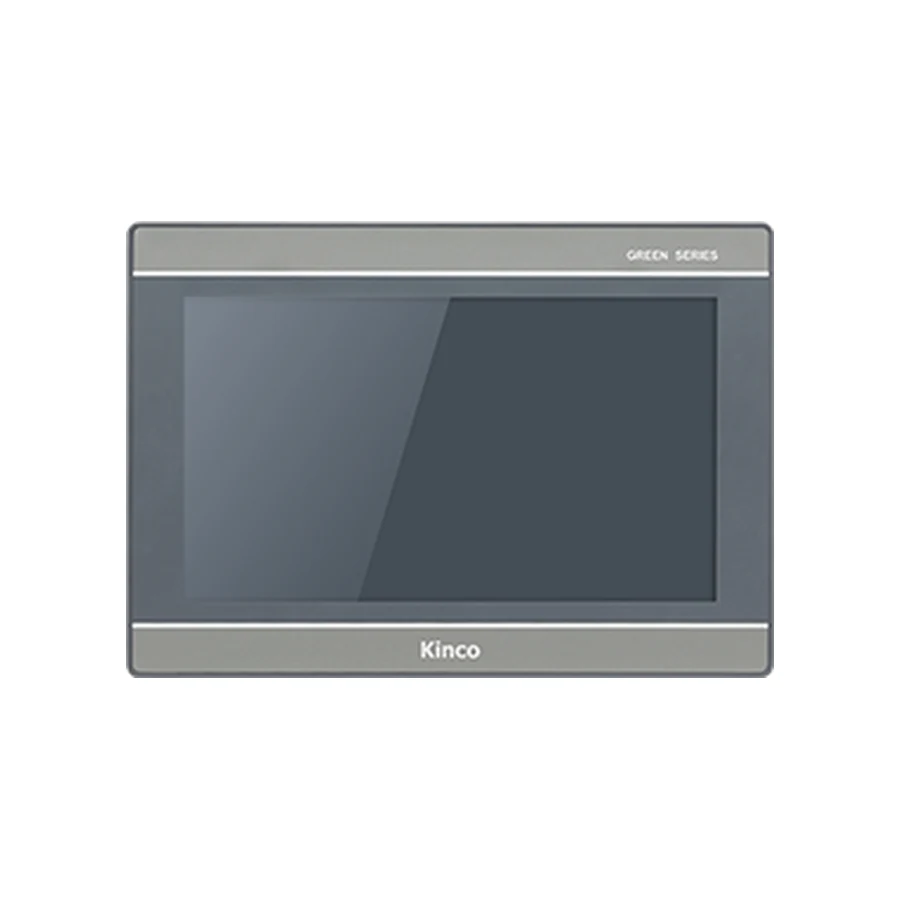
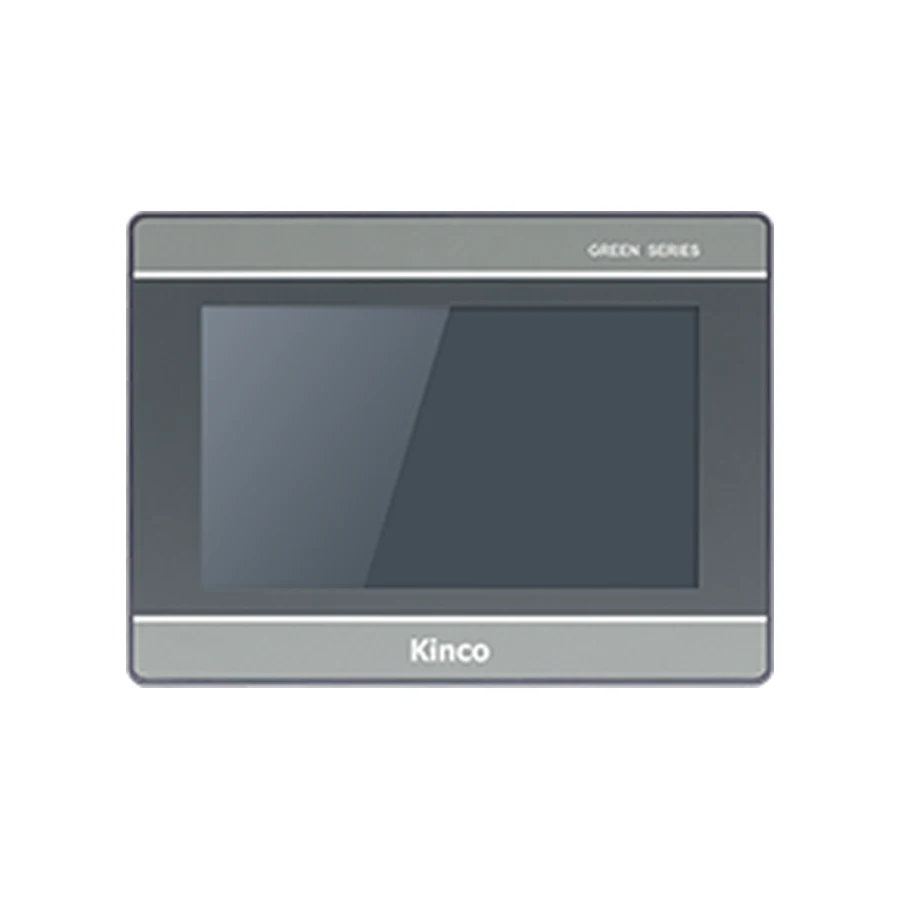
Choose a Kinco HMI Wi-Fi or 4G variant from the network available at the machine’s actual location. Wi-Fi needs a suitable local wireless network, while cellular use needs matching bands, coverage and service arrangements. Neither suffix proves signal inside a cabinet or a working remote platform account. Keep the selected full code, network owner and intended maintenance task together, then test the connection before handover.
Identify the Installation Location and Network Owner
Describe where the panel will operate: a fixed production cabinet, a customer site or equipment without a managed local connection. Record the final cabinet position and whether doors normally remain closed. A network survey taken near an office access point cannot represent a machine behind metalwork at the other end of the building.
Identify the person responsible for approving connectivity. For a plant network this may be the site’s network team; for cellular equipment, name the service owner and maintenance contact. Keep that responsibility in the project record so an installer knows who supplies access details and who resolves a connection failure after handover.
Define the task before selecting wireless hardware. Periodic remote viewing, transferring an HMI project and accessing PLC data have different requirements. Also identify the local PLC communication path. A panel’s external network route does not establish its PLC protocol support or permit replacing the existing machine connection without review.
Compare Ethernet, Wi-Fi and Cellular Requirements
Wired Ethernet remains a useful option to compare where a managed cable connection is available. Wi-Fi depends on the local access infrastructure and its approved connection method. Cellular depends on the selected radio hardware and compatible service at the destination. None removes the need to establish the actual maintenance function.
Fixed Plant Network Versus Remote Cellular Site
For a fixed plant, ask whether Ethernet or an approved wireless network can reach the cabinet and who maintains it. For a remote site, establish carrier coverage and service ownership before committing to cellular hardware. Do not select 4G simply to avoid discussing network permissions with the machine owner.
| Decision item | Ethernet | Wi-Fi | Cellular |
|---|---|---|---|
| Connection owner | Plant network contact | Wireless network contact | SIM and carrier service owner |
| Required evidence | Available approved cable route | Compatible local network and access approval | Listed radio bands and carrier confirmation |
| Installed test location | Machine network connection | Cabinet in its final position | Final cabinet and antenna arrangement |
| Recovery check | Restore the approved network link | Restore local wireless availability | Restore mobile network availability |
The communication port and download setup guide helps distinguish the machine’s PLC connection, engineering transfer route and external access. Draw those paths separately when more than one network is involved. This makes it easier to diagnose an online panel whose PLC values are still unavailable.
Match the Full Variant Code and Listed Radio Bands
Compare the exact code on the product page. The GL2070HE wired and wireless code comparison separates the base, 4G and Wi-Fi choices. The G2100E group specifications also include an E2 code requiring its own interface and electrical review. A feature listed for one member of a group cannot be applied to all its codes.
If a purchase request only says Wi-Fi HMI or 4G panel, it is incomplete. Retain the proposed full code, destination and required task together. Do not assume that ordering a base unit preserves a later option to add wireless hardware; establish the supported arrangement before purchase.
Listed Bands Versus Carrier Compatibility
Compare the model’s documented radio bands with the destination carrier’s service requirements. A band list is necessary evidence, but it does not prove service availability at the machine or acceptance of every SIM. Obtain the carrier or service provider’s confirmation for the intended destination and installation.
Avoid treating a working demonstration in another country as proof of local compatibility. Keep the source and date of the band comparison with the selected code. Where a specification or carrier condition is unclear, request clarification instead of describing the panel as globally usable. The product option and the mobile service arrangement remain separate purchasing items.
Check SIM, APN and Site Network Conditions
For cellular deployment, identify who supplies the compatible SIM and manages the data service. Obtain the applicable APN and any other required service settings through that owner’s approved process. Record where the approved setup information is held without copying credentials into ordinary quotations or public support messages.
For Wi-Fi, confirm the site’s access method and whether the chosen model supports it. Have the network owner review the route needed by the intended service, including relevant network restrictions. Do not infer that a panel can use every authentication method because a laptop connects successfully.
Assess the cabinet’s effect on the wireless installation. Metal enclosures, the final antenna position and the surrounding equipment can change results observed during a bench trial. Follow the applicable installation instructions for the hardware. Avoid improvising antenna arrangements or promising that an accessory will solve a coverage issue without supporting model documentation.
Record the expected usage pattern with the service owner. Routine viewing and project transfers may have different data requirements, but do not invent allowances or subscription charges. Confirm service terms and any platform requirements separately. Include the intended installation duration and maintenance responsibility so the service does not become unmanaged after commissioning.
Verify Remote Platform and Account Ownership
Identify the platform specified for the actual panel generation and verify its current documentation. Retain the applicable model, package and platform information together. DTools and DTools Pro generations do not automatically share platform procedures, accounts or supported functions. A wireless suffix cannot answer those questions.
Wireless Connectivity Versus Remote Maintenance
A panel appearing online establishes a connection state. It does not prove remote viewing, project transfer or PLC access. Define the requested operation and verify that the selected hardware, project and platform support it. The EdgeAccess2 remote access guide develops those platform checks; its applicability must still be matched to the target generation.
Assign account ownership before handover. Record who administers users, who grants maintenance access and how a departing contractor’s access is handled under the owner’s process. Confirm onboarding and service arrangements without assuming that a hardware purchase includes an account, a mobile plan or every remote function.
Test Coverage, Restart and Connection Recovery
Commission the installation at the final cabinet location using the intended network and an approved account. Record the full panel code, carrier or local network reference, installation arrangement and tested maintenance task. Keep confidential account details outside the general test report.
Test the agreed task after a controlled restart and after an approved network interruption. Record how the connection is restored and whether additional operator action is required under the documented procedure. Observe local screen operation and PLC communication during the test. A recovered platform indication is insufficient if the intended data or permitted maintenance function remains unavailable.
If writes form part of the approved remote test, use a designated commissioning variable under controlled machine conditions. The PLC must retain control and safety logic. Do not bypass interlocks or enable broad command access merely to demonstrate connectivity. Keep the acceptance result specific to the tested panel, network and task.
Record the Wireless Purchase Requirements
Include the exact variant, destination, cabinet location, network owner and required remote operation in the inquiry. Attach the carrier compatibility evidence or local network requirements, applicable installation documents and test expectations. Add quantity and destination for quotation, with service arrangements listed separately. Use the Kinco download center to request the matching documentation when model requirements remain unresolved.
Does a 4G HMI work with every local carrier?
No. Match documented bands and service requirements, then confirm coverage and SIM suitability for the intended carrier and site. A cellular suffix does not include that confirmation.
Can Wi-Fi signal outside a cabinet prove the installed connection?
No. Test the final installation with the normal cabinet arrangement. A nearby survey can inform planning, but it cannot replace the installed connection test.
Does a wireless variant include a remote maintenance account?
Do not assume it does. Verify platform applicability, account ownership, user permissions and service terms separately from the panel’s wireless hardware.