Plan Kinco HMI remote access by naming the maintenance task first. Viewing a screen, transferring a project, retrieving a file and reaching a PLC can require different panel, software and service conditions. Ethernet, Wi-Fi or 4G provides only part of the route. Match the full HMI code and documented EdgeAccess version to the task, then test site networking, user permissions and the intended operation before handover.
Industrial machinery often requires ongoing diagnostic support after initial plant commissioning. Implementing secure remote access allows equipment builders to assist facility operators, troubleshoot intermittent alarms, and update project runtime screens without dispatching field service engineers to remote sites. However, establishing remote connectivity must follow structured engineering methodologies to maintain facility cybersecurity and ensure operator safety on the factory floor.
Define Viewing, Transfer, File and PLC Access Tasks
Remote Viewing Versus PLC Engineering Access
Not all remote access operations require the same level of network authorization. A remote view-only session allows maintenance personnel to inspect active process variables, review current alarm banners, and guide on-site operators through complex mechanical setup procedures. This operational mode does not transmit write commands or modify program logic, minimizing the risk of unintended machine motion.
In contrast, remote PLC engineering access establishes a transparent communication bridge through the HMI terminal directly to the connected controller. This level of access permits uploading and downloading PLC logic, forcing input/output bits, and altering PID tuning parameters. Facilities must define distinct role-based security permissions so that view-only diagnostic personnel cannot execute destructive programming operations across remote network links.
Map the Local and Remote Connection Routes
Establishing a dependable remote connection requires mapping both local cabinet networking and external wide-area communication routes. Inside the control enclosure, the HMI terminal communicates with machine controllers over dedicated serial cables or isolated Ethernet subnets. Connecting the HMI to plant-wide networks or cloud routing gateways introduces distinct network security considerations that must be resolved with plant IT departments.
Field engineers must document local IP addressing, subnet masks, default gateway assignments, and firewall port forwarding rules. If the operator panel communicates with multiple controllers over Modbus TCP or proprietary industrial Ethernet protocols, ensure that remote supervisory polling does not saturate local machine communication bandwidth. Segregating machine control traffic from corporate network traffic preserves real-time deterministic control behavior.
Choose Ethernet, Wi-Fi or 4G for the Site
Selecting the appropriate physical network interface depends on the installation environment and available plant infrastructure. Standard wired Ethernet provides the highest reliability and bandwidth, making it ideal for facilities with established industrial network drops. When wiring physical network drops is impractical or cost-prohibitive, wireless alternatives must be evaluated.
Review the Kinco HMI Wi-Fi vs 4G selection guide to compare installation requirements, signal propagation constraints, and carrier SIM card management. Wi-Fi connections depend on local access point coverage, RF interference from variable frequency drives, and enterprise security certificate compatibility. Cellular 4G connections operate independently of plant IT networks, but require verifying regional frequency band support, signal strength inside metal enclosures, and recurring cellular data plans.
Verify the Exact Panel and EdgeAccess Version
Generation-Specific Platform and Software Evidence
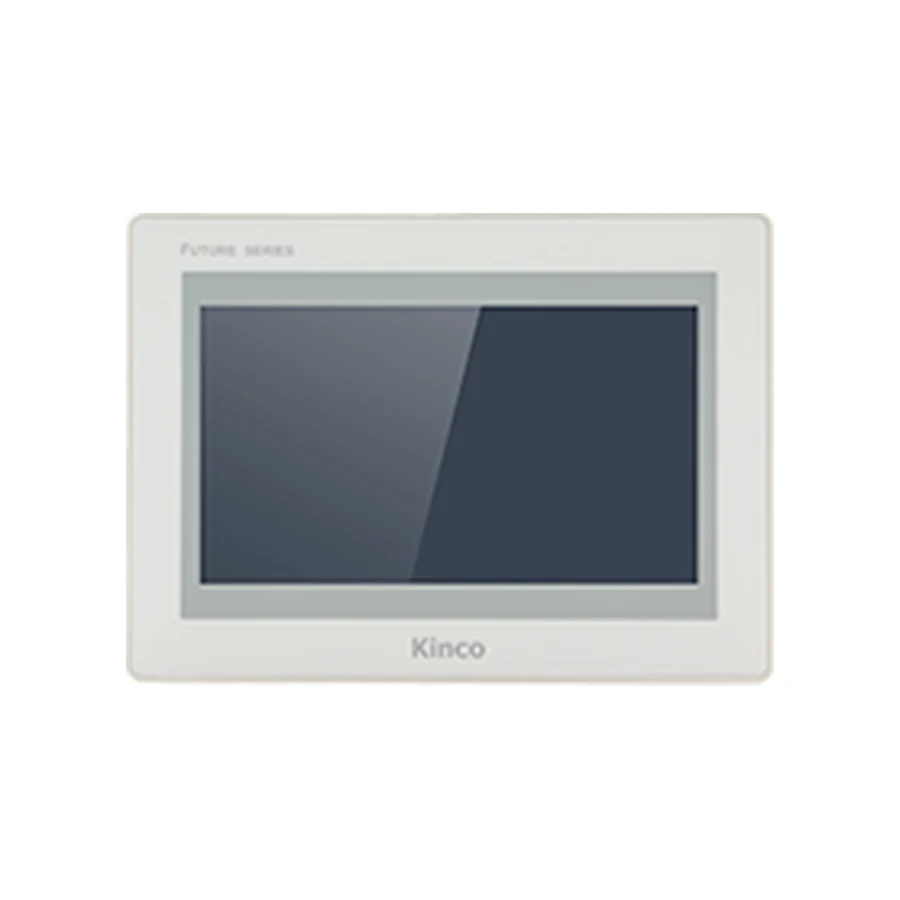
Remote maintenance capabilities vary across hardware generations and software platforms. Earlier Kinco terminals utilize the EdgeAccess 1.0 platform, which operates with specific runtime drivers and legacy cloud portal architectures. Newer hardware series support EdgeAccess2, incorporating enhanced encryption standards, multi-user role management, and streamlined routing configurations.
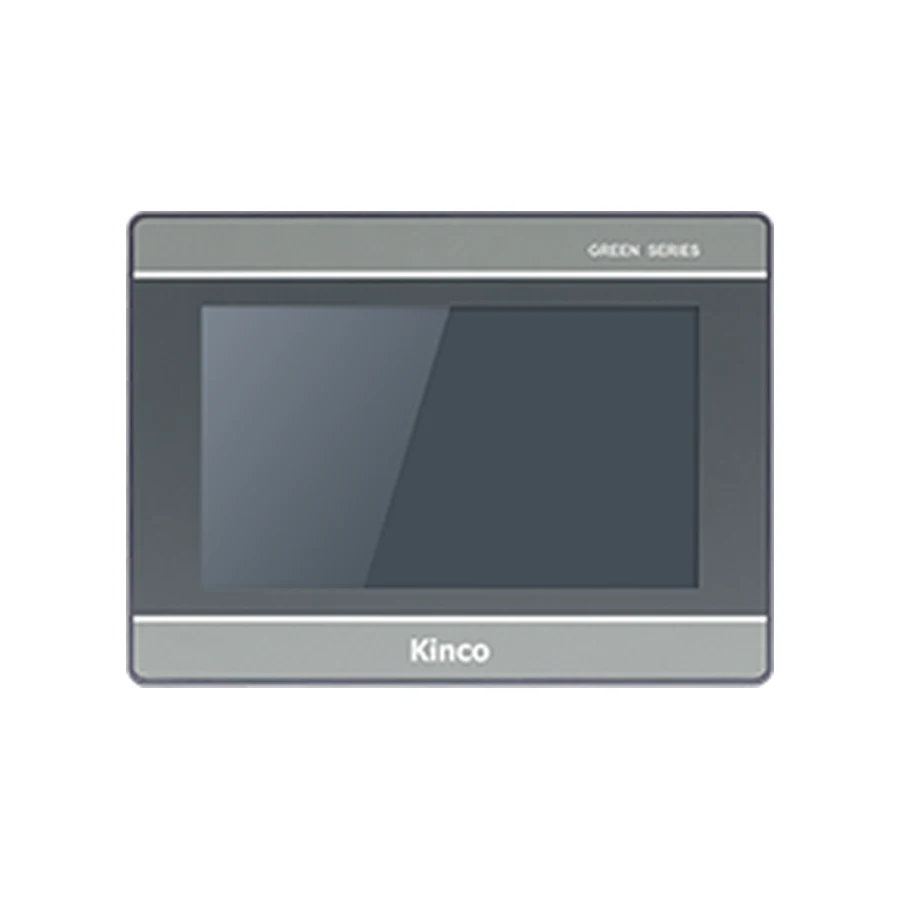
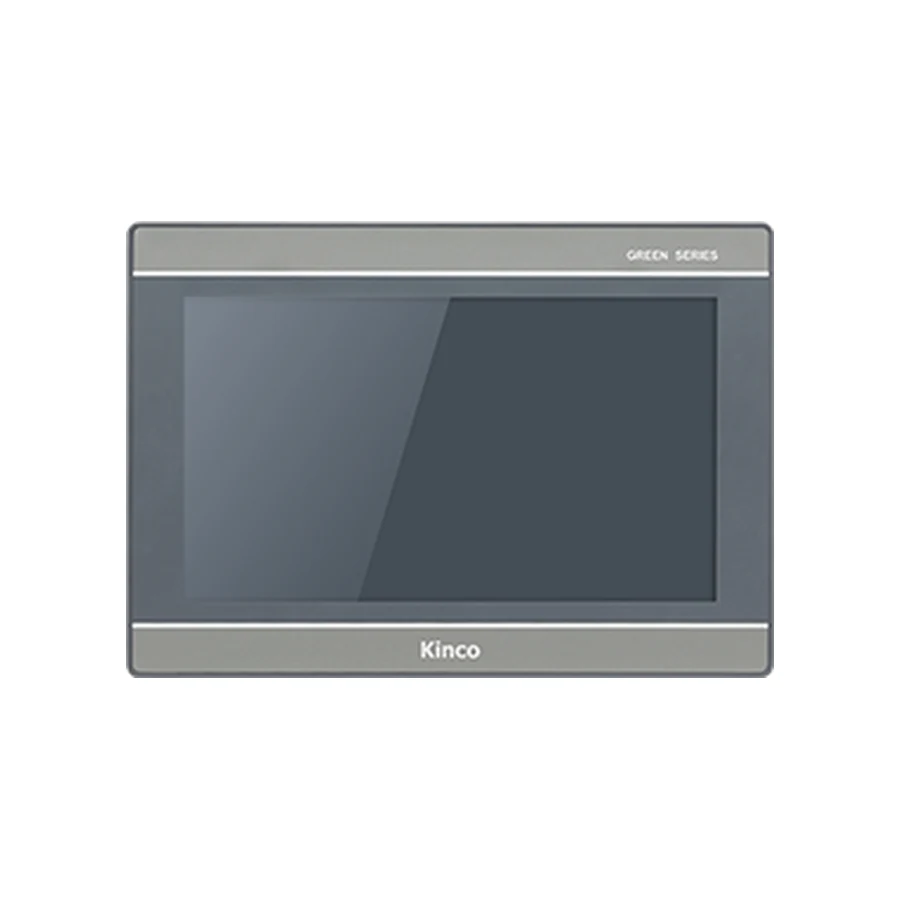
Automation specialists must verify that the target panel model explicitly supports the required EdgeAccess version within its official product documentation. Assuming that any panel with an Ethernet port can connect to EdgeAccess2 leads to integration delays during field commissioning. Review the HMI communication ports and download setup guide to verify hardware interface allocations before finalizing remote access architectures. Examine representative hardware such as the Kinco GL2070HE HMI Panel and Kinco G2100E HMI Panel to confirm supported software runtimes.
Check Software, Account and Permission Requirements
Deploying remote access requires configuring user accounts, access permissions, and authentication credentials within the EdgeAccess management portal. Enterprise administrative accounts should enforce strong password policies, multi-factor authentication, and automatic session timeout rules to prevent unauthorized access. User permissions should be granted according to the principle of least privilege, restricting individual technicians to designated machine groups.
On the local HMI terminal, remote access functions must be enabled explicitly within the project configuration software. Integrators should configure on-screen security indicators that alert floor personnel whenever a remote session is actively connected. Implementing physical key-switch inputs or local software enable buttons gives on-site machine operators ultimate control over when remote engineering connections are permitted.
Test Each Approved Remote Operation
Online Status Versus a Working Maintenance Task
Confirming that an HMI terminal reports an online status within a cloud management dashboard does not prove that remote maintenance tasks can be executed successfully. An active network ping confirms cloud gateway reachability, but does not verify that serial pass-through routing, VNC screen mirroring, or PLC driver bridges are operating correctly.
Commissioning engineers must execute each approved remote operation under controlled test conditions. Verify that screen refresh rates remain adequate for diagnostic monitoring, test file transfer utilities by uploading operational recipe backups, and confirm that PLC programming software can establish a stable online monitoring session through the virtual communication bridge before handing the system over to plant operations.
Record Handover and Ongoing Service Ownership
Successful remote access deployment concludes with comprehensive documentation and formal handover to facility ownership. Create an operational worksheet detailing panel hardware serial numbers, installed EdgeAccess client versions, network IP configurations, and designated administrator contact details. Maintain a clear log of authorized user accounts and schedule periodic access reviews to revoke credentials for departed personnel.
Ongoing service agreements should clearly delineate maintenance responsibilities between the machine builder and the end-user facility. Establish standard operating procedures for firmware updates, security patch management, and emergency disconnection protocols. Providing plant engineering teams with complete documentation ensures that remote access remains a secure, high-value diagnostic asset throughout the service life of the machine.
Frequently Asked Questions
Does an online panel prove remote PLC access works?
No. An online status in the management portal indicates that the HMI has established a secure outbound connection to the cloud server. It does not verify that serial pass-through drivers, PLC communication routing, or port forwarding services are configured properly for controller programming tasks.
Does a 4G HMI include a complete remote service?
No. A 4G cellular interface provides wireless network connectivity to cellular carrier towers. Remote management software, cloud portal subscriptions, user account permissions, and SIM data plans must be procured and configured separately according to project requirements.
Which remote tasks should be tested before handover?
Before final commissioning sign-off, engineering teams should test view-only screen monitoring, project runtime file transfers, historical alarm log retrieval, and live PLC online programming sessions through the remote connection under controlled conditions.
Engineering Documentation and Continuous System Verification
Sustaining high operational reliability across complex automated installations requires maintaining comprehensive technical documentation throughout the service life of connected machinery. Field service engineers and plant automation teams should establish standardized maintenance logbooks recording exact hardware model codes, installed firmware revisions, communication baud rates, and specific driver offset settings. When modifications are made to PLC data blocks or supervisory polling tags, documentation updates must be performed concurrently to prevent conflicting technical records during future troubleshooting interventions.
Regular diagnostic testing should be scheduled during planned facility maintenance windows. Engineering personnel should evaluate network packet error rates, verify that historical alarm buffers log timestamped events accurately, and conduct controlled communication recovery drills by momentarily disconnecting field cables to confirm automatic reconnect behavior. Documenting verified recovery procedures and technical ownership ensures that production downtime remains minimized across all operating shifts.