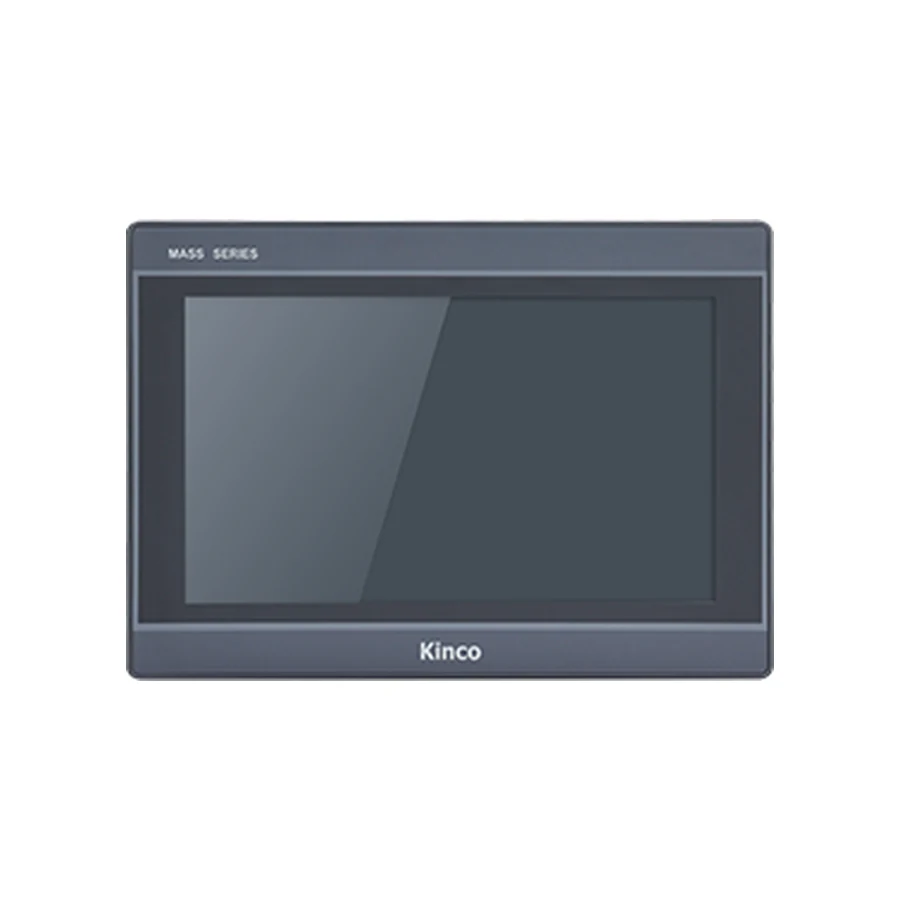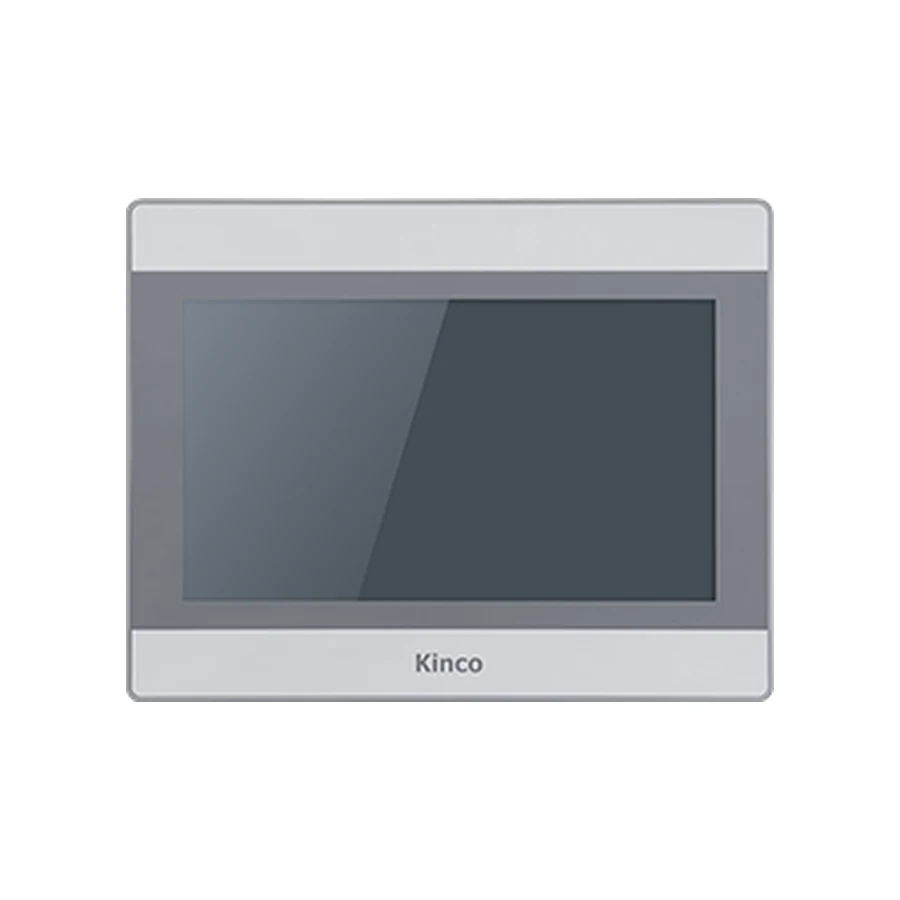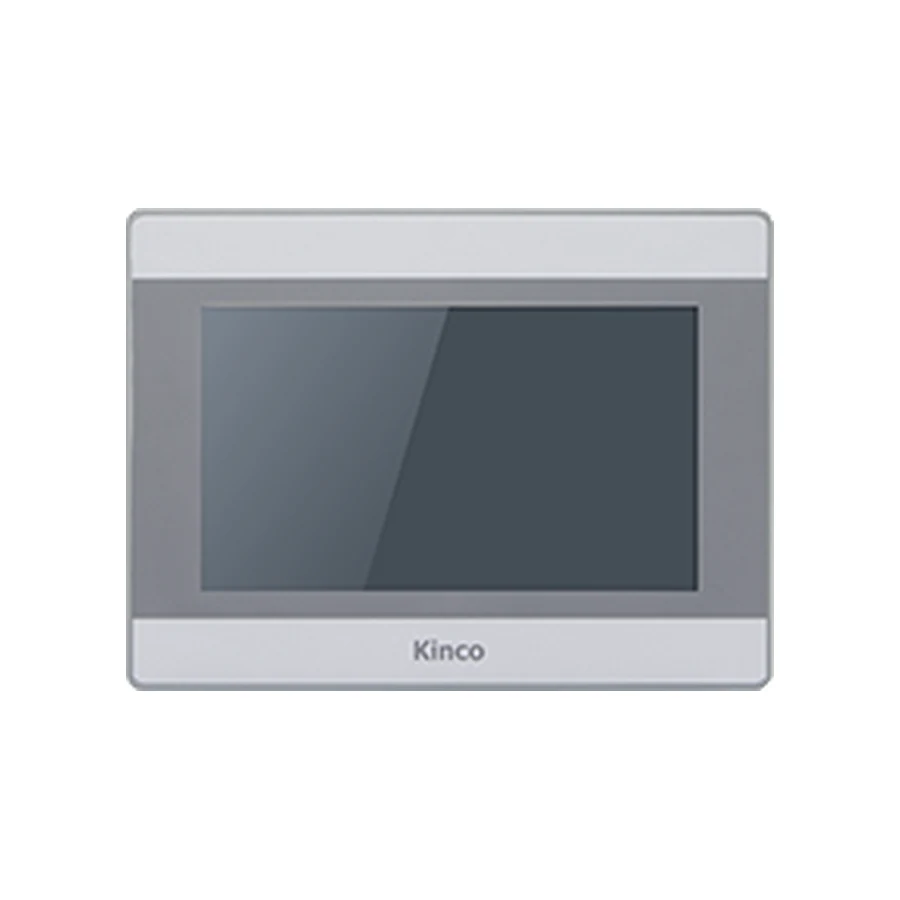
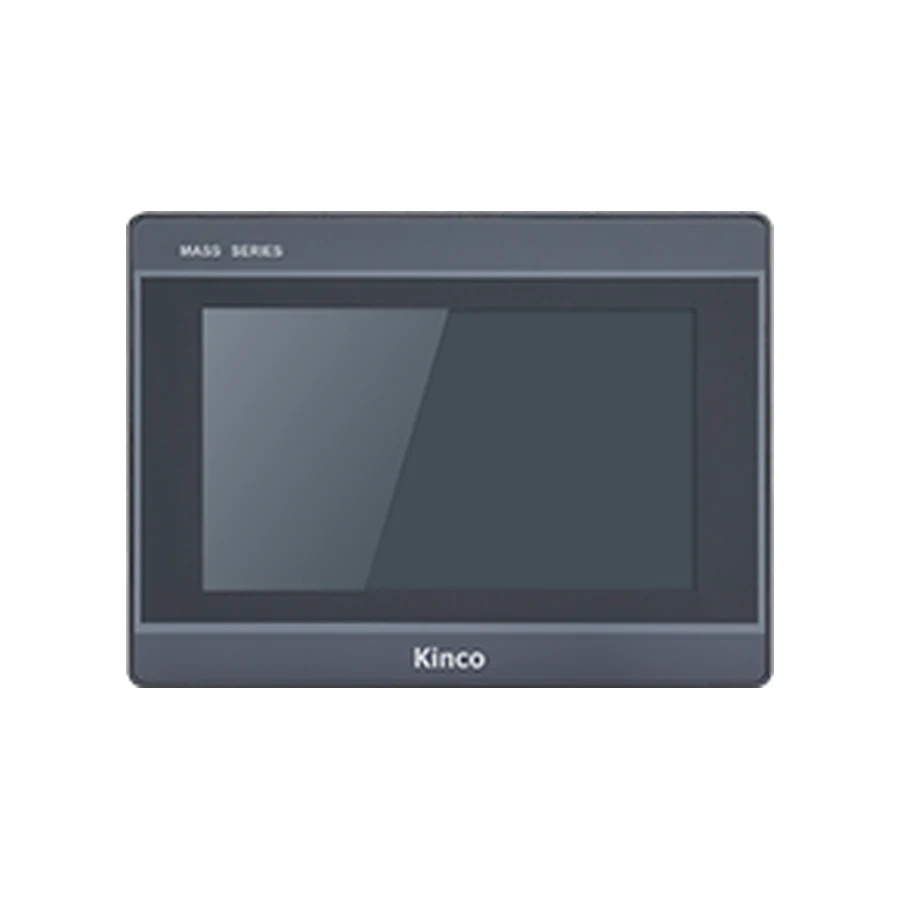
Compare Kinco MT and M2 for a replacement by checking the screen layout and connections as well as the cabinet opening. MT070 and M2070H provide representative examples that use DTools and share a listed opening while changing resolution. That shared software family does not establish project or cable interchangeability. Record the old suffix, editable source and serial arrangement, then validate the proposed target before planning the changeover.
Identify the MT Panel and Proposed M2 Target
Photograph the installed panel’s rear label and connectors before choosing a target. Write the full code exactly as shown, including any suffix, and record the hardware revision where available. A maintenance note saying seven-inch MT panel does not identify the interface set or the project target. Compare that label with the working project to establish whether they describe the same installation.
Keep the original DTools release, editable project and required resources. Distinguish a compiled application or runtime backup from a source project that can be edited and retargeted. If the source is missing, establish the supported recovery options before promising migration. A readable panel screen does not show which files can be recovered.
Describe the constraints the replacement must meet: existing opening, wiring clearance, supply, PLC communication and operator functions. The target is a specific model code meeting those constraints. MT and M2 are useful group names for comparison, but they cannot approve an existing cable or establish which exact panel can run the revised application.
Compare MT070 and M2070H Resolution and Fit
The representative base MT070 lists an 800 × 480 display, while M2070H lists 1024 × 600. Both list DTools, a 192 × 138 mm cut-out and a 204 × 150 × 37 mm body. These values establish useful comparison points for these two base codes. They do not establish a universal MT-to-M2 replacement rule.
Use the MT070 code-specific specifications and M2070H group specifications to request the applicable drawings and compare the intended full codes. Treat the opening, front body and rear connection envelope as separate checks. The existing cabinet may contain components or wiring that restrict mounting access even when the nominal opening matches.
800 by 480 Versus 1024 by 600 Objects
A screen created at 800 × 480 does not automatically preserve its appearance at 1024 × 600. Objects may retain their original pixel dimensions, change size through a supported conversion process or need manual adjustment. Establish what the actual software route does before deciding how much layout review is required.
Compare the original and target screen side by side. Look at text wrapping, touch areas, numeric entry windows, alarm lists and navigation. If dimensions change unevenly, a round indicator or image can appear stretched. Additional pixels can support a revised layout, but they do not by themselves guarantee that text is readable at the machine’s viewing distance.
Measure the actual cabinet opening and available depth, then compare the target drawing. Include clips, connector access and wire bend space. A matching published body depth is useful evidence, but it does not replace checking how the existing cables sit behind the installed panel.
Check DTools Target and Project Reuse
Start with a copy of the editable project and identify the supported targets in the appropriate DTools release. Retain the original file and software environment separately. If a newer package opens the project, record any messages about changed objects, resources or settings before saving it under a different name.
Same Software Family Does Not Prove Conversion
DTools being listed for both representative panels narrows the investigation to target support and project behaviour within that family. It does not prove that every release can retarget the file or that all resources survive unchanged. Follow the documented route for the actual source project and proposed hardware.
If conversion is supported, inspect fonts, languages, scripts, alarms, recipes and trend resources in the resulting project. A successful compile is useful but does not prove the operator workflow. Record resources needing manual revision and keep them in the changeover scope. Where a conversion route is not documented, leave it unresolved instead of trying to send the old runtime directly.
The project migration guide provides a fuller method for preserving files and documenting changes. Use the Kinco download center to request the matching package and supporting instructions. Requesting applicable documentation is different from assuming a manual or project converter is available directly from a product page.
Review MT Suffixes and Serial Channel Differences
Inventory every connection used by the old application, including devices that may be overlooked during an initial PLC test. A second serial channel could serve another controller or instrument. Record the device, electrical standard, project channel and cable identification rather than counting connectors alone.
MT070C and MT070EC Need Separate Checks
The local MT070 product source identifies MT070C and MT070EC as omitting COM1 compared with the representative base arrangement. Preserve those old codes explicitly in the comparison. Do not map either suffix directly onto an M2 code or infer that similarly named variants preserve the same channel arrangement.
| Connection record | Existing installation | Proposed target evidence |
|---|---|---|
| Panel identity | Rear-label code and revision | Exact selected M2 code |
| Used serial channel | Project channel and connected device | Channel available for that electrical standard |
| Original cable | Cable label, connector and drawing | Applicable target pinout comparison |
| Driver | Name, CPU family and current settings | Supported target driver documentation |
Ethernet and wireless choices also require per-code evidence. In particular, do not infer an Ethernet port on M2070HE from its letters or a group summary. Resolve conflicting interface information against the applicable code-specific documentation before specifying that route. A connector description alone never establishes support for a PLC protocol.
Searches comparing MT070E with M2070HE, or MT100E with M2100E, need the same exact-code discipline. The representative MT070/M2070H dimensions and resolution discussed here cannot be transferred to those other comparisons. Request their own interface records, drawings and software target evidence.
Test Layout, Driver and Existing Cable
Begin with the target application away from normal production commands. Review the screen layout at the intended viewing distance and follow a realistic operator sequence: navigate to a process screen, inspect an alarm and enter an approved test value. Include the languages and recipe functions actually used by the machine.
Before reusing a cable, compare electrical standard and pinout with both applicable drawings. A fitting plug is insufficient evidence. Retain the original serial settings and station information, then verify the selected driver for the installed PLC CPU and firmware. Avoid changing several settings at once when a read fails.
Use a known read-only PLC item first and compare it with the engineering tool. Review data type, signedness, scaling and word order. Any write test needs an agreed commissioning variable, controlled machine conditions and the owner’s approval. Keep control and safety logic in the PLC, including interlocks; do not bypass them to make a replacement appear successful.
Test runtime after a controlled restart and confirm agreed retained settings, alarms and navigation. Keep the old panel and original project available until the new installation passes acceptance. The panel replacement checklist connects these project checks with the mechanical and wiring handover.
Approve the MT to M2 Changeover Record
Save the old and new codes, measured opening, drawing references, software releases, source-file identities and channel comparison. Add layout corrections, working PLC read evidence and any approved write result. State unresolved items plainly. For a quotation request, include quantity and destination alongside the exact target rather than asking for an unspecified newer equivalent.
Does using DTools make MT and M2 projects interchangeable?
No. Confirm release and target support, then validate a copied project and its resources. Shared software naming does not establish file conversion or correct runtime behaviour.
What changes when the opening matches but resolution differs?
The mounting comparison may remain favourable while screen objects need review. Check proportions, text, touch areas and operator workflows at the actual target resolution.
Can MT suffixes be mapped directly to M2 codes?
No. Preserve the original suffix, used channels and cable record, then compare the proposed full code’s documented interfaces. Treat unresolved port information as a selection condition before ordering.