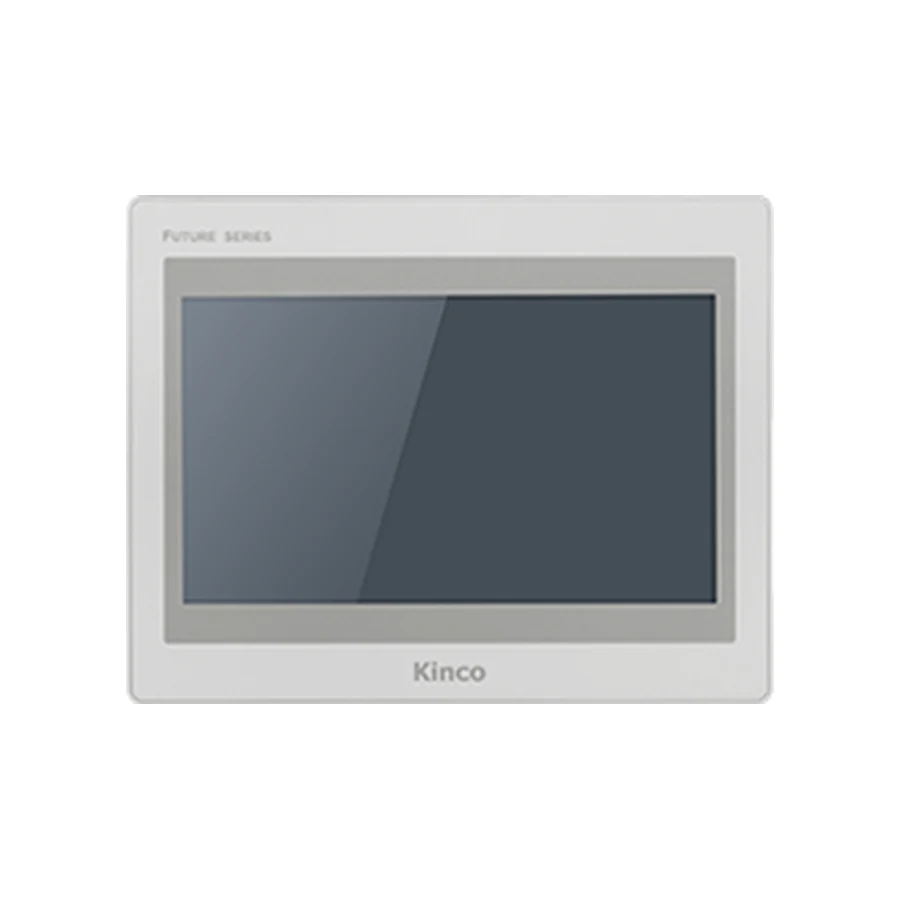
The Kinco F2100E and F2100E2 share a 10.1-inch 1024 × 600 display and a 260 × 202 mm cut-out. The ordering decision turns on one versus two Ethernet ports and the code-specific serial connections. Plan the operator view for the required alarms and numeric entry, then check the selected code against the PLC driver in DTools Pro. Both bodies measure 271 × 213 × 38 mm, with additional space needed for cable bends.
Model codes: F2100E, F2100E2.
Kinco F2100E HMI Panel Overview
The 10.1-inch format gives a machine designer more physical screen area than a compact 7-inch panel while retaining a 1024 × 600 project layout. That distinction can matter when operators need larger text or touch controls rather than a greater number of objects. Build the selection around the working distance, normal adjustment tasks and the information required during a fault.
Both codes use a 4-wire resistive touchscreen and list 1 GB RAM with 8 GB flash. Those shared specifications do not make the electrical arrangements identical. Record the suffix on the purchase request, electrical drawing and application file so that the chosen hardware can be traced consistently from design through commissioning.
F2100E Operator Screens and Cabinet Planning
A useful operator page might group running status, a small set of current values and the relevant alarm indication without forcing frequent navigation. Keep maintenance adjustments distinct from routine production controls. Such organisation should follow the machine workflow; the panel does not supply a validated layout for a particular process.
Assess numeric entry windows and long alarm descriptions at actual display size. A page that fits the editor may still require excessive reaching or produce text that is hard to read at the machine. When comparing sizes, the F2070E 7-inch panel helps establish whether the smaller physical format is sufficient. The F2121E and F2121E2 12.1-inch panels provide a larger alternative. Each has its own opening and resolution, so make the screen decision together with the available door area and surrounding controls.
F2100E and F2100E2 Ethernet and Serial-Port Differences
F2100E lists one Ethernet port and serial connections at COM0, COM1 and COM2. F2100E2 lists two Ethernet ports, retains COM0 and COM2, and omits COM1. An existing cable connected to COM1 is therefore a material selection issue, even when the new machine design would benefit from an additional network socket. Do not infer the serial arrangement from another E2 model.
The recorded E2 differences also include power isolation, 350 cd/m² brightness, a 60/60/70/70 viewing angle in T/B/L/R order and 7 W consumption at 24 V DC. Use the existing variant table for the corresponding code comparison rather than assuming all display and power characteristics are shared. Neither model lists Wi-Fi or cellular connectivity. Confirm what each Ethernet port must do in the actual project; connector count does not establish routing capability or protocol support.
F2100E PLC Ports and Driver Checks
Match F2100E PLC Drivers and Cable Pinout
On F2100E, COM0 lists RS232/RS485/RS422, COM1 lists RS485 and COM2 lists RS232. F2100E2 lists COM0 with RS232/RS485/RS422 and COM2 with RS232. Compare those physical interfaces to the existing electrical design before discussing driver compatibility. A serial mode and a PLC protocol answer separate questions.
Identify the controller CPU, firmware and any communication module, then confirm the required driver in the chosen DTools Pro version. Use the PLC compatibility guide to organise an inquiry when controller details are incomplete. Obtain the applicable cable drawing instead of guessing pin assignments. Start validation with approved reads. If a controlled write is needed, define a safe test condition, expected PLC response and responsible engineer. The PLC must continue to enforce machine interlocks; an HMI test must not bypass them.
F2100E 260 × 202 mm Cut-out and Body Dimensions
Measure the 260 × 202 mm Opening for F2100E
Both codes list a 260 × 202 mm cut-out and a 271 × 213 × 38 mm body. Verify an existing opening by measurement rather than relying on the old panel’s nominal screen size. Check the supporting door area, door thickness and mounting access against the applicable installation drawing. A matching rectangular aperture does not resolve every mounting detail.
Allow rear space for the selected connectors and cable bend radii, including wiring movement as the door closes. Plan access for later maintenance without assuming that 38 mm is the complete installed depth. The listed supply input is DC 18 to 28 V. Confirm the machine supply, grounding and code-specific power requirement before connection. A front product photograph and illustrative cut-out graphic cannot establish terminal position, cable pinout or mounting tolerances.
Kinco DTools Pro is listed for F2100E and F2100E2. Choose the exact model target and retain the software version in the project record. Before changing an established application, preserve the editable source and machine-specific settings. Establish that the engineering team can open and maintain that source, rather than assuming an available runtime backup provides the same capability.
Consult DTools Pro software for F2100E for the software resource workflow. During review, examine the communication assignments as well as screen appearance, particularly where an E2 selection removes a serial connection used by the original project. Validate startup, operator permissions, alarm handling and loss-of-communication behaviour in the intended setup. The communication troubleshooting guide provides a structured route for separating physical connection problems from driver and controller configuration questions.
F2100E Existing-Panel Fit and Project Checks
The Kinco MT100 HMI Panel shares a listed 260 × 202 mm opening and 1024 × 600 resolution, but its configuration software is Kinco DTools rather than DTools Pro. Those matching mechanical and display figures are useful comparison points, not evidence that an MT100 application transfers unchanged. Establish the supported conversion path and actual connection arrangement before proposing a replacement.
Use the general F2100E project migration checks for application preparation and the replacement checklist for selection evidence. Keep the conclusion specific: which code has been selected, which cables can be retained and which application changes remain necessary. A comparison candidate should not become an ordering instruction until those questions have clear answers.
F2100E Price and Quotation Details
Request pricing for F2100E or F2100E2 explicitly, with quantity and destination. If both remain under consideration, explain the required Ethernet and serial connections so the inquiry can address the actual difference. Add the requested delivery date and any manual, drawing or software resource requirements. Price and lead time are provided against the inquiry rather than inferred from the listing.
For an installed machine, useful supporting material includes the old label, connector photographs, measured opening and project software version. For a new build, provide the controller code and connection plan. This lets commercial selection proceed with the engineering constraints visible.
F2100E Questions and Answers
How do F2100E, F2100E2 differ?
F2100E has one Ethernet port and includes COM1; F2100E2 has two Ethernet ports and omits COM1. E2 also has the recorded isolation, display and consumption differences described above.
What cut-out and rear clearance does F2100E need?
Both codes use a 260 × 202 mm opening and 271 × 213 × 38 mm body. Determine additional connector, wiring and maintenance clearance from the installed arrangement.
How do I check F2100E against my PLC driver and project?
Match the exact controller, firmware, interface and protocol to the DTools Pro driver, then validate the chosen hardware target and application under controlled conditions.
How can I request a F2100E datasheet, manual or quotation?
Identify F2100E or F2100E2, hardware revision if known and required document language. Include quantity and destination for pricing and controller details where selection assistance is needed.