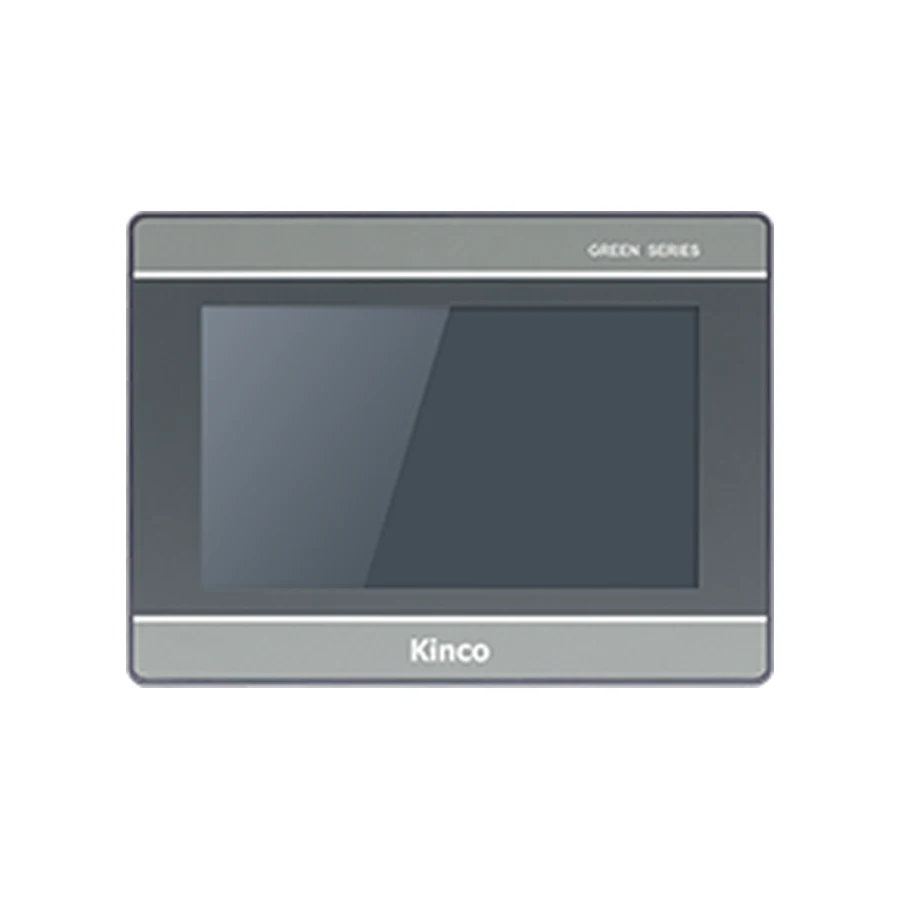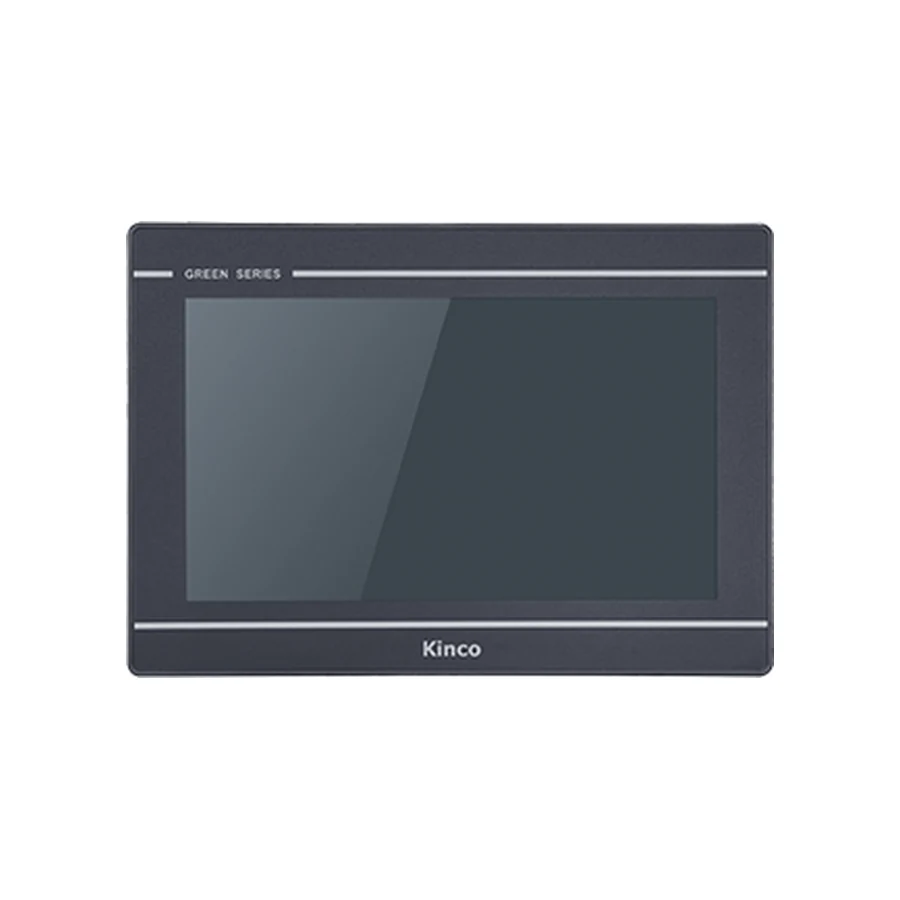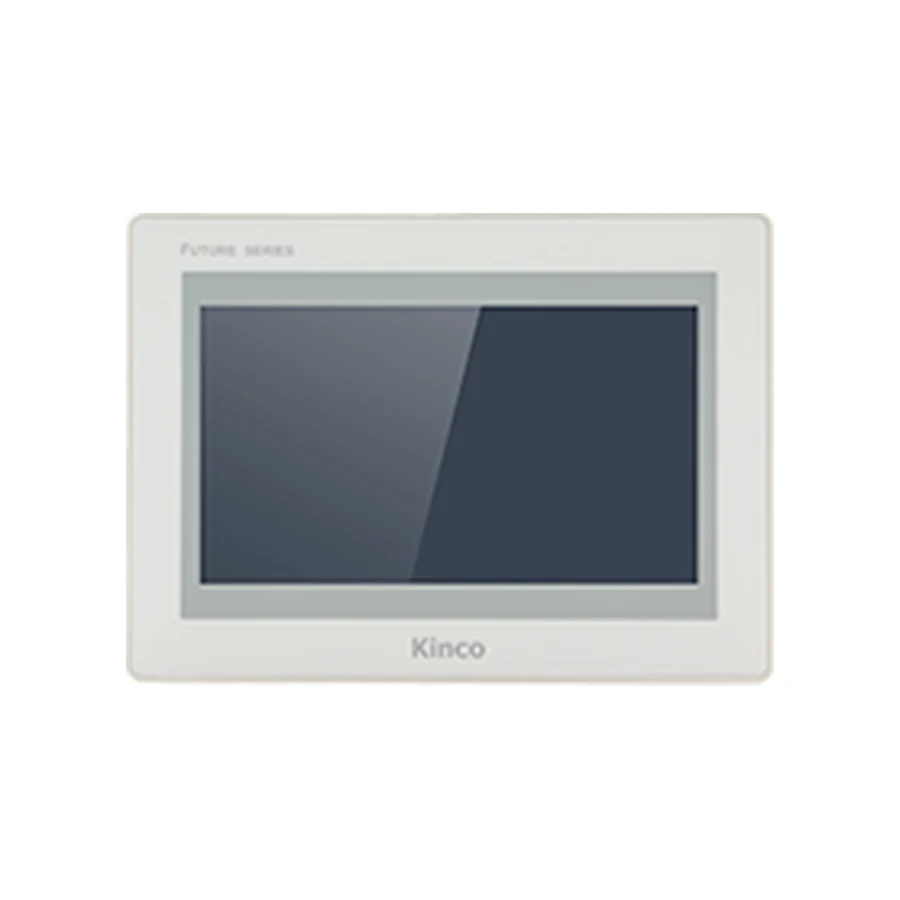
Choose between Kinco GL2, G2 and F2 by the display, connections and application your machine needs. GL2070HE, G2070HE and F2070E offer representative 7-inch examples with the same listed resolution. Their hardware differences still need to be interpreted against the actual project. Compare the required interfaces, software target, cabinet supply and installation dimensions before using memory figures to rank the candidates.
Define the Requirements Shared by All Candidates
Write a common acceptance basis before comparing hardware. Identify the PLC CPU and communication module, each additional device, the operator tasks and the maintenance route. Add the editable-project status, intended software release and required retained information. A candidate should answer the same requirements as its competitors.
Separate mandatory conditions from preferences. A required serial mode or supply range can exclude a panel; extra storage is useful only if it addresses an application need. When a requirement is unknown, name it as an unresolved question. Do not reward a larger specification merely because no one has described the actual project.
Use the panel selection workflow to build the common record. Include the cabinet opening and available depth early, because a panel that cannot be installed is not made suitable by additional memory. This comparison then explains how particular hardware differences affect a documented shortlist.
Compare Three Representative 7-inch Codes
The GL2070HE record, G2070HE record and F2070E record contain the complete specifications and variant distinctions. These three base codes share a listed 7-inch 1024 × 600 display and a 192 × 138 mm opening. That common starting point allows attention to shift toward application resources, connections and supply.
| Comparison | GL2070HE | G2070HE | F2070E | Machine requirement and response to a shortfall |
|---|---|---|---|---|
| RAM | 128 MB | 512 MB | 1 GB | Evaluate the actual application; revise or exclude if insufficient |
| Flash | 256 MB | 4 GB | 8 GB | Define assets and retained files; verify usable allocation |
| Base Ethernet | One port | One port | One port | Review another code if an additional port is required |
| Input range | DC 10.8 to 28 V | DC 18 to 28 V | DC 18 to 28 V | Rework the supply or exclude an unsuitable candidate |
| Software family | DTools Pro | DTools Pro | DTools Pro | Confirm exact target, release and driver support |
The comparison describes named base codes, not a ranking of whole families. Other diagonals and suffixes can change important conditions. In particular, F2070E and F2070E2 are distinct targets with different resolution requirements; do not extend this base-code display comparison to an E2 application without reviewing it separately.
Interpret Memory Without Promising Performance
RAM supports the running application; flash provides persistent storage. A project with substantial images, many screens or retained information can create different requirements from a basic status page. Increasing one resource cannot automatically solve a limitation associated with the other.
Record project size, asset sizes, active device connections and required functions. For history, define the values recorded, sampling interval, retention objective and export process. Those inputs help determine what must be evaluated, but raw flash capacity alone cannot calculate usable logging duration. Software functions and storage allocation also matter.
Memory Capacity Versus Measured Runtime Behaviour
A RAM ratio does not establish a screen-change speed ratio. Controller response, polling design, page assets and background tasks affect operation. Without a representative evaluation, describe the resource differences and leave performance outcomes unconfirmed. Do not invent maximum tag counts or claim a particular percentage improvement.
Where evaluation is possible, keep the project, connected devices and operator tasks comparable across candidates. Record the page or action tested, conditions and observed outcome. If a requirement fails, identify whether it is a resource issue, an application-design issue or a communication limitation before choosing a larger panel.
This approach also makes future capacity discussions useful. Planned screens or retained records can justify investigating additional resources; a vague desire to be future-proof cannot show which resource is needed or how much headroom is appropriate.
Match Serial, Ethernet and Optional Interfaces
Assign each device to a supported driver and a named physical channel. The base-code serial arrangements differ: GL2070HE lists COM1 RS485, while G2070HE and F2070E list COM1 RS485/RS422. Keep COM0 and COM2 assignments visible too, and confirm concurrency limits from the exact documentation. Multiple mode labels are not automatically multiple independent channels.
The communication port guide explains how to separate PLC traffic, computer transfer and maintenance access. A physical Ethernet, RS485 or USB connection does not establish every protocol or supported software task.
Base Codes Versus Optional Variants
Wi-Fi and 4G belong to explicit codes where offered. G2070HE2 and F2070E2 also need their own specification reviews when two Ethernet ports are relevant. Port count does not prove independent networks, routing or isolation. Identify the required network behavior before treating another port as a solution.
For remote maintenance, record site networking, permissions, service requirements and the supported maintenance task. Cellular additionally requires matching regional bands, carrier and SIM conditions. A panel can meet the local PLC communication requirement while its remote service remains unresolved; show those as separate decisions.
Review Software, Supply and Installation Fit
All three representative base codes list DTools Pro, but shared software-family naming does not prove unrestricted project interchangeability. Record the original target, package release, driver and external resources. Keep an untouched source copy and confirm the intended target before changing hardware.
A machine developed in another software family needs a separate migration assessment. Opening or compiling a file establishes less than correct machine behavior. Plan a review of screens, addresses, alarms, recipes and retained information according to the functions actually used.
The three base codes list a 204 × 150 × 37 mm body, but their supply ranges and consumption differ. Compare terminal supply conditions and available capacity, then include connector projection, cable bends and maintenance access in the cabinet review. Front protection does not automatically cover the complete enclosure or rear connections.
Apply Three Machine Selection Scenarios
Existing Project Versus New Machine
An existing machine starts with a known project and mandatory reuse constraints. A new machine starts with device and operator requirements that can still influence the architecture. Both need evidence, but an old target or cable arrangement should not become an unnecessary constraint on a new design.
For a basic status-and-setpoint application with one Ethernet controller, keep GL2070HE in the initial comparison if its driver, project and supply satisfy the requirements. G2070HE and F2070E can also remain candidates, but additional memory alone is not a reason to exclude the smaller-resource option. Remove any candidate only when a mandatory condition fails or further evaluation shows a shortfall.
For substantial assets or retained information, investigate G2070HE and F2070E alongside the actual project requirements. Their larger RAM and flash provide a reason for evaluation, not an automatic approval. Leave retention duration and runtime responsiveness pending until software support and representative behavior are established.
For remote maintenance, retain the wired or wireless codes that match the site architecture and required service. Exclude a base code when a mandatory integrated radio is absent. If a wired service is acceptable, a radio is not inherently required. Keep coverage, permissions and supported maintenance operations unresolved until documented.
Record Why Each Candidate Stays or Leaves
Give every shortlisted code a decision reason and evidence reference. Suitable statuses include retained for evaluation, excluded by a named requirement, or pending a specific document. Avoid a single unexplained best-series label. A reviewer should be able to see whether supply, driver, resource or installation evidence drove the outcome.
Include quantity, destination and requested documents when seeking quotations. Compare the stated hardware and engineering scope. The manufacturer GL2, G2 and F2 references attached to the product records should be checked for applicability and dated before publication or purchasing; this article does not establish a live catalogue status or availability claim.
Frequently Asked Questions
Does more HMI memory guarantee faster screen changes?
No. Memory capacity is a hardware fact; runtime behavior depends on the project, communications and software. Use a representative evaluation for performance conclusions.
Can the same resolution still require a project review?
Yes. Target support, drivers, resources and behavior can differ even when the pixel grid matches. Inspect the functions used by the actual application.
How should optional interfaces affect the series shortlist?
Make the interface a precise requirement, then compare the full codes that provide it. Review protocol support and site conditions separately from the physical hardware option.