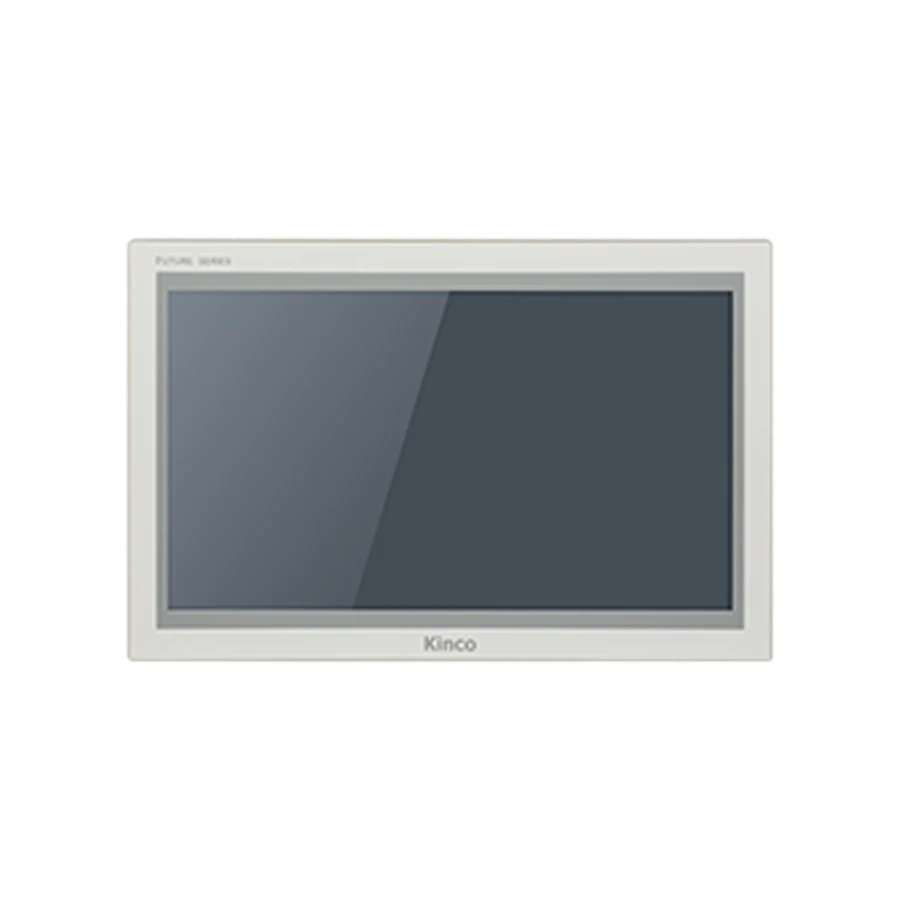
The Kinco F2156E and F2156E2 use a 15.6-inch 1920 × 1080 display with a 25.5 mm body depth. Consider the wide format when the operator page needs room for several control groups, while checking text size at the actual viewing distance. One Ethernet port is listed for F2156E and two for E2. Both require a 382 × 246 mm opening; use the exact DTools Pro target and leave space behind the slim body for connectors.
Model codes: F2156E | F2156E2.
Kinco F2156E HMI Panel Overview
Industrial control systems depend heavily on reliable human-machine interface terminals to bridge automation logic with daily machine operations. The Kinco F2156E / F2156E2 15.6-inch HMI Panel provides plant operators and maintenance engineers with a dependable visual workstation designed specifically for industrial manufacturing environments. Rather than evaluating automation hardware purely on diagonal display size, engineers must assess display resolution, interface channel allocations, physical enclosure clearances, and the exact software runtime environment. A properly selected control terminal ensures rapid error identification, streamlined batch execution, and consistent operator workflow across demanding continuous production environments.
The resistive touchscreen interface guarantees dependable touch actuation whether operators use bare hands or heavy protective safety gloves. Integrating this hardware into an existing or new electrical cabinet ensures long-term operational stability and predictable control behavior across automated machinery lines.
F2156E for Wide Operator Workspaces
Operator screens for this widescreen display can organize complex machine cells into unified overview dashboards. The 1920 × 1080 Full HD resolution permits displaying active conveyor layouts, multi-station feeder status, and detailed batch parameter sets simultaneously without forcing the operator to jump between screens. Plant supervisors and machine operators benefit from high contrast ratios and wide viewing angles that maintain color clarity and contrast even when viewing the terminal from an offset operating position.
Visual ergonomics play an essential role in minimizing machine downtime during complex industrial operations. Operator screens designed for this terminal benefit from structured visual zoning where primary machine metrics, axis coordinates, and emergency interlock states remain immediately identifiable. Secondary configuration parameters, batch recipe parameters, and historical diagnostic trends are organized systematically on contextual sub-pages. By keeping critical alarms visible without cluttering operator workspaces, engineering teams build interfaces that facilitate rapid technician response and improve overall equipment effectiveness on active production lines.
F2156E and F2156E2 Ethernet and Memory Comparison
Hardware capabilities differ distinctly between variant codes. While F2156E features a single 10/100M Ethernet interface and consumes 12W power, F2156E2 incorporates dual independent network ports and requires 15W at 24 V DC. Furthermore, F2156E2 provides enhanced 89-degree all-angle viewing, a 1000:1 contrast ratio, and dual mounting flexibility supporting both standard panel clamps and 100 x 100 mm VESA brackets. Both models provide Quad-core 1.8 GHz processing, 1 GB RAM, and 8 GB flash to execute responsive graphic transitions.
Internal computing hardware balances processing performance with industrial thermal dissipation requirements. High-capacity non-volatile flash storage reliably preserves operational recipes, detailed event histories, graphical symbols, and multilingual font libraries through sudden plant power failures. Dedicated graphics acceleration handles real-time trend visualization and dynamic object updates smoothly while communication tasks poll connected controllers concurrently. Automation engineers can design comprehensive machine diagnostics and data-logging routines without compromising visual refresh rates or communications responsiveness.
F2156E PLC Ports and Driver Checks
Match F2156E PLC Drivers and Cable Pinout
Achieving seamless communication between this operator interface and factory floor automation equipment requires verifying communication protocols, serial parameters, and controller addressing modes. A matching physical connector such as a standard DB9 port or an RJ45 Ethernet jack provides hardware connectivity but does not ensure software driver compatibility. Engineering teams must confirm that the specific controller CPU, firmware version, and communication card are fully supported by the configuration runtime before proceeding with on-site installation and field wiring.
Serial communication ports require precise configuration of baud rates, parity bits, stop bits, and station numbering to establish reliable data polling loops. For network-connected models, network topologies, subnet routing, and gateway parameters must be documented thoroughly. Industrial engineers should confirm whether communication links operate point-to-point or share multidrop buses with third-party instruments, ensuring that driver polling timeouts and retry counters are calibrated properly to prevent communication dropouts under high electrical noise conditions.
F2156E 382 × 246 mm Cut-out and Body Dimensions
Measure the 382 × 246 mm Opening for F2156E
Cabinet installation requires a precise 382 × 246 mm rectangular cutout in the enclosure door. The front bezel measures 395 × 259 mm with a slim 25.5 mm chassis depth. Installers must allocate at least 25 mm of additional interior clearance behind the unit to prevent bending stress on heavy industrial Ethernet cables and DC power terminal wiring.
Proper cabinet cut-out preparation is critical to achieving an IP65 front environmental seal. Field technicians must machine the enclosure door according to precise cutout tolerances and ensure that mounting surfaces are flat, deburred, and free of metal filings. When securing the terminal with its mounting brackets, uniform torque should be applied in opposing pairs to compress the sealing gasket evenly around the perimeter. Uneven clamping forces can distort the front bezel or pinch the internal seal, compromising long-term ingress protection against coolants and washdown sprays.
Configuration is performed using Kinco DTools Pro software. When setting up communications, integrators must select the exact target code—F2156E or F2156E2—within the hardware tree to enable appropriate interface drivers. Dual-port E2 models allow separating factory IT data collection from isolated machine-level PLC polling loops.
Project engineering and runtime configuration follow established development workflows. Integrators should refer to the Kinco HMI DTools software download guide to obtain current programming packages and verified driver libraries. For protocol integration, consult the Kinco HMI PLC compatibility guide to verify register mapping rules, and utilize the Kinco HMI PLC no response troubleshooting guide when diagnosing physical cabling, station addressing, or driver timeout faults during machine commissioning.
F2156E Existing-Panel Fit and Project Checks
Upgrading from older 15-inch displays requires auditing cabinet space. The 15.6-inch widescreen form factor requires a wider opening than legacy 4:3 panels. Review project screens to convert aspect ratios from 4:3 to 16:9 systematically, ensuring touch targets and graphical objects scale proportionally without distortion.
Modernizing legacy automation equipment or replacing damaged panels requires a methodical audit of dimensions, interface hardware, and project software compatibility. Review the HMI panel replacement checklist to systematically compare cut-out openings, power terminal requirements, serial pinouts, and program conversion requirements. For alternative machine design considerations or sibling model comparisons, evaluate the Kinco G2156E HMI Panel, Kinco F2150E2 HMI Panel, and Kinco F2121E HMI Panel to verify appropriate mechanical fit and communication capabilities.
Software conversion from legacy runtime files involves more than compiling projects for new hardware targets. Graphical objects, variable scaling, alarm groupings, and communication driver blocks must be inspected individually in the configuration software. Always retain the original unedited project backup and archive working machine parameters before executing changeover tasks. Running side-by-side bench verification with a secondary PLC confirms that numerical scaling, multi-byte word ordering, and recipe transfer operations function identically to the original equipment.
F2156E Price and Quotation Details
Procurement teams should verify the required Ethernet port count and mounting preference prior to submitting inquiries. F2156E and F2156E2 serve distinct architectural needs on the factory floor, and official quotations confirm unit availability, technical documentation, and commercial shipping terms for machine builder production batches.
Industrial procurement decisions require clear verification of part numbers, expected quantities, regional logistics, and formal commercial terms. Pricing and lead-time schedules are handled via professional inquiry to ensure technical specialists verify application parameters, documentation availability, and shipment details prior to order finalization. machine builder builders and maintenance teams should submit complete machine requirements—including controller model, power supply configuration, and destination country—to receive an official quotation and comprehensive technical evaluation.
Frequently Asked Questions
How do F2156E and F2156E2 differ in hardware specifications?
F2156E provides one Ethernet port, 12W power consumption, and standard panel mounting. F2156E2 provides two Ethernet ports, 15W power consumption, enhanced 89-degree all-around viewing angles, a 1000:1 contrast ratio, and dual panel or 100 x 100 mm bracket mounting.
What cut-out and enclosure clearance does F2156E require?
The cutout dimension is 382 × 246 mm, while the outer front bezel measures 395 × 259 mm. Enclosure interior depth must accommodate the 25.5 mm chassis depth plus an additional 25 mm for connector clearance and cable bends.
Open Kinco DTools Pro, choose the exact F2156E or F2156E2 target model, select the corresponding PLC communication driver, and assign station parameters before downloading runtime projects to the panel.
How can engineering teams request datasheets, manuals, or quotations?
Submit your technical inquiry specifying the exact model code, required quantities, and target destination to receive comprehensive dimensional drawings, software manuals, and an official commercial quotation.