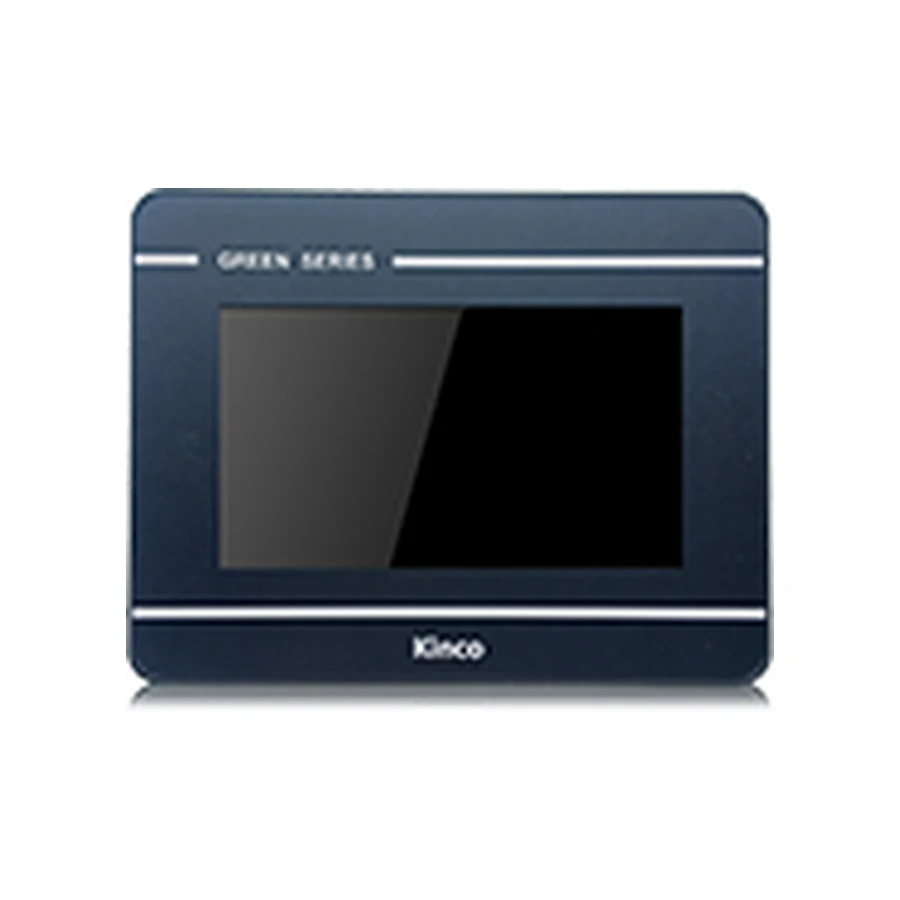
The Kinco GL043 and GL043E share a 4.3-inch 480 × 272 display and a 119 × 93 mm opening. They are candidates for small operator stations where the layout can keep controls and numeric entry readable at this resolution. GL043 uses serial connections, while GL043E adds one Ethernet port. Both list DTools software and a 132 × 102 × 33 mm body; check the application driver before choosing the network variant.
Model codes: GL043 | GL043E
Kinco GL043 HMI Panel Overview
The useful starting point for this pair is the machine task: what must the operator see and change without navigating through several screens? A small panel can provide a focused interface for a local machine station, but its limited pixel area makes screen design part of hardware selection. Prepare a representative operating page before committing to the cabinet layout.
The shared display and opening do not make the codes interchangeable in every application. Keep GL043 or GL043E on the bill of materials, project record and document request. The existing specification and variant tables provide the detailed hardware reference; the following sections explain how those values affect selection rather than repeating a second specification table.
GL043 for Small Operator Stations
A compact station might need a machine state, a setpoint and an alarm indication on its normal page. Give these elements clear visual priority, then place less frequent adjustments on a separate page. At 480 × 272 pixels, a crowded mimic diagram can make an otherwise suitable panel difficult to operate. Evaluate alarm wording and numeric entry with realistic values, including long units and negative numbers where the application uses them.
The 4-wire resistive touch panel should be assessed with the intended operating method. Test the proposed touch targets and spacing rather than judging the layout from an enlarged computer preview. If the application needs a larger viewing area, the Kinco GL070 operator panel is a separate cabinet and layout choice. It should enter the shortlist only after its opening and project target are reviewed.
GL043 and GL043E Serial and Ethernet Hardware
Both codes list COM0 with RS232, RS485 and RS422 connection options, plus COM2 with RS232. These names describe electrical interfaces; they do not mean every mode can be used simultaneously or that every PLC protocol is supported. The applicable manual and selected driver must determine the actual connection.
GL043E adds one Ethernet port and the listed EdgeAccess 1.0 remote platform. GL043 does not offer Ethernet. Neither code lists WiFi or cellular hardware. Treat remote access as a separate deployment requirement, including the applicable platform conditions and site network approval, rather than assuming that connecting a network cable enables remote service.
The listed 128 MB RAM and 256 MB flash establish hardware capacity, not a promise of unlimited project storage. Review the proposed graphics, retained data and application resources in DTools. Keep the distinction between working memory and flash storage when assessing a project that has grown over several revisions.
GL043 PLC Ports and Driver Checks
Match GL043 PLC Drivers and Cable Pinout
Record the PLC manufacturer, CPU code, communication module where used, firmware and required protocol. Match that combination against the driver available for the selected GL043 target in the intended DTools release. For serial wiring, confirm the connector assignment, electrical mode, station settings and cable pinout from the applicable documentation. Similar connector shapes are insufficient evidence for reusing an old lead.
For GL043E, verify the PLC network interface and protocol settings as well as the HMI driver. The PLC compatibility guide explains this distinction. Begin commissioning with known read-only values under approved machine conditions. A controlled write requires the PLC owner’s permission, a defined test value and an understanding of the resulting machine action; retain the PLC’s safety and interlock logic. If values remain unavailable, use the communication troubleshooting guide to separate wiring, addressing and driver issues.
GL043 119 × 93 mm Cut-out and Body Dimensions
Measure the 119 × 93 mm Opening for GL043
Compare the measured door opening with 119 × 93 mm, then assess the 132 × 102 × 33 mm body separately. Body depth does not include every cable bend or service clearance. Inspect nearby terminals, door reinforcement, mounting access and the path of wiring as the door opens. Use the selected code’s installation drawing to establish mounting details and acceptable panel conditions.
The listed input is DC 10 to 28 V. Review the machine supply, polarity, grounding and complete cabinet load before connecting the panel. A nominal supply label does not reveal voltage drop along the installed wiring.
The product photograph identifies the panel, and the cut-out illustration supports orientation only. Neither establishes connector locations or terminal pin assignments. Obtain the applicable drawing before modifying an existing door or ordering a purpose-made cable.
Kinco DTools is listed for GL043 and GL043E. Establish the exact target and software version before editing the working application. Keep an untouched copy of the editable source, the current settings and the release used to maintain the machine. Possessing a panel does not establish that its editable project is available.
Use DTools software for GL043 to plan software sourcing and document checks. Request the GL043 or GL043E manual and datasheet with the hardware revision when known. Specify whether you need installation dimensions, communication wiring or project transfer instructions so the requested document answers the actual question.
After opening a project copy, review fonts, numeric formats, alarms, page navigation and driver assignments. A successful compile is one checkpoint; it does not prove that the operator interface behaves correctly on the connected machine.
GL043 Existing-Panel Fit and Project Checks
The Kinco MT043 HMI Panel is a relevant comparison because its listed opening is also 119 × 93 mm, its display is 480 × 272 and its configuration software is Kinco DTools. These common values justify further comparison, not a replacement guarantee. Connector details, body clearance and the supported project target still decide whether the machine can use it.
The Kinco GL2043HE compact panel offers another comparison at the same opening, but its 800 × 480 display and DTools Pro target introduce different layout and software questions. Do not infer conversion support from the similar code.
Keep this product decision focused on fit and target differences. The broader GL043 project migration checks and panel replacement checklist cover the engineering review needed before scheduling a machine change.
GL043 Price and Quotation Details
Request a quotation for GL043 or GL043E with quantity, destination and required delivery date. Include the connection choice explicitly so a serial-only request is not confused with the Ethernet code. Price and lead time require an inquiry for the selected model and purchasing conditions.
For an existing machine, attach the old label, measured opening, PLC identification, connector photographs and project version. State which documents you already have and what remains uncertain. This gives the supplier a concrete basis for discussing the requested panel without treating photographs as proof of compatibility. If the project owner has not confirmed the driver, identify that as an open selection condition.
GL043 Questions and Answers
How do GL043, GL043E differ?
GL043E adds one Ethernet port and the listed EdgeAccess 1.0 platform. Both retain the same listed display, opening and serial interface set. Driver support must still match the PLC.
What cut-out and rear clearance does GL043 need?
The opening is 119 × 93 mm. Allow for the 33 mm body depth plus connectors, wiring bends, mounting access and the cabinet arrangement shown by the applicable drawing.
How do I check GL043 against my PLC driver and project?
Compare the CPU, firmware, protocol and physical interface with the selected DTools target. Review a project copy and validate communication under controlled machine conditions.
How can I request a GL043 datasheet, manual or quotation?
Send the full code, revision when available, document purpose and language. Add quantity and destination for a quotation, plus existing-machine evidence when selection assistance is required.