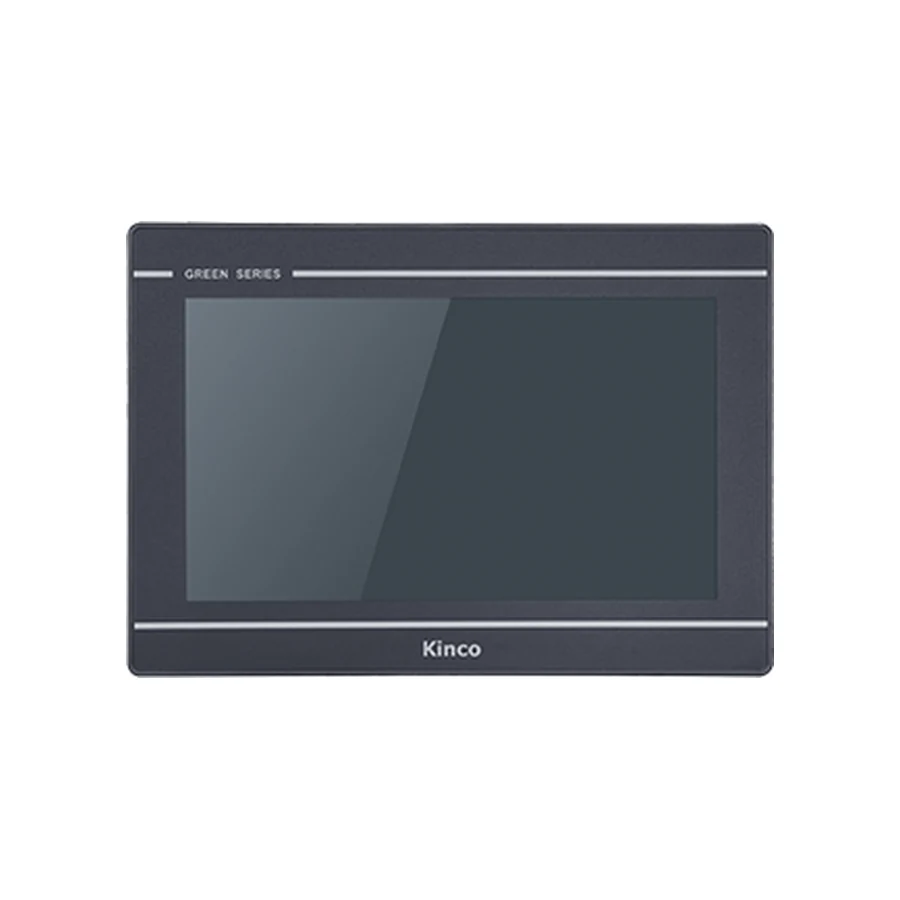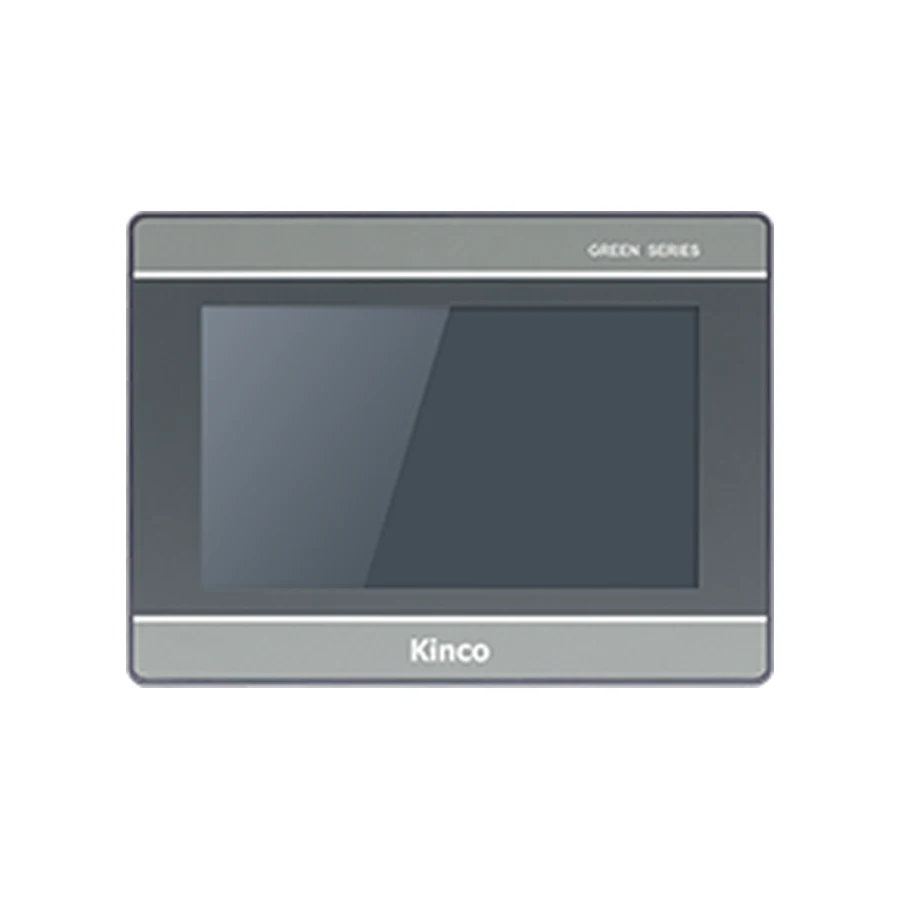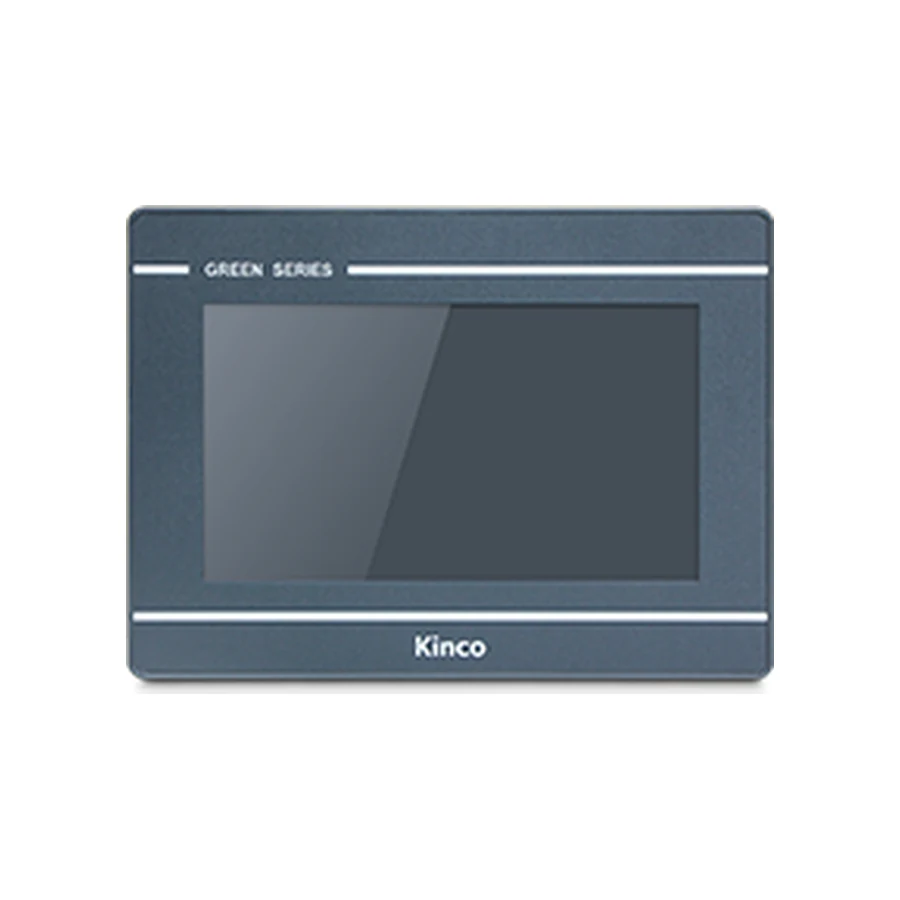

Compare Kinco GL and GL2 by the project changes behind a similar cabinet fit. The representative GL070 and GL2070HE codes use different display resolutions and software families even though their listed cut-outs match. Keep Ethernet and wireless requirements tied to the exact suffix. Review the editable project, target support and screen layout before treating a GL2 panel as a candidate for an existing GL installation.
Identify the GL Machine and Proposed GL2 Target
Start with the old label and the target recorded in the working application. Distinguish GL070 from GL070E; Ethernet is a meaningful difference rather than an optional detail to resolve after purchasing. Identify the proposed GL2 code just as precisely, including any wireless suffix. Keep both complete identifiers in the comparison and quotation record.
Describe the replacement objective. A failed display, a need for network access and a revised operator interface can lead to different decisions. If preserving the existing cabinet is mandatory, state that constraint. If the application will be redesigned, identify which old functions and PLC connections must nevertheless remain.
The GL070 and GL070E page contains the old-code specification record, and the GL2070HE variants page contains the candidate records. Request applicable manuals and software information through the selected product route. A link identifies the relevant model group; it does not establish that the supplied project has already been converted or tested.
Compare Resolution and the Shared Opening
The two representative base codes make a useful comparison because their listed openings match while their display grids differ. Keep the comparison focused on the changes that affect this installation rather than reproducing an entire specification sheet.
| Requirement | GL070 | GL2070HE | What follows from the difference |
|---|---|---|---|
| Resolution | 800 × 480 | 1024 × 600 | Inspect every important page at the target grid |
| Software | DTools | DTools Pro | Confirm the migration route and target support |
| Opening | 192 × 138 mm | 192 × 138 mm | Examine mounting reuse with the actual drawings |
| Body | 204 × 150 × 37.2 mm | 204 × 150 × 37 mm | Include connectors and cable movement in clearance |
| Base Ethernet | Not provided | One port | Match the old and proposed communication routes |
800 by 480 Versus 1024 by 600 Layouts
A larger pixel grid is not an instruction to scale every object automatically. Decide what should happen to navigation, alarm lists, process drawings and input controls. Some pages may benefit from extra spacing, while others need their proportions preserved. The relevant acceptance criterion is the operator task at the installed physical size.
Use a page review record containing old page identity, target page revision, affected objects, observed issue and required correction. Include long translated labels, maximum-length numbers and active alarms. These states reveal problems that a clean initial page can hide. Leave the outcome unapproved until the revised page has actually been examined.
A successful file opening cannot demonstrate that fonts, numeric entry limits or touch targets remain correct. Where a print or preview is used, identify its limits: a print can support physical readability review, while input response needs suitable hardware and actual operating conditions.
Same Cut-out Does Not Set Rear Clearance
The matching opening establishes a useful starting point, but the installation still includes clamps, gasket conditions, mounting thickness and service access. The listed body depth excludes the complete cable arrangement. Compare the connector locations and measure clearance with the door in its normal closed position.
Retain the drawing for the hardware actually being supplied. An old door may contain modifications or nearby components that are absent from a catalogue image. Record the actual measurements and any required cabinet work before describing the opening as reusable.
Review DTools and DTools Pro Project Requirements
Work through four questions in order: is the destination target available, is editable source available, is the conversion route documented, and do the objects and fonts survive the required review? This gives the software decision a concrete output instead of a general expectation that newer software will open older files.
First, confirm that the intended package supports the exact GL2 target. Second, preserve the original editable project, software release and external resources. A runtime retrieved from a panel does not automatically satisfy the source requirement. If files are missing, establish recovery or redevelopment with the project owner.
Third, obtain the documented conversion approach applicable to the source and destination. Use the Kinco Download Center for matching documentation, and retain the release and document version with the review. Do not substitute an unverified menu sequence for evidence that this application has a supported path.
Fourth, inspect objects, fonts, scripts, alarms, trends and recipe fields after any supported conversion. Preserve an untouched original so the evaluation does not become the only copy. The project migration guide expands the conversion and regression work; the decision here is whether that work has an accepted route and owner.
Keep driver support in the same record. Even when both applications communicate over Ethernet or RS485, the actual PLC family, service and addressing convention must match the selected driver. Electrical interfaces describe the connection medium, not the complete protocol support.
Select Ethernet and Wireless Suffixes
The old machine may use GL070E even if its purchasing record says only GL070. Preserve that distinction: the base GL070 does not supply Ethernet. Compare the actual network role and serial channels before deciding which GL2 code belongs in the shortlist.
Base Codes Versus Ethernet and Radio Variants
GL2070HE, GL2070HE-WIFI and GL2070HE-4G are separate codes. The base Ethernet specification does not include both radios. Select a wireless variant only when its documented interface addresses a defined maintenance or networking requirement.
For Wi-Fi, record the site network, approved access and supported service. For cellular, compare regional bands, carrier, SIM, coverage and antenna installation. Neither label guarantees remote access to a PLC, internet service or a complete maintenance arrangement. Keep those requirements open until the site and product documentation support them.
Serial allocation can also change. GL070 lists COM0 with RS232/RS485/RS422 and COM2 with RS232; GL2070HE adds a listed COM1 RS485 channel. Verify the connector drawing and shared-mode constraints rather than interpreting every interface label as an independent channel.
Inspect Screens and Wiring Before Changeover
Separate page inspection from live communication testing so a layout problem is not confused with a driver problem. Review critical screens first, including alarm acknowledgment, setpoint entry, navigation and display units. Record defects by page and object so corrections can be checked without repeating an unstructured visual review.
Compare each reused cable against the old and target pin assignments. Matching connector shape is insufficient. Retain photographs and channel mappings, and inspect the supply against the exact target requirements. GL070 lists DC 10 to 28 V; GL2070HE lists DC 10.8 to 28 V.
Before any changes, follow the backup and recovery process to preserve source and working settings. During commissioning, prove a known read-only value before a controlled write to an approved test variable. Use bounded conditions agreed with the machine owner and keep PLC control and safety interlocks responsible for the machine.
Record the GL to GL2 Approval Decision
Assign each requirement a status: supported by evidence, modification required or evidence missing. For the shared opening, attach the installation review. For resolution changes, attach page results. For software, attach target and migration evidence. For communication, attach driver documentation and the actual test record.
Name the owner and approval date for each item. A candidate can remain on the purchasing shortlist with unresolved engineering work, but that work must stay visible. Do not turn a potential mechanical match into a completed replacement approval.
Define rollback triggers before installation, including unresolved critical alarms or unreliable device communication. Keep the old source and working configuration available where practicable. The final inquiry should include both full codes, quantity, destination, document requirements and the remaining changes so the quotation reflects the actual scope.
Frequently Asked Questions
Can GL and GL2 share a cut-out but use different projects?
Yes. GL070 and GL2070HE share the listed opening while differing in resolution and software family. That leaves project migration, screen review and communication checks to complete.
Which software checks matter when moving from GL to GL2?
Confirm the exact destination target, editable source, applicable conversion documentation and treatment of objects, fonts and drivers. Test the resulting machine functions after conversion.
Does a base GL2 code include Wi-Fi or 4G?
Do not infer radios from the family name. GL2070HE has separate WIFI and 4G codes, and each needs its own interface and site-service review.