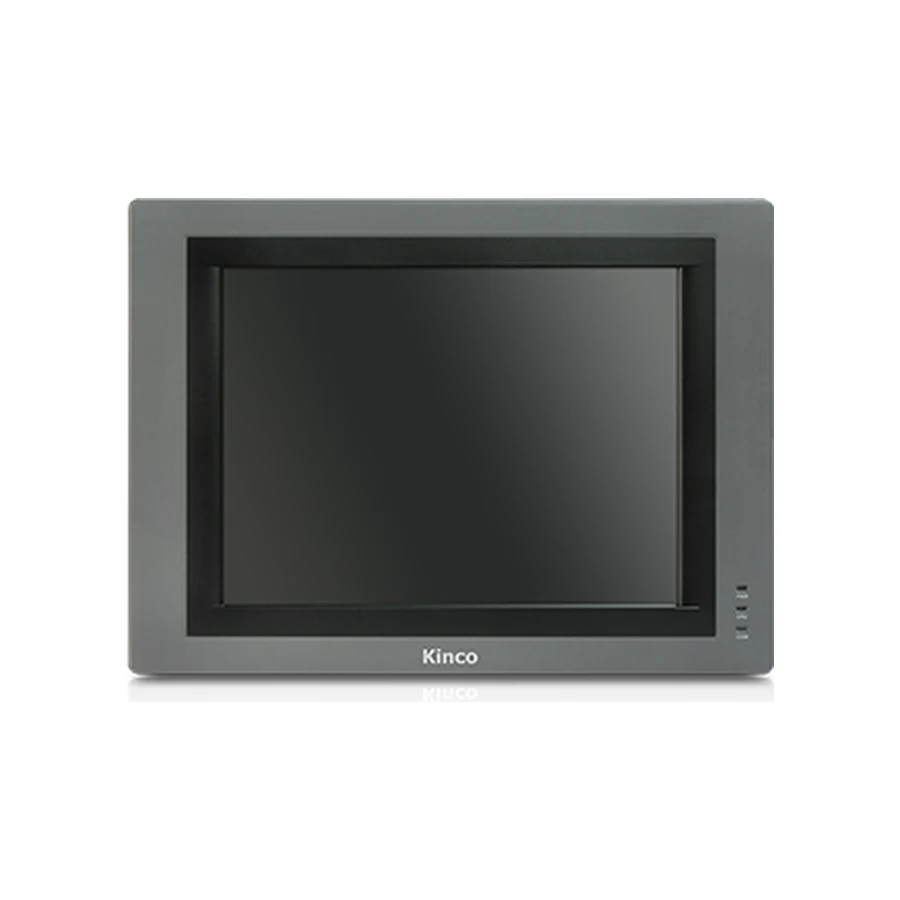
The Kinco G121E combines a 12.1-inch 800 × 600 display with one Ethernet port and three listed serial ports. Consider it when reviewing a larger 4:3 DTools operator layout and the existing cabinet can accommodate its 339 × 249 mm opening. The 350 × 260 × 54 mm body also needs rear cable clearance. Compare the actual project resolution, PLC driver and connector wiring before choosing; a newer panel with a similar diagonal may require different mechanical and software work.
Kinco G121E HMI Panel Overview
G121E is a specific G1 model for a larger operator interface, with Kinco DTools listed as its configuration software. Its 800 × 600 pixel format matters as much as the 12.1-inch diagonal. An existing project built around that format should be examined at its intended dimensions before the team decides whether to preserve the interface or redesign it.
Start with the installed label, editable project and cabinet drawing. Those three records answer different questions: which hardware is present, how the application was built, and whether the installation can accommodate the selected panel. A catalogue photograph cannot substitute for any of them when planning work on an existing machine.
G121E for Larger Existing 4:3 Operator Layouts
A larger 4:3 layout can keep related status indicators, alarm details and operating controls together without forcing a widescreen redesign. That is useful when an established workflow depends on operators recognizing the same page structure during setup and fault recovery. Review the actual screens rather than assuming that more physical display area creates more usable information.
For example, a maintenance page may place equipment status on the left and adjustment fields on the right. Assess label size and touch spacing at the installed viewing distance, including the longest alarm descriptions and translated text. The G100 DTools panel offers a separate comparison when another screen format is acceptable, but its own opening and page geometry must be assessed. The choice should follow the operator task and cabinet, not diagonal alone.
G121E Ethernet, Three Serial Ports and Memory
G121E lists one Ethernet port together with COM0 supporting RS232/RS485/RS422, COM1 supporting RS485/RS422 and COM2 supporting RS232. These give several physical connection paths to evaluate. They do not establish that every PLC protocol can be used or that an existing serial lead is correctly wired for this panel.
The memory listing is 128 MB RAM and 256 MB flash, and the touch panel is 4-wire resistive. Include project graphics, recipes, history and language requirements in the capacity review. Retained machine data also needs a documented handling method during a change. Keep the complete specifications in the existing product table; the engineering decision is how those values serve the actual application, rather than how many features can be copied into a purchase description.
G121E PLC Ports and Driver Checks
A PLC model name without its CPU and communication details can leave several possible connection methods. Record the exact controller, any communication module and firmware, then identify the protocol already configured on the machine. Match that record to the applicable DTools driver and documentation.
Match G121E PLC Drivers and Cable Pinout
For a serial connection, compare the electrical mode and pinout on both ends of the cable. For Ethernet, establish the supported protocol and network configuration without treating the RJ45 port as a compatibility promise. Use the PLC compatibility guide for this review and the PLC no-response troubleshooting process if the documented link does not operate as intended.
Commission through read-only observations before considering writes. Any controlled write needs an isolated setup or safely stopped machine and the responsible PLC engineer’s agreement. Existing PLC safety logic and permissions remain responsible for accepting or rejecting actions.
G121E 339 × 249 mm Cut-out and Body Dimensions
Measure the 339 × 249 mm Opening for G121E
Use 339 × 249 mm for the opening and 350 × 260 × 54 mm for the panel body. The front-door survey should cover the actual opening, remaining material around it and access to the mounting positions. A larger faceplate does not resolve an unsuitable opening or interference behind the door.
At the rear, reserve room for connectors, cable bends and maintenance access beyond the 54 mm housing depth. Inspect nearby ducts and terminals with the door in position. The DC input range is 12 to 28 V; review the machine supply and grounding against the applicable installation instructions. Request a dimensional drawing for the selected model before machining. The illustration and product image explain overall fit but do not prove connector arrangement or signal assignment.
Preserve the original editable project and record its working DTools version before preparing another target. Use a copy to inspect G121E selection, the 800 × 600 screen setting and each configured communication channel. An application recovered only as a runtime file should not be assumed to provide the same editing options as the source project.
The article on DTools software for G121E covers the general software acquisition process. Request a model-applicable manual or datasheet with the hardware revision and document language where needed. Review fonts, recipes, alarms and retained settings as part of acceptance. Opening a file successfully is only one stage; the application also needs to render correctly and communicate as intended on the selected hardware.
G121E Existing-Panel Fit and Project Checks
The Kinco GT2121E2 HMI Panel is a comparison candidate, but its listed 299 × 219 mm opening differs from G121E’s 339 × 249 mm opening. Its 1280 × 800 resolution also differs from 800 × 600; both list DTools. Those mechanical and display differences require an explicit redesign assessment.
For a further software-generation comparison, review the G2121E2 DTools Pro family. Do not transfer G121E project or cable assumptions to it. Follow the G121E project migration checks and the HMI panel replacement checklist for the wider process. Keep the initial shortlist tied to measurements, software evidence and documented interfaces before deciding which conversion work is justified.
G121E Price and Quotation Details
Request G121E by model code, quantity and destination, adding the required delivery date. If preserving an old interface is the priority, describe the existing 4:3 project and its DTools version. If cabinet fit is the constraint, attach opening measurements and photographs of the rear installation area.
A technical inquiry benefits from the PLC identification, cable type and current connection method. Specify whether the requested document is a datasheet, installation drawing, configuration manual or communication reference, and state the needed language. These details make the response useful for selection. Price and lead time are provided for the actual inquiry, while application acceptance remains a separate engineering activity using the selected model and project.
G121E Selection FAQ
Which display resolution and software does Kinco G121E use?
It uses an 800 × 600 display with Kinco DTools listed for configuration. Review the existing page proportions when comparing it with newer widescreen panels of a similar diagonal.
What cut-out and rear clearance does G121E need?
The opening is 339 × 249 mm and the body is 350 × 260 × 54 mm. Add connector and service clearance using the applicable drawing and an actual cabinet survey.
How do I check G121E against my PLC driver and project?
Match CPU, module, firmware and protocol to the DTools driver. Then verify the project target and wiring before controlled communication and application testing.
How can I request a G121E datasheet, manual or quotation?
Send the code and any revision details, with the document type and language. Add quantity, destination and required date for a quote, together with installation evidence if selection help is needed.