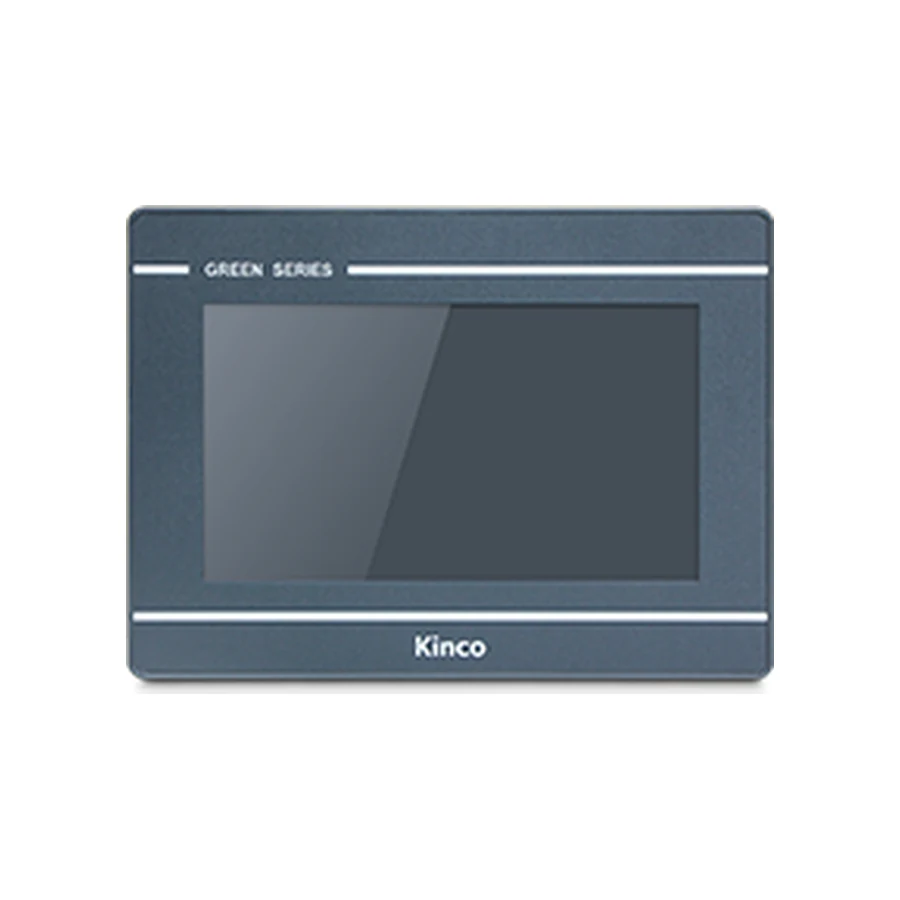
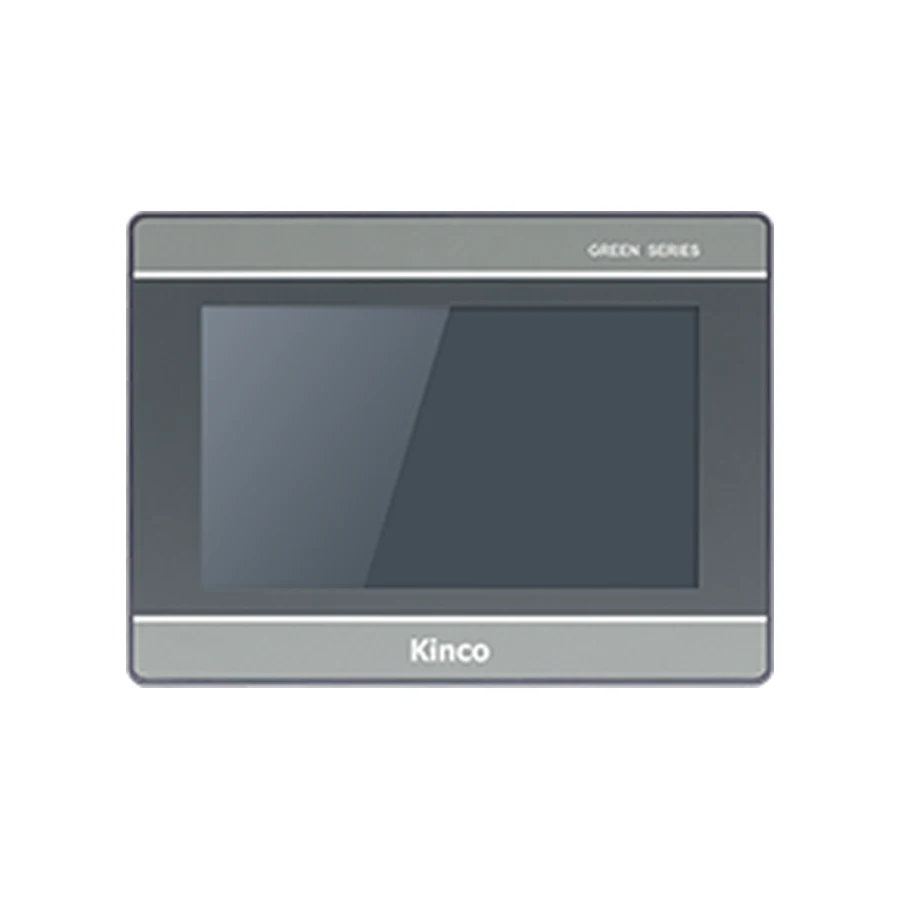
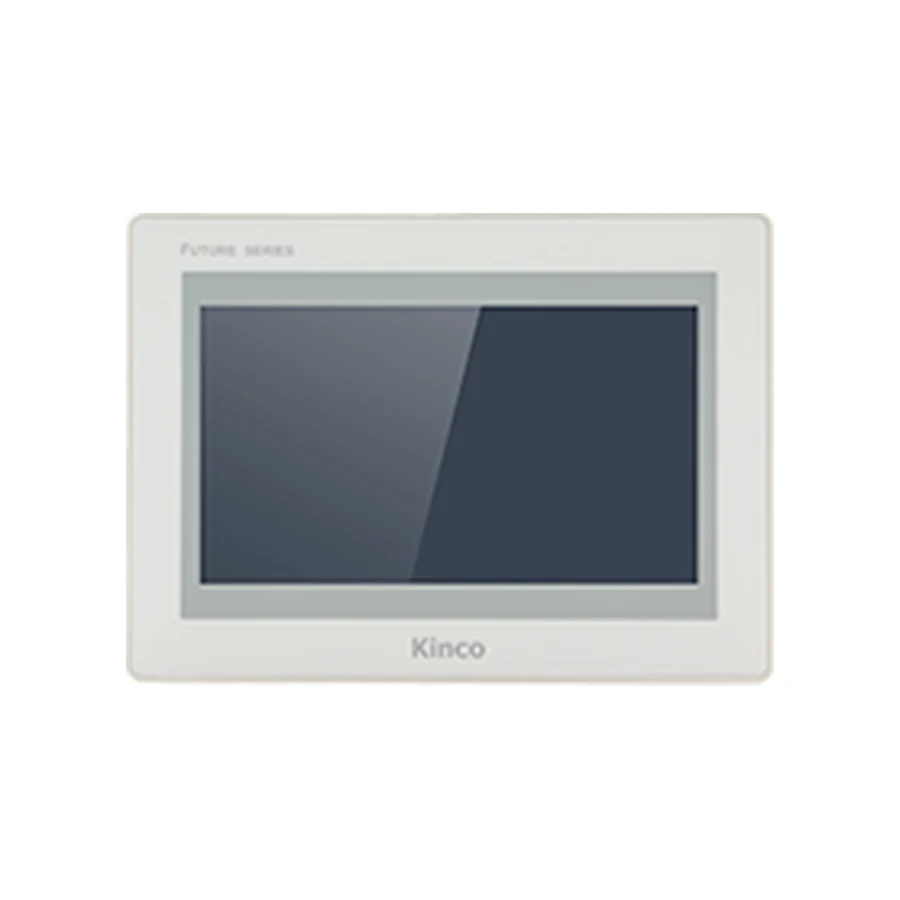
Kinco model families help narrow a selection, but a family name does not establish every port, programming package or replacement condition. Separate the catalogue tiers from the actual GL, GH, G, GT, MT, M2 and FUTURE families. Compare the family-level requirements here, then open the full product code for its specifications. Use detailed comparison guides when a change of generation affects an existing project.
Separate Catalogue Tiers from Product Families
A catalogue category answers where to browse. A family identifies a group of products. A full code identifies the hardware record to inspect. Keeping those three levels separate prevents a broad category name from becoming an unsupported technical promise. Start with the machine’s fixed requirements, such as its cabinet opening and controller connection, and use the family guide to reduce the remaining choices.
Basic, Standard and Advanced Are Navigation Groups
The Basic catalogue groups GL, GL2, MT and M2 panels for discovery. The Standard catalogue helps browse GH, G1, G2 and GT2. The Advanced catalogue provides the FUTURE range. Those groupings do not define one shared programming package, one protection level or one set of supported protocols.
For example, two panels placed in Basic can use different software families. Likewise, a Standard grouping cannot establish whether a particular serial channel offers RS422 or whether a wireless option is included. Use the category to find candidates, then record the actual code and its software alongside the project requirement.
Historical MASS Naming Needs a Dated Source
An enquiry for a Kinco MASS series HMI needs its original context. The materials reviewed for this guide do not establish what MASS means for a specific model or prove that it is an alternative name for one of the current catalogue families. A familiar sales description is insufficient evidence for assigning a technical alias.
Provide the dated catalogue page, rear label or original quotation containing the term. Preserve the full code exactly as printed. Until that evidence is available, compare the identifiable hardware and project requirements without translating MASS into GL, MT, M2 or another family. This avoids turning an uncertain historical name into an ordering instruction.
Compare GL and GL2 Hardware Generations
GL and GL2 are useful starting points for a comparison of software and display generation. In the reviewed records, GL070 uses DTools and 800 × 480 resolution; GL2070HE uses DTools Pro and 1024 × 600. Both have a recorded 192 × 138 mm cut-out, which makes them interesting candidates for assessment without proving project interchangeability.
The GL070 product record distinguishes GL070 from GL070E. That distinction matters when Ethernet is required: the recorded base GL070 has none, while GL070E has one port. A purchase request saying only GL series leaves an important hardware choice unresolved.
Use the GL versus GL2 comparison to assess the generation change in more detail. The selected 7-inch examples do not define the whole size range. When another size is required, return to the catalogue and obtain the full-code drawing and specifications instead of scaling the example’s dimensions.
For an existing project, separate the mechanical review from the engineering review. The same opening can reduce cabinet work, while the software change can still require conversion, screen inspection and a commissioning plan. Evaluate both work packages before deciding which generation is appropriate.
Compare GH, G1, G2 and GT2 Families
GH and G1 provide DTools examples, while G2 includes DTools Pro targets. Within the GH records, GH070 and GH070E are 7-inch examples with 800 × 480 resolution and a 194 × 113 mm opening. G121E is a 12.1-inch G1 example using DTools and an 800 × 600 screen. Their different sizes and geometry make a family-level label inadequate for replacement selection.
The G1 versus G2 guide explains why a later generation needs its own review. G2121E2 has a recorded 299 × 219 mm opening, whereas G121E uses 339 × 249 mm. Both carry a 12.1-inch description, but the cabinet dimensions and display formats differ.
The G2070HE product group illustrates how several complete codes can share a product page. The base G2070HE has one Ethernet port; G2070HE2 has two. Specify the actual code, then assess the network arrangement and software driver required by the connected equipment.
G2 and GT2 Require Separate Software Checks
Similar generation numbers do not establish a common engineering platform. GT2100E uses DTools in the current records, while G2100E uses DTools Pro. They share a representative 1024 × 600 resolution and 260 × 179 mm opening, yet that geometry does not settle the software question.
If a project must move between these targets, establish the documented conversion route for the releases involved. Keep the editable source and inspect objects, communication drivers and stored data after conversion. A file that opens without an error is not evidence that every operating function has been retained.
Compare MT and M2 Panels
MT and M2 are another case where a generation name should lead to a focused comparison rather than a broad assumption. MT070 is recorded with 800 × 480 resolution, while M2070H has 1024 × 600. Both use DTools and share a recorded 192 × 138 mm opening. The MT versus M2 comparison develops those differences for project assessment.
That matching software name still leaves release support, fonts, objects and device-driver selection to verify. If screen geometry changes, inspect the actual target display rather than assuming that the old arrangement fills the new resolution correctly. Readable alarm messages and reachable entry controls matter more than retaining every pixel position.
Treat M2070HE and related suffix records carefully. The current source records do not support inferring wired Ethernet from HE alone. Ask for applicable code-specific documentation where a port claim is material to the order. A naming expectation cannot resolve conflicting or incomplete interface information.
Review FUTURE Series 2 Requirements
For a Kinco FUTURE HMI enquiry, identify the F2 code and required screen format before comparing it with other families. F2070E is a recorded 7-inch DTools Pro example with 1024 × 600 resolution and one Ethernet port. It is not the same code as F2070E2, whose display specification must be read separately.
FUTURE Series 2 also includes larger-screen choices, but an advanced catalogue position should not substitute for a requirement. Establish whether the machine needs a particular resolution, connection count or optional communication arrangement. F2150E2 has recorded built-in WiFi; that fact belongs to that code rather than every F2 panel.
For a comparison request, describe the operator workload and existing system constraints. Dense production information, multiple connected devices and restricted cabinet space can pull a selection in different directions. The appropriate candidate satisfies the combined requirements; the family name alone cannot rank those priorities.
Read Model Names without Assuming Compatibility
Use a Kinco HMI model code as an identifier that points to evidence. Keep letters, digits, hyphens and suffixes in the enquiry, document request and order confirmation. A shortened code can erase the very feature that distinguishes two otherwise similar candidates.
Check E, WIFI, 4G and CAN within the Actual Family
The reviewed GL070/GL070E pair demonstrates a concrete Ethernet difference. It does not establish a universal decoding rule for E across every historical and current family. Similarly, WIFI, 4G and CAN must be checked within the actual model record, together with included hardware and applicable software support.
A CAN physical interface is not proof of the particular CAN protocol your equipment uses. Wireless hardware does not establish remote-service availability or permission to access a machine network. Controller CPU, modules, firmware and the selected driver can all affect a proposed connection. Keep these dependencies in the technical enquiry.
Frequently Asked Questions
Is Basic a software family?
No. It is a navigation grouping in this catalogue. Read DTools or DTools Pro against the complete hardware code and confirm that the required release supports the target.
Are G2 and GT2 the same platform?
Do not assume so. The GT2100E and G2100E records assign different software families despite shared example geometry. Assess the actual engineering project before choosing between them.
Does E always imply the same feature?
No universal rule is established by the reviewed evidence. Explain a suffix through a documented code pair where possible, and request the applicable specifications when a naming assumption would affect selection.