Plan a Kinco HMI connection to a Schneider Modicon PLC by confirming the service available to the HMI. A controller’s Modbus client capability does not prove that an appropriate server is enabled. Record the exact CPU, firmware, chosen driver and TCP or serial route. Keep register type and address convention separate, then compare one known value and its multiword interpretation before testing a designated write.
Connecting industrial operator interfaces to Schneider Electric programmable logic controllers requires a methodical understanding of industrial communication services. While Modbus protocols are widely supported across automation platforms, successful integration depends on configuring appropriate server listeners, memory mapping tables, and data formatting parameters. Engineers must verify controller communication settings thoroughly to establish reliable data acquisition loops.
Identify the Modicon CPU and Enabled Server Service
Client Capability Versus HMI-Facing Server Access
A common integration pitfall occurs when engineers assume that a Modicon PLC capable of executing Modbus communications will automatically respond to external HMI polling. A controller acting as a Modbus client initiates requests to field devices, but an operator interface terminal acts as a client requesting data from the PLC. Therefore, the PLC must have an active Modbus TCP server service or Modbus RTU slave port enabled to answer terminal polling requests.
In platforms such as Modicon M221, M241, M251, and M262, server services are configured within programming environments such as EcoStruxure Machine Expert. System integrators must confirm that the target Ethernet port allows Modbus TCP server traffic, that appropriate firewall filtering rules are enabled, and that connection limits are not exceeded by concurrent programming software sessions or SCADA connections.
M241 Reference Scope and Other Controllers
Documented application examples often reference specific controller families such as the Modicon M241. While fundamental Modbus principles remain consistent across Schneider platforms, memory allocation rules and configuration menus vary between controller lines. For example, internal %MW memory mapping in an M221 controller differs from symbolic tag handling in larger PacDrive or Modicon M580 architectures.
Automation specialists must consult the specific hardware reference manual for their installed processor model. Do not apply connection guidelines established for an M241 controller to an M251 dual-Ethernet processor without verifying network port roles. Confirm which Ethernet interface is designated for industrial machine network traffic and which is reserved for plant-wide supervisory control.
Verify the Kinco Driver and Communication Route
Kinco configuration software provides dedicated communication drivers tailored to Schneider Electric controllers. When creating a project in DTools or DTools Pro, integrators must select the driver that aligns precisely with the planned physical interface and protocol standard. Drivers are optimized for either serial Modbus RTU/ASCII links or Ethernet Modbus TCP connections.
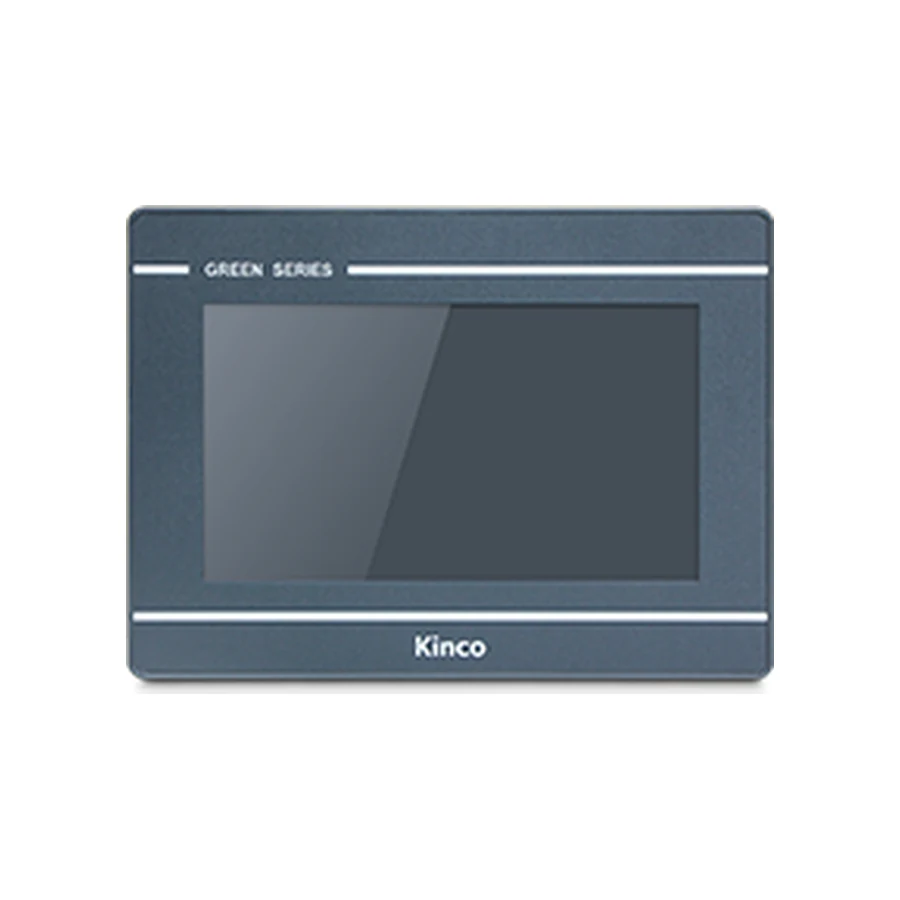
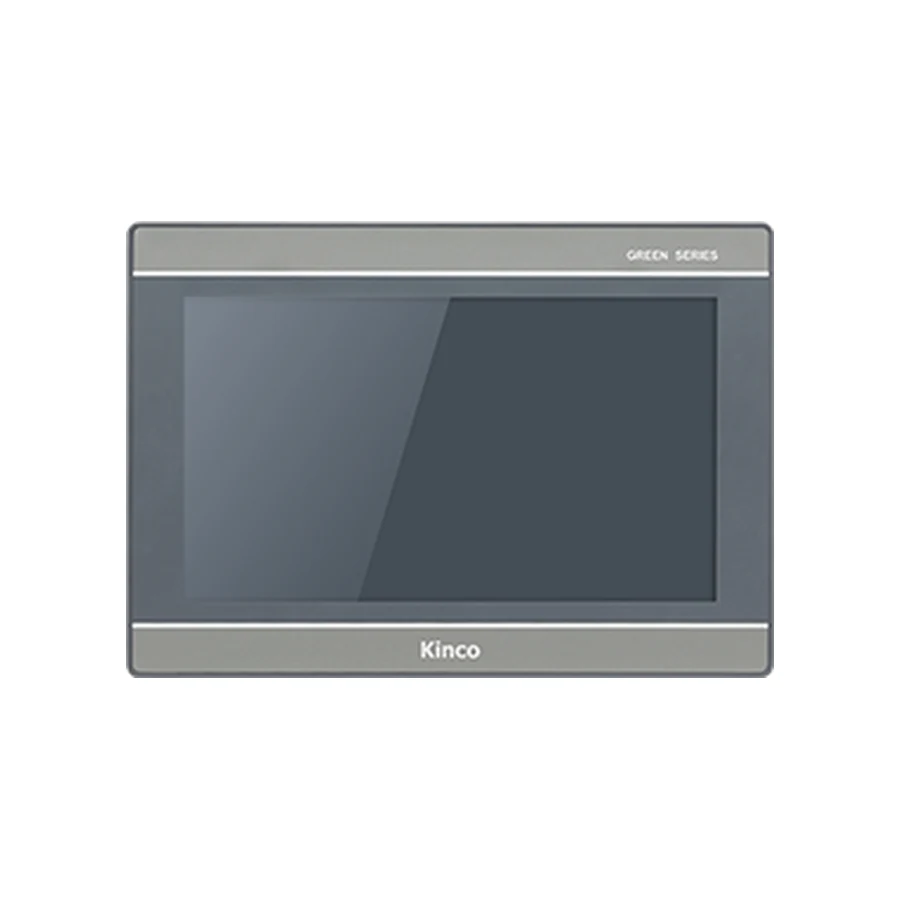
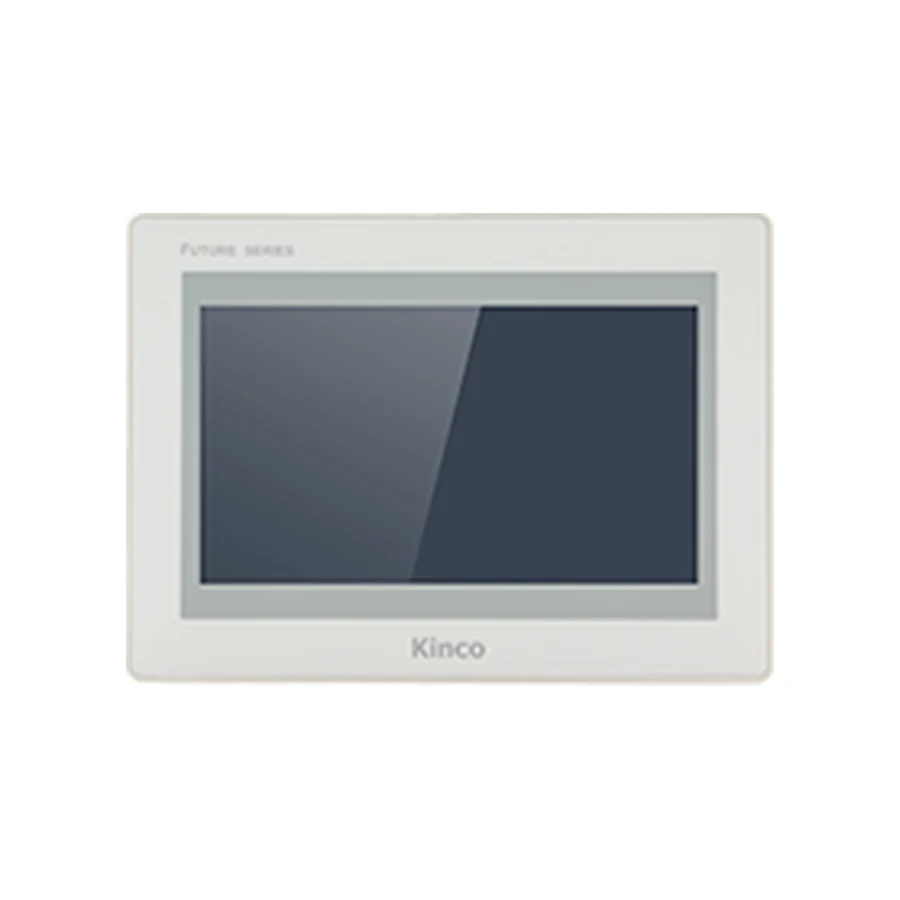
Selecting an appropriate communication route involves assessing physical cabling distances, required polling update rates, and environmental electrical noise levels. Review the Kinco HMI Modbus RTU vs TCP comparison guide to evaluate wiring requirements and transmission speed trade-offs. For general protocol verification, consult the Kinco HMI PLC troubleshooting guide if initial communication requests fail to establish. Examine compatible terminals such as the Kinco GL070 HMI Panel and Kinco GL2070HE HMI Panel when specifying field hardware.
Record TCP or Serial Connection Parameters
Serial communication architectures require precise alignment of physical transmission parameters. When communicating over RS485 or RS232, configure matching baud rates, parity settings (Even, Odd, or None), data bits, and stop bits between the PLC serial port and the HMI configuration settings. Modbus RTU typically defaults to 19200 or 9600 baud with Even parity, but field settings must match exactly.
For Modbus TCP networks, record the static IP address, subnet mask, and default gateway assigned to the PLC. Modbus TCP standard communications operate over dedicated TCP port 502. Integrators must also verify the Modbus Unit Identifier (Slave Address) configured in the driver settings. Although Ethernet IP routing directs packets to the controller, the internal Modbus server daemon often requires a matching Unit ID (typically 1 or 255) to process incoming read/write requests.
Match Register Types and Address Conventions
Display Address Versus Driver Register Input
Modbus memory structures categorize data into discrete inputs, coil outputs, input registers, and holding registers. In Schneider controllers, internal memory is frequently referenced using %MW (holding register) notation. However, mapping %MW memory addresses to Kinco driver registers requires careful attention to addressing offset conventions.
Some industrial drivers follow zero-based addressing where %MW0 corresponds to register 400001 (or 00000 in hexadecimal), while other drivers use one-based addressing where %MW0 maps to register 400000. System integrators must verify addressing documentation within the driver manual rather than assuming a universal offset. Applying an incorrect offset causes the operator terminal to read adjacent memory registers, resulting in confusing data displays or operational errors.
Check Multiword Data and Word Order
Industrial automation processes frequently process numerical values that exceed 16-bit integer capacities, including 32-bit floating-point process temperatures, totalized flow volumes, and long integer encoder positions. These variables occupy two consecutive 16-bit Modbus registers, necessitating careful verification of word ordering conventions.
Schneider Electric controllers typically store multiword variables in Big-Endian (high word first) or Little-Endian (low word first) word order. If the HMI driver reads multiword registers using mismatched word sequence settings, numerical values will appear completely corrupted despite successful communication polling. Integrators must verify 32-bit float and double-word swap settings within the driver dialog to guarantee accurate data representation.
Verify One Known Read Before Approved Writes
Commissioning an HMI-to-PLC communication link should always follow a conservative, phased testing procedure. Begin by configuring a dedicated commissioning screen that monitors a single known, non-critical integer register—such as a free-running system timer (%SW) or a static test variable. Verifying that the terminal displays this reference value reliably confirms that physical cabling, baud rates, and station addresses are configured correctly.
Only after confirming stable read operations should engineering teams proceed to test output writes. Initial write verification should target an isolated test variable (%MW) rather than active machine actuation bits. Monitor the controller programming software concurrently to confirm that value changes initiated from the HMI screen update the target PLC memory register cleanly without triggering controller faults or communication timeouts.
Diagnose Plausible but Incorrect Values
When an operator panel displays plausible but incorrect numerical readings, field technicians must diagnose the underlying root cause systematically. If numerical values are off by an exact factor of ten, verify decimal point scaling parameters configured in the numeric display element. If readings fluctuate wildly or display astronomical values, recheck 32-bit floating-point word order and byte swap configurations.
If numerical values appear shifted by exactly one step (for example, displaying the setpoint of Zone 2 in the Zone 1 display window), re-evaluate zero-based versus one-based register offset settings. Documenting verified register maps and communication parameters on a comprehensive commissioning worksheet ensures smooth field handover and simplifies future machine maintenance.
Frequently Asked Questions
Does a Modicon Modbus client capability prove HMI access?
No. A PLC configured as a Modbus client initiates requests to external slave devices. To answer polling requests from an HMI terminal, the controller must have an active Modbus TCP server service or Modbus RTU slave port enabled and properly configured.
Should every Schneider register use the same offset?
Yes, within a specific driver configuration, addressing offset rules (zero-based vs. one-based) apply uniformly across the memory block. However, integrators must verify whether the selected driver expects %MW0 to map to register 400001 or 400000 to prevent global one-word addressing shifts.
Why can a connection return plausible but incorrect values?
Plausible yet incorrect readings typically stem from mismatched 32-bit word ordering (swapped high/low words), incorrect variable data type selections (integer vs. IEEE float), decimal point scaling errors, or a one-register addressing offset error reading adjacent memory.