Choose Modbus RTU or TCP from the connected device’s documented service and the HMI’s exact interfaces. The transport is only part of the task: client and server roles, station or unit identification, register notation and data interpretation must also match. Build a device map before configuring the driver. Start with one approved read-only value and compare the result with the device’s engineering record before testing writes.
Choose RTU or TCP from the Device Service
Begin with the PLC, drive or instrument documentation. Identify the available port, enabled protocol and register map for the installed code and configuration. Modbus RTU commonly uses a supported serial route such as RS485, while Modbus TCP uses a TCP/IP connection. The device must provide the intended service; a matching electrical or network interface is not enough.
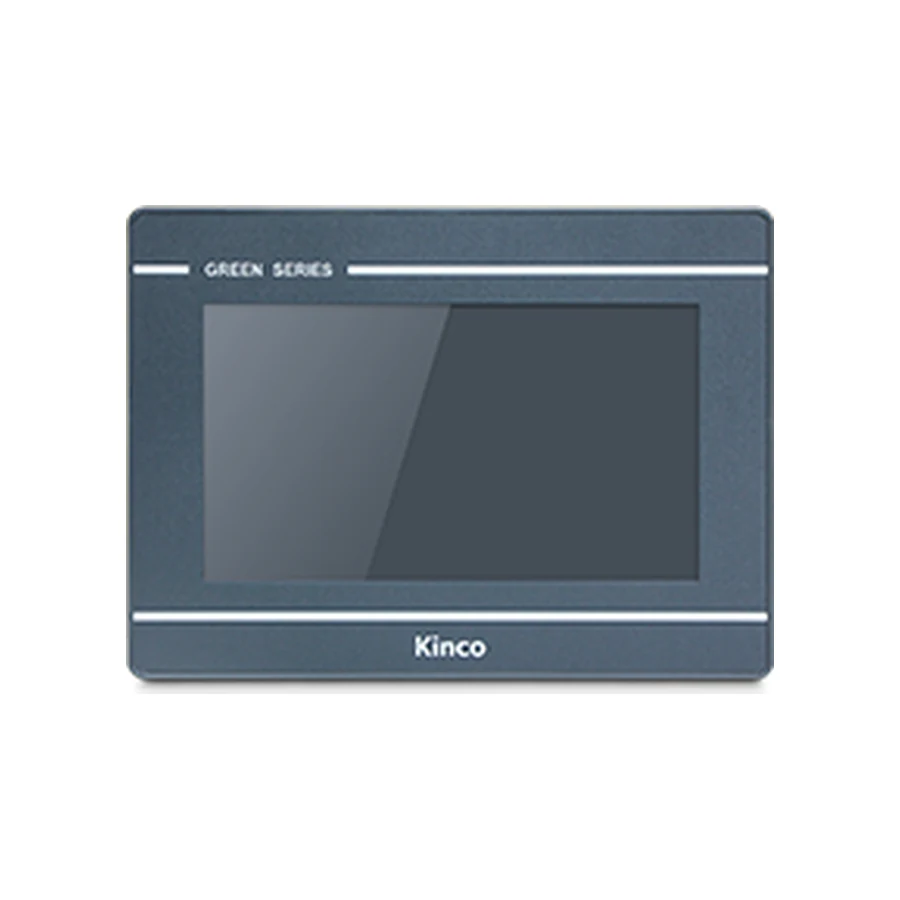
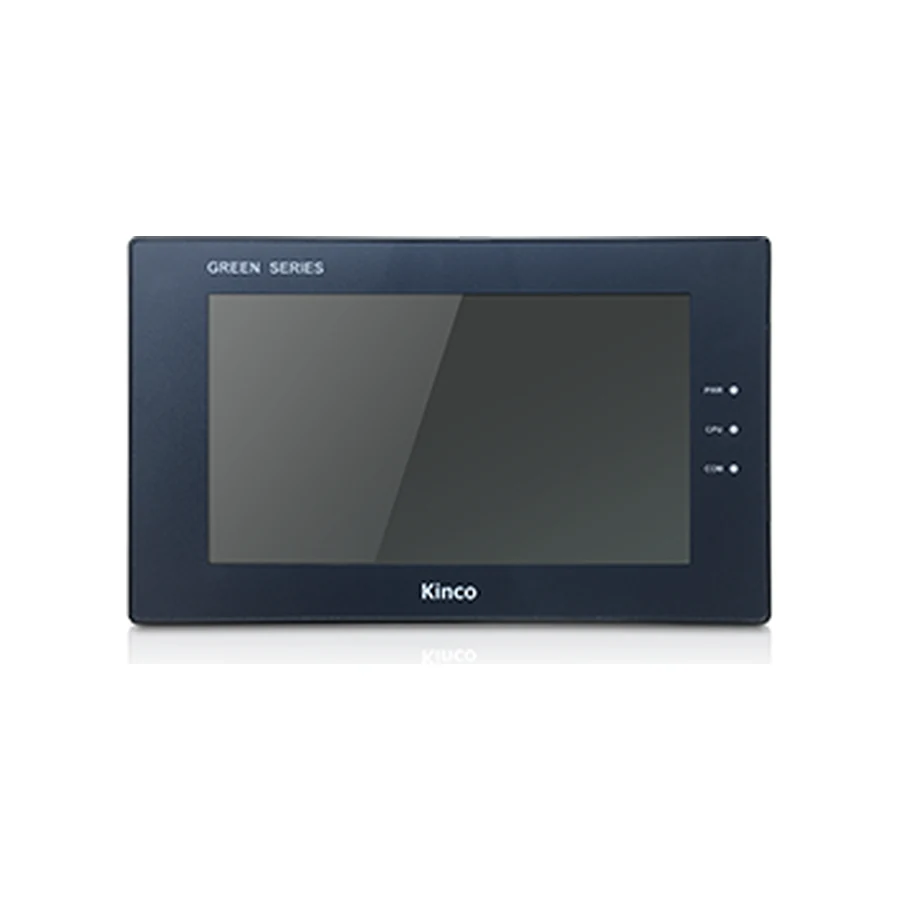
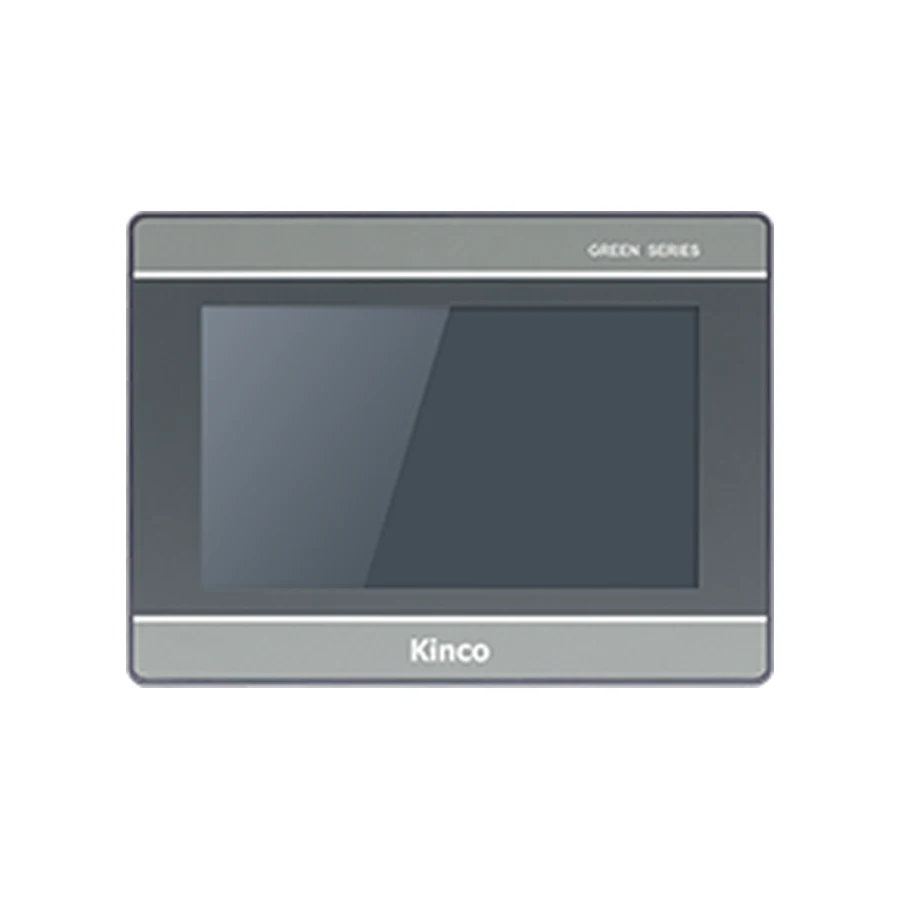
Select the HMI hardware and software environment after establishing that requirement. The GL070 and GL070E interface record distinguishes variant choices, and the GL2070HE target information supplies another representative hardware and software entry. Confirm the applicable driver and release rather than inferring protocol support from their connectors.
The Ethernet versus serial selection guide addresses installation and route choice. This article follows the next task: turning an available Modbus connection into a correctly interpreted value. Preserve an existing working configuration before proposing transport changes.
Define Client, Server and Gateway Roles
For the reading task described here, the HMI is the client requesting data and the connected device is the server responding. Older serial documents may call these roles master and slave. Verify the roles for the actual driver and service. A controller’s ability to initiate requests does not establish that it exposes the server interface the HMI requires.
Create one device-map row per data source. Keep device identity, role, physical interface, protocol, endpoint or station, register-map revision and owner together. This record prevents a group of unlabeled network connections from obscuring which device supplies a particular displayed value.
If a gateway is involved, describe both sides. Record how the gateway exposes downstream data, how it uses identification fields, and whether its map differs from the original device map. Do not treat a gateway endpoint as an interchangeable direct PLC connection. A request reaching the gateway does not prove that it reaches the intended downstream server.
The existing ABB Modbus TCP protocol reference provides context for terminology. Its presence here does not establish compatibility between a Kinco target and any particular ABB controller. Actual driver and device documentation still control the project.
Record the RTU Channel and Serial Parameters
Identify the exact HMI serial channel and electrical mode from the model document. RS232, RS422 and RS485 do not use interchangeable wiring instructions. Compare both devices’ pin assignments and the intended cable, including any shared connector arrangement. A plug fitting into a socket does not establish that the selected channel reaches the intended signals.
Record the accepted device identifier, baud rate, data bits, parity and stop bits. Confirm that both devices use the intended RTU mode. Do not import serial settings from an unrelated tutorial simply because the other equipment also uses Modbus. Keep the panel channel and device port in the same worksheet.
Review topology, termination, shielding and grounding against the actual equipment instructions and approved installation. If an existing bus is in use, establish its device roles and ownership before adding another client or moving a connection. An available socket does not prove that an additional communication resource is available.
For the first test, preserve the starting wiring and settings. Record any justified change separately with its result. This makes it possible to distinguish a wrong channel from a parameter mismatch instead of changing both and losing the cause of the original failure.
Record the TCP Service and Unit Identifier
Confirm that the selected panel has Ethernet and that the device exposes the required Modbus TCP server service. Record the actual endpoint, configured service parameters and permitted network route. Identify the unit field according to the server or gateway documentation rather than assigning one universal meaning or default.
Review duplicate addresses and destination identity in the intended commissioning arrangement. A bench cable, machine switch and routed plant connection can involve different network reviews. Where a panel provides two Ethernet ports, establish their documented behavior before assuming bridging or independent network functions. Port count alone does not define the topology.
Keep network reachability, service availability and register correctness as separate results. A ping can help locate an addressing problem, but it does not prove a successful register read. Likewise, a project download from the computer to the HMI establishes a different path from the HMI requesting data from the server.
Translate Registers with the Driver Convention
Select one approved observation variable and give it a consistent identity throughout the worksheet. Link the device’s map entry to the driver’s actual address entry and then to the first-read result. This avoids creating several unrelated tables that appear complete but never demonstrate that the same variable was tested.
Register Type Versus Display Address
Identify the map’s data area, supported operation and access conditions. Coils, discrete inputs, input registers and holding registers are different categories. The map’s heading and operation matter alongside the displayed number. If the driver selects the area separately, preserve that selection with the entered address.
| Test-variable record | Evidence required |
|---|---|
| Device map entry | Variable meaning, area and applicable map revision |
| Driver representation | Area selection and documented address-entry rule |
| Interpretation | Width, signedness, word order and scaling |
| Expected observation | Engineering reference and machine condition |
| First-read result | Returned value, update behavior and test date |
Zero-Based and One-Based Conventions
Determine whether the server documentation uses protocol offsets, one-based locations or a prefixed reference notation. Then determine what the selected driver expects. Do not apply one offset rule across all maps or assume a familiar reference number must be entered literally. Record the documented relationship for the chosen variable without extending it to an unrelated device.
A response without a protocol error can still come from the wrong valid register. Have the mapping reviewed before expanding the tag list. If the map or driver entry rule is missing, obtain that evidence rather than testing neighboring locations until a plausible number appears.
Verify Data Type, Word Order and Scaling
A Modbus register carries a word, while an application value may occupy one or several words. Establish whether the chosen item is a signed count, unsigned value, scaled integer or multiword representation before formatting the display. A value’s apparent range is not reliable evidence of its underlying type.
Multiword Values and Word Order
For multiword data, verify the starting location, width and documented ordering against the driver’s supported settings. Incorrect interpretation can produce extreme, unstable or deceptively plausible readings. Do not adjust word order merely until the display looks reasonable. Compare with a known engineering value and preserve the reason for the selected interpretation.
Record raw data, engineering unit and scale together. Establish whether conversion occurs in the device, driver or display so it is not applied twice. Observe another documented value or an approved change to confirm update behavior. The purpose is to show that the displayed number has the intended meaning, not simply that data arrives.
Document One Known Read and Controlled Write
Use a small diagnostic page with one approved read-only observation and a communication indication. Compare the HMI value with the engineering reference under the same condition. Record response status, meaning and update behavior separately. Save the working project as a baseline before adding more variables.
If no useful response appears, investigate the applicable RTU or TCP route, roles and service configuration. If responses arrive with incorrect values, review the map and interpretation. Use the PLC No Response diagnostic guide with the exact observations rather than replacing hardware before identifying the failing stage.
Writes need separate acceptance conditions. The machine owner must approve a designated commissioning variable, its effect and permitted range. Confirm access, maintenance conditions, PLC interlocks and expected read-back. Keep the PLC responsible for control and safety logic. Never write an arbitrary process parameter merely to test network connectivity. Remove temporary controls after the approved test.
For another hardware candidate such as G2070HE, retain the same service and data requirements in the target review. Keep the final driver, map, source project, documents and observed results with the machine handover.
Modbus First-Read Questions
Does receiving Modbus data prove the value is correct?
No. Verify the source address, interpretation, unit and update behavior against a known reference.
Should every driver use the same register offset?
No. Use the actual device map and the selected driver’s address convention together.
What should be checked before writing a Modbus value?
Confirm an approved variable, permissions, range, machine condition, PLC interlocks and read-back. Establish correct reads first.