Choose a Kinco HMI for a packaging machine by mapping the operator’s tasks before selecting a screen. A filling and labeling example can reveal the status, recipe, changeover and alarm information that must be available. Identify whether each device talks directly to the HMI or through the PLC. Keep control and interlock decisions in the approved machine design, then translate operating requirements into panel and acceptance criteria.
Map the Filling and Labeling Operator Workflow
Consider a hypothetical machine that fills containers and presents them for labeling. This is a requirements example, not a tested customer installation or a control program supplied with a panel. Kinco’s filling and labeling application background provides industry context; it does not establish that the proposed interface has already been implemented.
Walk through a shift with the people who operate the machine. They may need to identify the active format, inspect station readiness, monitor production, investigate a stop and prepare the next product. Record what they need to see before each action. A readiness indication should name the relevant station rather than require the operator to interpret several unexplained controller bits.
Separate the overview from occasional maintenance work. Frequent navigation between unrelated screens can obscure a changeover, while placing every engineering parameter on the main screen can make routine operation harder. Sketch the required journey and list the longest labels, language variants and alarm messages. Those examples will later provide a realistic display review.
Define Device Data and PLC Responsibilities
HMI Commands Versus PLC Interlocks
An operator button requests an action. The PLC and approved machine design determine whether conditions permit that action and how the sequence proceeds. Define a request signal, the accepted state and the information shown when the request is refused. A button changing color immediately after a touch is insufficient evidence that the equipment accepted the command.
Keep process and safety responsibilities in their approved control architecture. The procurement brief should distinguish panel hardware, interface programming, PLC changes and commissioning. This avoids treating a touch screen quotation as a complete packaging control solution. When commissioning writes are required, identify the designated test variable, permitted machine condition, responsible engineer and restoration procedure before testing.
Direct Device Links Versus PLC-Supplied Data
For every printer, scanner, drive or labeler, record whether the PLC supplies its information or the HMI needs a separate connection. A printer may only need a ready signal already available through the controller; another task may require documented data exchange with the printer itself. These are different connection requirements.
Use the PLC compatibility evidence guide to record the CPU, communication module, selected driver and enabled service. A physical Ethernet or serial socket does not prove that the required device protocol is supported. Each additional direct link also needs a channel assignment, address map and acceptance test.
Specify Recipes and Format Changeover Checks
A recipe requirement begins with the format name, revision and permitted parameter set. Define each field’s unit, precision, allowed range, editing permission and controller destination. Potential examples include a fill target or timing parameter, but their actual meanings and limits must come from the machine designer. Do not invent operating values merely to populate an interface demonstration.
Recipe Data Versus Approved Machine Limits
An editable recipe is not authority to override approved limits. State where limits are enforced and how rejection is communicated. Distinguish the record selected on screen, values pending transfer and the parameter set accepted by the PLC. If partial communication loss occurs, the operator should not be left with an apparently complete format change whose actual state is uncertain.
Write the changeover sequence as observable steps: select the intended record, review critical fields, request transfer under permitted conditions, receive controller confirmation and verify the accepted format. Add a defined response for cancellation, rejected values and interrupted transfer. These are application requirements to verify against the chosen software and target, not functions assumed to be identical across every model.
Where retention matters, identify who maintains the approved recipe copy and how restoration will be checked. A memory specification does not establish recipe capacity, backup behavior or retained history. Ask for the relevant project demonstration and matching software documentation.
Plan Station Alarms and Recovery Information
An alarm should help the operator locate the interruption and follow the approved response. Include station identity, a meaningful condition description, the source signal and a route to useful status information. Equipment fault meanings should come from that equipment’s documentation. Avoid translating an unfamiliar fault number into an unsupported instruction.
| Hypothetical condition | Information required | Recovery evidence |
|---|---|---|
| Filling station not ready | Station and missing readiness condition | Controller confirms readiness after approved action |
| Labeler interruption | Device identity and documented fault meaning | Actual device state agrees with the interface |
| Format rejected | Requested format and rejection reason | Accepted parameter set is identified |
| Device data unavailable | Affected connection and invalid-data indication | Fresh information returns through the intended route |
Acknowledgement, cause removal and permission to restart are separate events. An acknowledgement may show that someone has seen the message; it must not imply that the underlying condition has disappeared. Define which state clears an alarm and which controller confirmation permits normal operation.
If historical records are needed, describe the question they must answer. Service diagnosis may require station identity and event order, while shift review may need different context. Specify timestamps, retention and retrieval requirements, then verify the implementation rather than inferring a guaranteed history from storage size.
Choose Display and Communication Requirements
Review a representative operating screen with actual labels, units and touch controls at the intended mounting position. Compare readability during normal running with the information needed during a stop. The display size and touch comparison explains why diagonal, resolution and usable physical control size need separate decisions.
Prepare a device-to-channel list showing simultaneous links. Record the protocol, electrical interface, required role and driver evidence for each one. Several listed electrical modes on a COM channel do not automatically provide several independent connections. Network sockets likewise require a documented topology rather than an assumption about isolation or routing.
Include cabinet opening, rear cable clearance, supply and cleaning conditions. A suitable screen layout cannot compensate for an installation outside the panel’s documented limits. Treat an unresolved connection or environmental condition as a selection gap with an owner.
Compare Panels Against the Packaging Brief
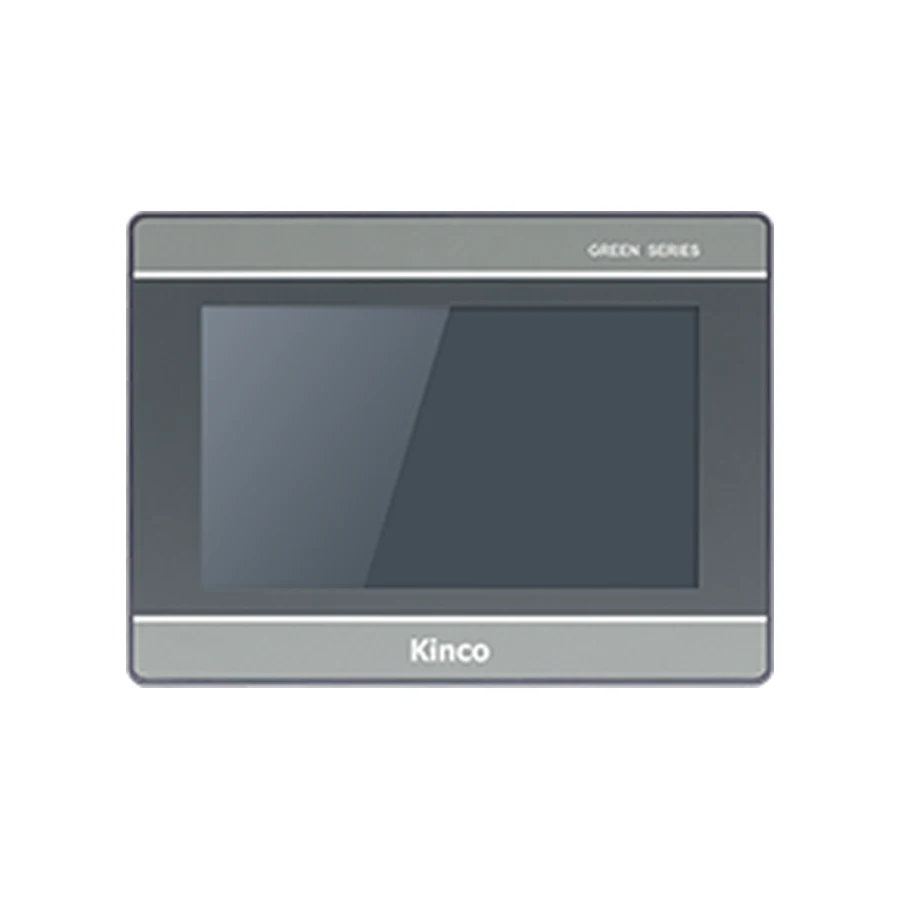
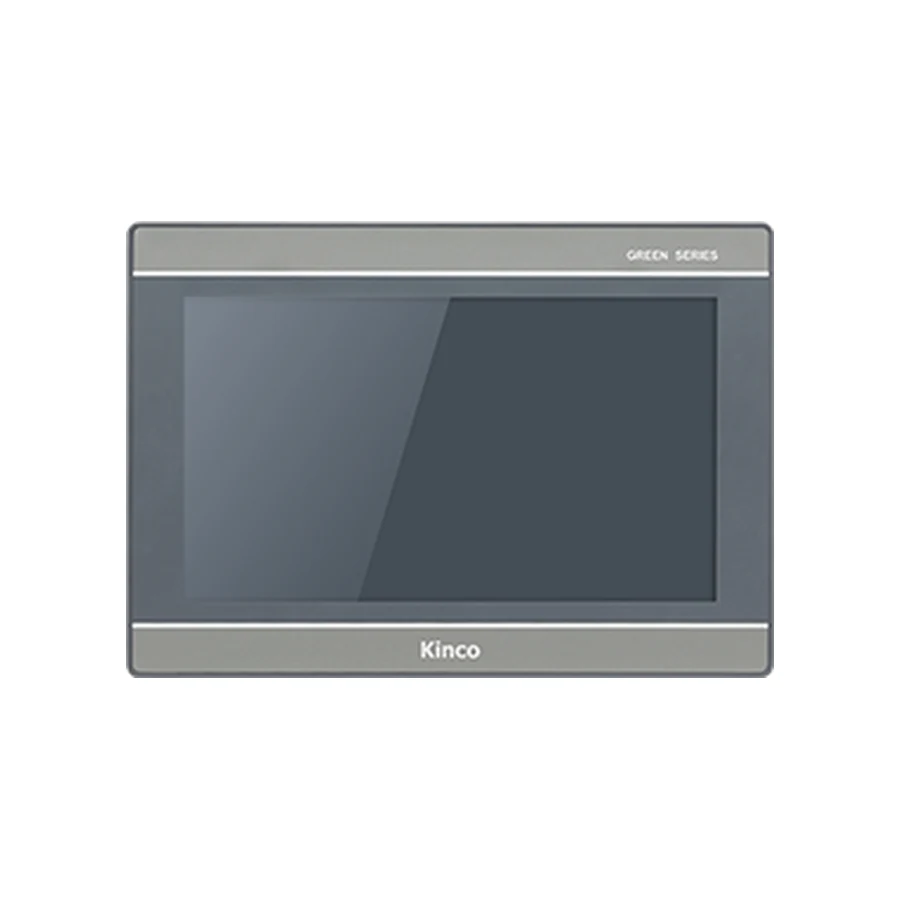
The GL2070HE model information and F2070E specification and document request provide two hardware review entries. Neither link establishes packaging-machine compatibility or a completed application. Use the actual brief to decide whether either merits further evaluation.
For each candidate, record the requirement it addresses, supporting document and remaining question. A higher resource figure is useful only in relation to the real screens, assets and application functions. Keep exact-code manuals and software requests on the product record so later substitutions are compared with the same evidence.
Record Acceptance Tests for Each Operator Task
| Operator task | Demonstration to request | Result to retain |
|---|---|---|
| Prepare a run | Show selected format and station readiness | Signals, expected state and observed state |
| Change format | Transfer approved fields and receive confirmation | Accepted revision and interruption behavior |
| Investigate a stop | Identify station, condition and permitted action | Message meaning and recovery confirmation |
| Lose communication | Distinguish unavailable information from current data | Affected device and recovery observation |
Keep results with the project version and responsible reviewer. These are proposed tests, not completed results. Include quantity and destination when requesting a quotation, and identify which application work remains outside panel supply.
Packaging Questions
Should a packaging recipe be controlled by the HMI alone?
Define the HMI’s selection and editing tasks alongside PLC validation and approved machine limits. A displayed recipe name does not prove successful transfer or permission to run.
When does a printer need a direct HMI connection?
When the required exchange cannot be supplied through the chosen PLC arrangement and a documented direct protocol, driver and data map support the task. A printer socket alone is insufficient.
Which screens should be tested during a format changeover?
Test selection, parameter review, transfer confirmation, accepted machine state, rejection messages and recovery after interrupted communication. Include maintenance permissions and the actual operating languages.