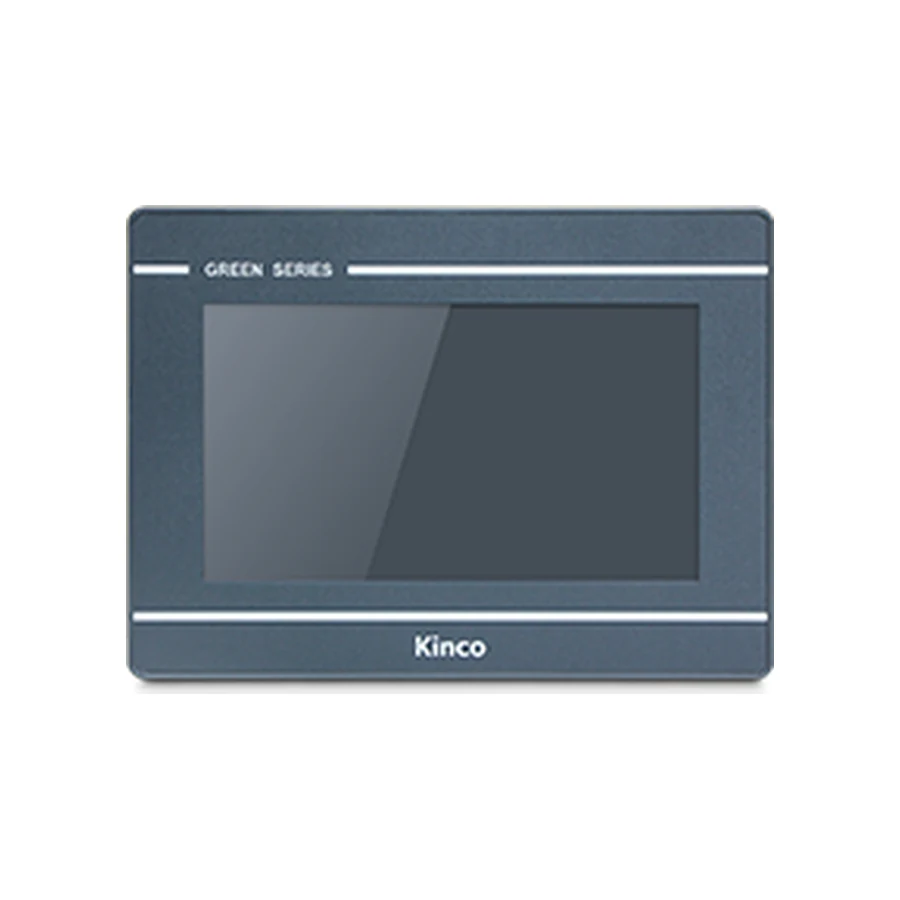
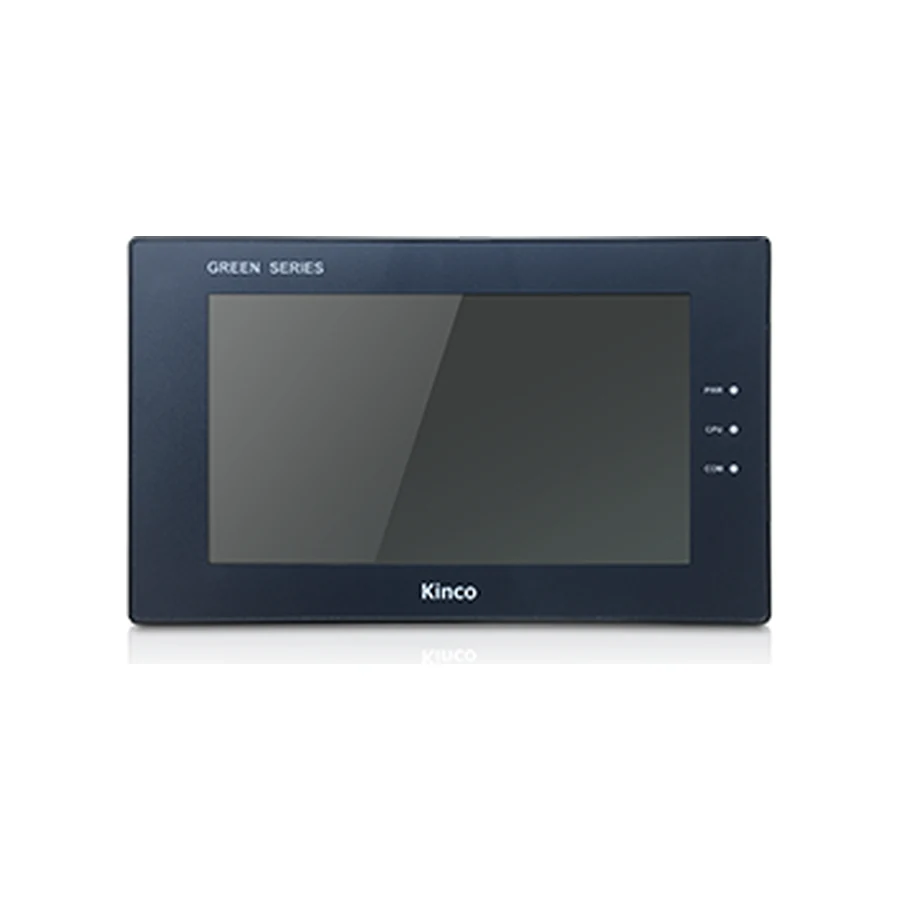
Prepare a Kinco HMI installation with the dimensioned drawing and electrical requirements for the complete panel code. The cabinet opening, mounting surface, rear connectors and supply must be checked together before fabrication or power connection. Assign the mechanical, wiring and project reviews to the same recorded target. Use the model’s instructions for pin assignments and fastening details, then keep a pre-power inspection and first-startup record.
Collect the Exact-Code Installation Documents
Establish the panel identity before issuing cabinet drawings or preparing wiring. Keep the full code on the equipment list, mechanical layout and electrical connection plan. Where a product page covers several suffixes, identify the intended variant explicitly. A drawing for a similar-looking front face cannot establish rear connector positions, supply requirements or the mounting arrangement.
Assign reviewers for mechanical fit, electrical installation and application preparation. Each reviewer needs the same document revision and target identity. Record missing instructions as open items before fabrication. This prevents a cut opening or prepared harness from becoming the reason to accept an unsuitable candidate later in the build.
Model Instructions for Mounting and Terminals
Obtain the dimensioned drawing, mounting instructions, supply connection details and communication pin assignments applicable to the installed code. Tightening torque, permitted mounting thickness and fastening order must come from those instructions. Do not borrow a value from another panel because the fixings look similar. The same principle applies to terminal identification and the meaning of ground connections.
The GH070 model and installation record and GL2070HE document entry provide starting points for model-specific requests. State which instruction is missing and what installation decision it needs to resolve. A general request for an HMI manual can leave the required mounting or connection detail unclear.
Measure Opening and Mounting Surface
Use the drawing’s cut-out dimensions to define the opening. Distinguish them from the bezel footprint and active display area. The bezel shows occupied door space; the display diagonal describes the viewing area. Neither is a cutting instruction. Compare opening width and height with the finished surface before mounting the electronics.
The local model records illustrate the risk: GH070 uses a 194 by 113 mm opening, whereas GL070 and GL2070HE use 192 by 138 mm. They are seven-inch examples with different installation requirements. These representative figures explain the measurement task; use the actual model drawing and its applicable conditions for fabrication.
For a model-by-model lookup, use the Kinco HMI cut-out dimensions guide. Keep the installation record focused on the opening actually measured and the drawing used. Do not treat a matching nominal opening as proof that mounting hardware, gasket conditions or surrounding bezel clearance are identical.
Inspect the mounting surface for suitability under the model instructions. Confirm door thickness, surrounding space and the condition of the opening edges. Record required rework before installing the panel. The replacement checklist adds project, supply and cable checks when the opening belongs to an existing machine.
Allow Connector, Cable and Service Clearance
Review the rear arrangement using the connectors and cables intended for the finished cabinet. Include neighboring terminals, door-mounted devices and the door’s movement. A layout that fits with the door open may strain a cable or obstruct a plug in the operating position. Confirm the arrangement before the cabinet is densely populated.
Body Depth Versus Installed Cable Clearance
Body depth describes the panel body. The installed assembly also needs space for plugs, backshells, cable bends, strain relief and service access. Add these using the actual cable assembly and cabinet layout rather than a universal allowance. Document where the clearance was measured and the door position used for the check.
A technician should be able to identify the code, disconnect required cables and reach the mountings without dismantling unrelated equipment unnecessarily. Check that labels remain readable and service connectors remain accessible. Use the communication port and download setup guide to identify the machine and maintenance connections that the cabinet must accommodate.
Consider hinge-side cable routing and restraint through the full intended door movement. The socket position in a product photograph cannot establish the installed cable path. Revise the layout where the selected connector or bend arrangement conflicts with another component, and preserve that revision with the cabinet drawing.
Verify Supply Range and Connection Polarity
Read the exact code’s input range and consumption together. A search for Kinco HMI 24V wiring does not establish that every panel shares one supply range or terminal arrangement. Compare the approved supply with the specific model record, including expected operating conditions and the other loads supplied from the same source.
Have the electrical designer assess capacity and the expected voltage at the panel. Wiring losses and changes in shared loads belong in that assessment. The HMI’s consumption figure is one input, not a ready-made rating for the entire cabinet supply. Keep any required isolation properties separate from communication-channel isolation claims.
Verify terminal identification, conductor arrangement and polarity against the matching connection document before energizing. Record the drawing reference and person responsible for inspection. If startup later reveals a supply concern, retain the measured condition and machine state rather than changing several supply components together and losing the original evidence.
Plan Grounding and Cabinet Cable Routes
Integrate the HMI into the approved cabinet grounding design. Use the model instructions to identify the applicable chassis or functional-ground connection. A generic diagram does not determine every shield, reference conductor or ground termination. Have the designer reconcile the equipment instructions with the actual cabinet arrangement.
Route power and communication cables with nearby switching equipment in mind. Drives and contactors can create conditions different from a quiet bench. Review segregation, shielding, restraint and connection details before wiring is complete. Keep channel assignments and cable identification on the drawings so later maintenance does not move a cable to a superficially similar port.
When an intermittent communication problem appears, record the affected signals and machine condition. Inspect the approved wiring arrangement and relevant instructions before changing termination or shielding. A single universal grounding rule cannot replace the documentation for the equipment and signal type in the installation.
Check Front Protection and Cabinet Environment
Review the applicable model’s front protection statement together with its mounting conditions. Keep operating temperature, humidity and cooling requirements in the cabinet assessment. Room temperature alone does not describe conditions around a running panel beside other heat-producing equipment. Storage limits are separate from operating limits.
Front Protection Versus Whole-Cabinet Conditions
An applicable IP65 front rating does not make rear connectors waterproof or qualify the complete cabinet for every cleaning process. Mounting surface, gasket, enclosure and cable entries remain relevant. Describe the actual exposure and cleaning conditions, then compare them with the applicable instructions rather than asking only whether the panel is waterproof.
Check non-condensing requirements explicitly and consider the cabinet’s expected operating environment. For outdoor use, sunlight, weather and enclosure conditions add further review tasks. The front rating alone does not resolve them. Preserve any environmental limitation with the installation approval so maintenance staff understand the accepted conditions.
Sign Off Pre-power and First Startup Checks
Use four inspection groups with a named reviewer, evidence reference, actual result and corrective action where needed. Mechanical checks cover opening, mounting, gasket and clearance. Power checks cover supply, terminals and polarity. Grounding checks cover the approved connection and cable routes. Communication checks cover channel identity, cable or network arrangement and prepared project target.
Do not mark an item complete merely because a drawing exists. Record what was inspected or measured on the assembled cabinet and under which condition. Required document gaps and unresolved wiring differences remain open until reviewed. Review the arrangement with the door in its normal operating position before the agreed startup procedure.
At first power-up, record supply observations, display behavior and touch operation. Then verify known controller values and the agreed operator tasks. Keep the project target, software release and accepted application copy with the result. Power-up alone is only one acceptance step.
The handover should include drawings, source and recovery location, device list, test results and outstanding actions. Identify who owns subsequent changes. This gives the next technician an actual installation record instead of a statement that the panel was fitted successfully.
Installation Questions
Which dimension controls the cabinet cut-out?
Use the exact model drawing’s cut-out dimensions and conditions. Screen diagonal and bezel size serve different purposes.
Does the listed body depth include cables and plugs?
Treat body depth as one input. Review actual connectors, cable bends and service space in the installed cabinet.
Does a front IP65 rating cover the whole cabinet?
No. Assess the stated front conditions alongside the enclosure, rear connections, environment and mounting instructions.