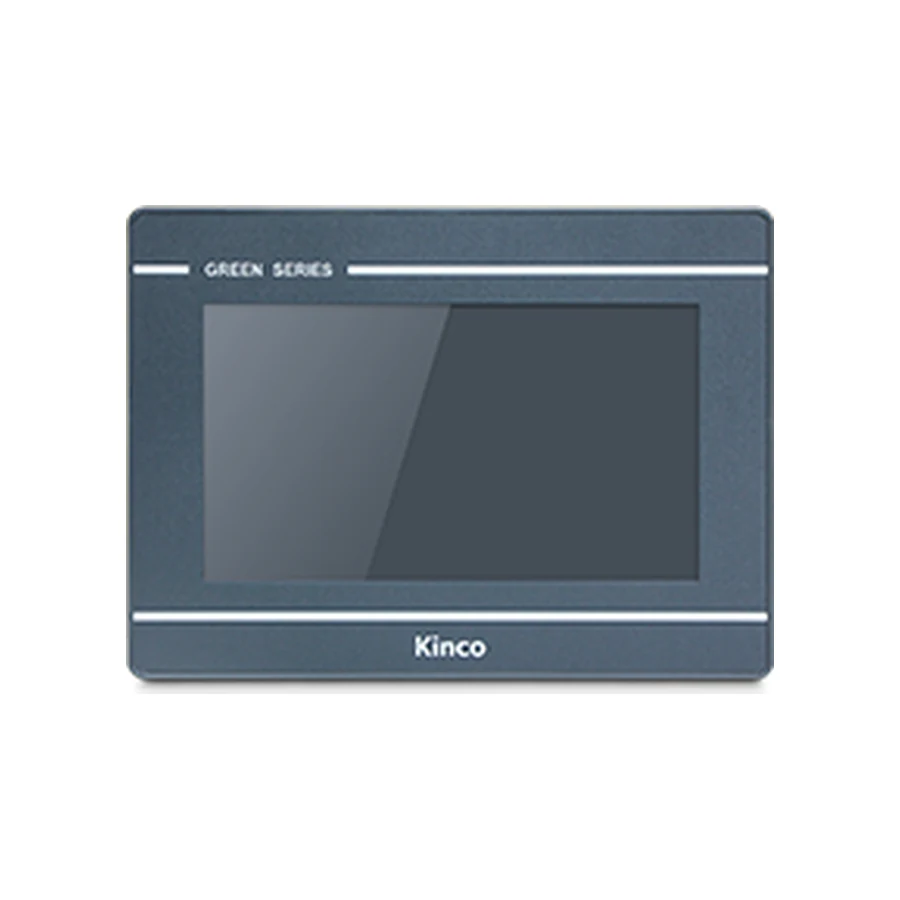
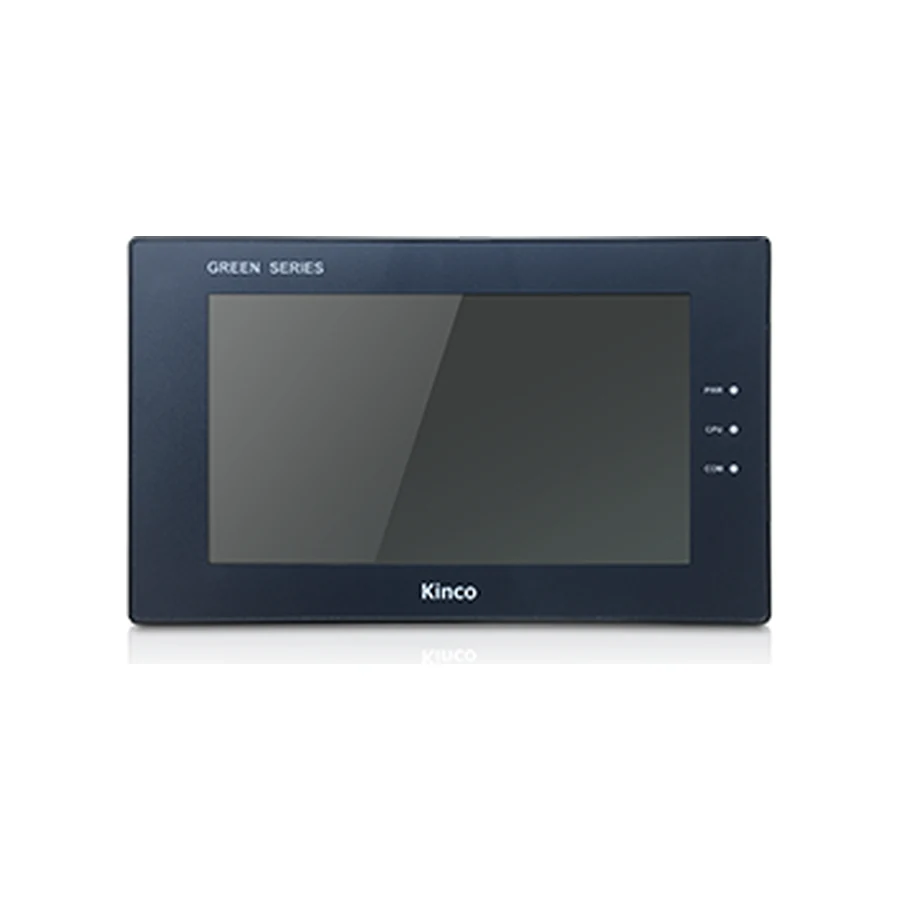
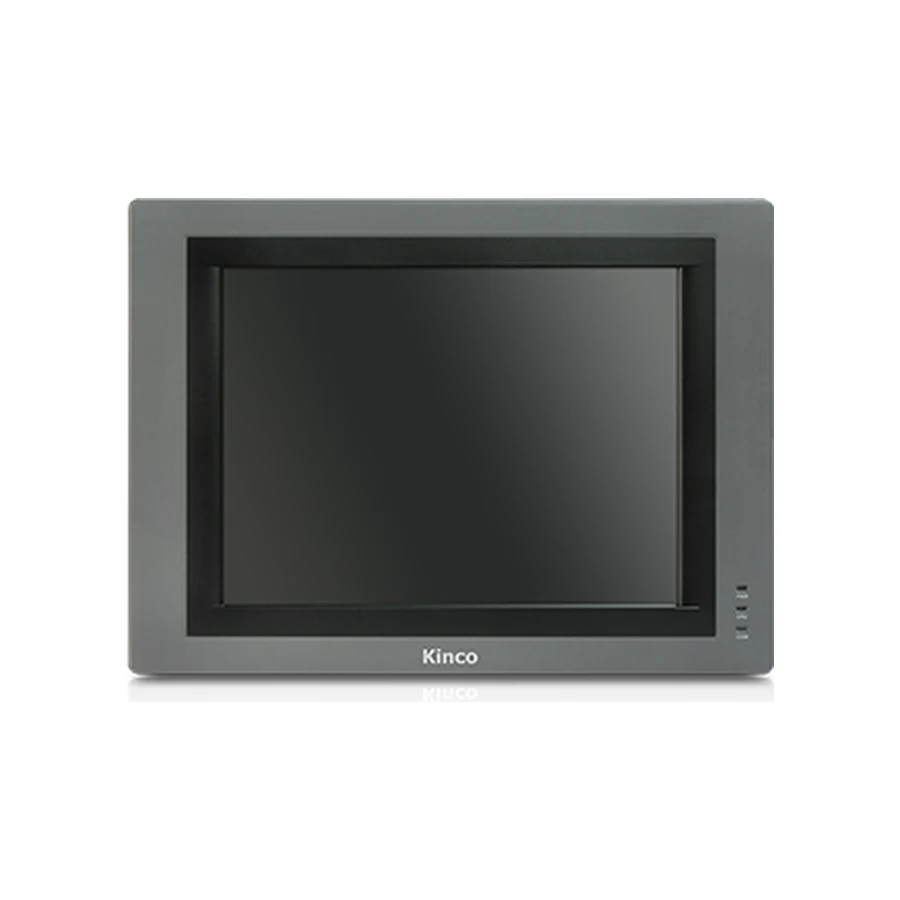
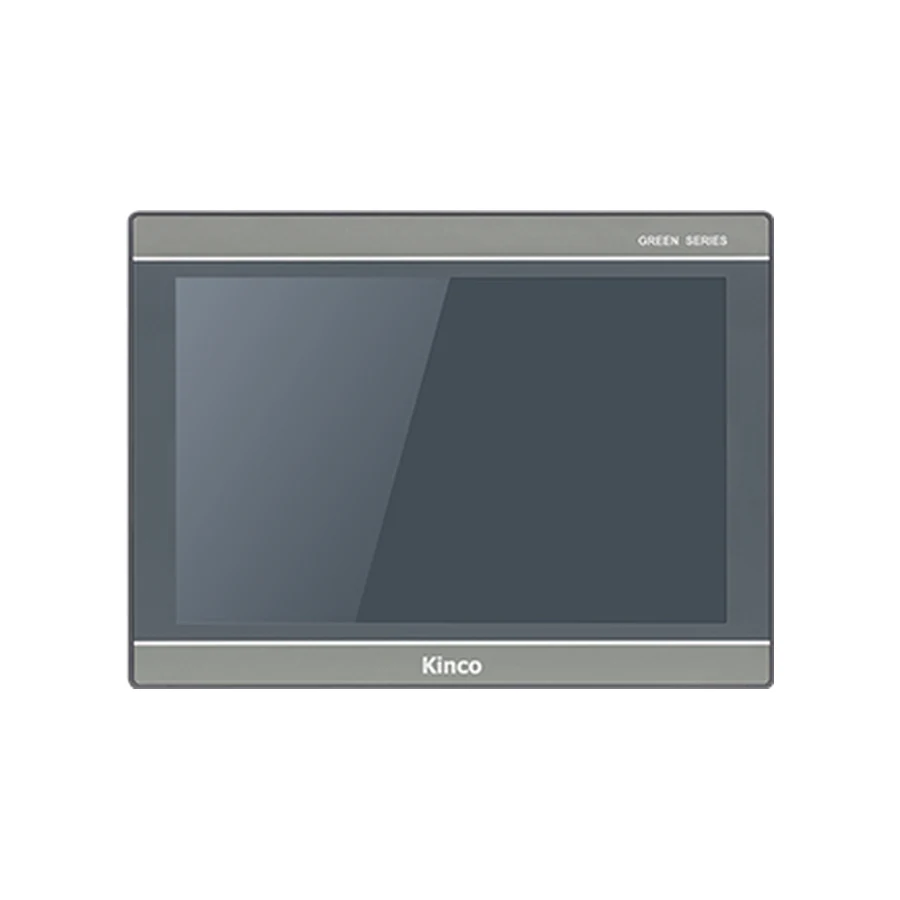
The screen diagonal, cabinet cut-out and external body dimensions describe different parts of an HMI installation. Find the complete panel code before using a dimension, and keep the matching drawing revision with the cabinet design. The comparison below helps identify the relevant record; it does not replace a mounting drawing or establish machining tolerances that are absent from the applicable documentation.
Distinguish Display Size, Cut-out and Body Dimensions
Display size usually describes the screen diagonal in inches. It helps assess operator visibility and available screen area, but it does not define the opening in a cabinet door. Two panels with the same diagonal can have different display proportions, front bezels and rear bodies. These differences become important when replacing an installed panel or designing a door around an existing machine layout.
The cut-out is the opening intended for the rear body and mounting arrangement. Overall width and height describe the outside front envelope. Body depth describes another part of the installation and still leaves the space needed by connected cables to consider. Record these values separately instead of keeping one ambiguous field labelled panel size.
Do Not Substitute Overall Dimensions for Cut-out Dimensions
The GL070 record lists an overall body of 204 × 150 × 37.2 mm and a cut-out of 192 × 138 mm. Cutting the door to the overall width and height would use the wrong dimensions. The bezel must overlap the opening in the manner specified by the mounting design; its presence does not permit an arbitrary gap or an invented cutting allowance.
Use millimetres consistently. For the examples here, cut-outs are shown as width × height, and body dimensions as width × height × depth. When reading a drawing, confirm its own axis labels and view orientation. A copied pair of numbers without those details can become rotated or confused with an unrelated front-view measurement.
Find the Dimensions for the Complete Model Code
Photograph the rear label or obtain the purchase specification before searching for a mounting drawing. Include every suffix. Product pages may group several codes, but a grouped page title is not evidence that every listed variant has identical geometry. Read the applicable code row and confirm its document reference.
| Complete code | Recorded cut-out, W × H, mm | Recorded body, W × H × D, mm |
|---|---|---|
| GL070 | 192 × 138 | 204 × 150 × 37.2 |
| GL070E | 192 × 138 | 204 × 150 × 37.2 |
| GH070 | 194 × 113 | 207 × 125 × 41 |
| GH070E | 194 × 113 | 207 × 125 × 41 |
| G121E | 339 × 249 | 350 × 260 × 54 |
| G2121E2 | 299 × 219 | 309 × 229 × 43 |
| G2121E2-4G | 299 × 219 | 309 × 229 × 43 |
These examples are transcribed from the site’s code-specific specification records. They form a comparison aid, not a comprehensive manufacturer dimensions chart or a machining release. The records do not supply a drawing revision here, so obtain the applicable drawing and its revision before using a value in a fabrication instruction.
The GL070 and GL070E record and GH070 and GH070E record provide the related specification context. For the larger examples, review G121E and G2121E2 variants. Request the drawing for the code being ordered rather than assuming the nearest family document is sufficient.
Keep Drawing Revision and Model Code Together
Store the drawing identifier, revision or issue date, model applicability and units with the cabinet design. If a drawing has no visible revision, preserve the supplied document and seek clarification about applicability. Do not manufacture a revision label to make the record appear complete. The purpose is traceability: another person should be able to identify exactly which document supported the opening.
If a catalogue record and supplied drawing disagree, stop the machining decision while the discrepancy is resolved. Confirm whether the documents apply to different codes, revisions or views. Do not average the values, choose the smaller opening automatically or substitute dimensions from a distributor photograph.
Compare Similar Screens with Different Openings
A 7-inch Diagonal Does Not Define a Cabinet Opening
GL070 and GH070 are concrete examples of the same nominal diagonal with different openings. GL070 uses 192 × 138 mm; GH070 uses 194 × 113 mm in the reviewed records. The difference affects both width and height, so describing one as a slightly smaller alternative misses the actual geometry.
For a replacement, measure the existing opening directly under appropriate maintenance conditions. The old panel’s front bezel may conceal a larger or irregular hole. Compare width and height at more than one location and record any modifications, adapter plates or damaged edges. A measurement taken from the visible screen cannot establish what is hidden behind the bezel.
The larger examples show the same principle. G121E and G2121E2 are both described as 12.1-inch panels, yet their recorded openings are 339 × 249 mm and 299 × 219 mm respectively. Their body envelopes also differ. A smaller proposed opening does not make a panel suitable for a larger existing hole; the mounting and sealing arrangement needs an engineered assessment.
Do not infer that an adapter plate is automatically acceptable. Establish how the panel will be supported, where the mounting clips act and how the intended seal contacts the surface. The enclosure requirements and applicable installation documentation determine what is permissible. The replacement checklist helps keep these mechanical questions alongside the electrical and project checks.
Allow for Body Depth, Connectors and Mounting Clips
A depth measurement on its own does not describe the complete occupied space. Consider the rear body, cable plugs, connector removal direction, cable bends and any service access needed. A panel can pass through the door and still collide with a cable duct, terminal rail or component when the door closes.
Review the panel in its actual orientation. An adjacent device may obstruct one side even when there is ample space behind the centre. Mounting clips also need room for installation and adjustment. Use the applicable drawing for mounting positions and the manual for permitted panel thickness, fastening method and any specified tightening instructions. This guide does not assign a universal clearance or torque.
Trace each existing cable before moving the panel position. A connector that reaches the old socket may not reach a differently placed socket on the new hardware. Avoid relying on cable tension to hold a plug in place or assuming that a cable extension is electrically suitable. The responsible electrical designer should assess routing, shielding and the connection standard involved.
The cabinet, installation and power guide provides the broader installation review. Keep heat sources, power wiring and maintenance access in that review. A matching cut-out establishes one geometric condition, not the complete suitability of the enclosure installation.
Use the Applicable Drawing before Machining
For a new door, release the opening from the confirmed drawing after identifying the ordered code. Record who checked model applicability and which fabrication document carries the approved dimensions. Use the tolerances, corner details and mounting conditions that the applicable document actually specifies. If those details are missing, request them rather than adding a generic allowance.
For an existing door, compare the measured condition with the proposed mounting requirements before authorizing any modification. The work sequence should protect the machine and panel from debris and allow inspection of the finished surface. Follow the site’s isolation and fabrication procedures, with the responsible personnel controlling the work. Do not machine a powered cabinet on the basis of an online comparison table.
After fabrication, inspect the opening and mounting surface before fitting the panel. Confirm that clips can engage as intended, the gasket contacts the appropriate surface and the door closes without loading connectors. Apply only the installation instructions relevant to that panel. If the unit does not seat correctly, investigate the measurement or mounting condition instead of forcing the bezel into position.
A useful drawing request contains the full code, intended orientation, measured existing opening where relevant and any cabinet depth restriction. Include a photograph showing nearby obstructions when describing a replacement. Request model-specific installation documentation with the quotation; no CAD file or direct drawing download is promised by this article. Keep the final drawing and inspection record with the machine documents so a future replacement starts from a traceable installation.