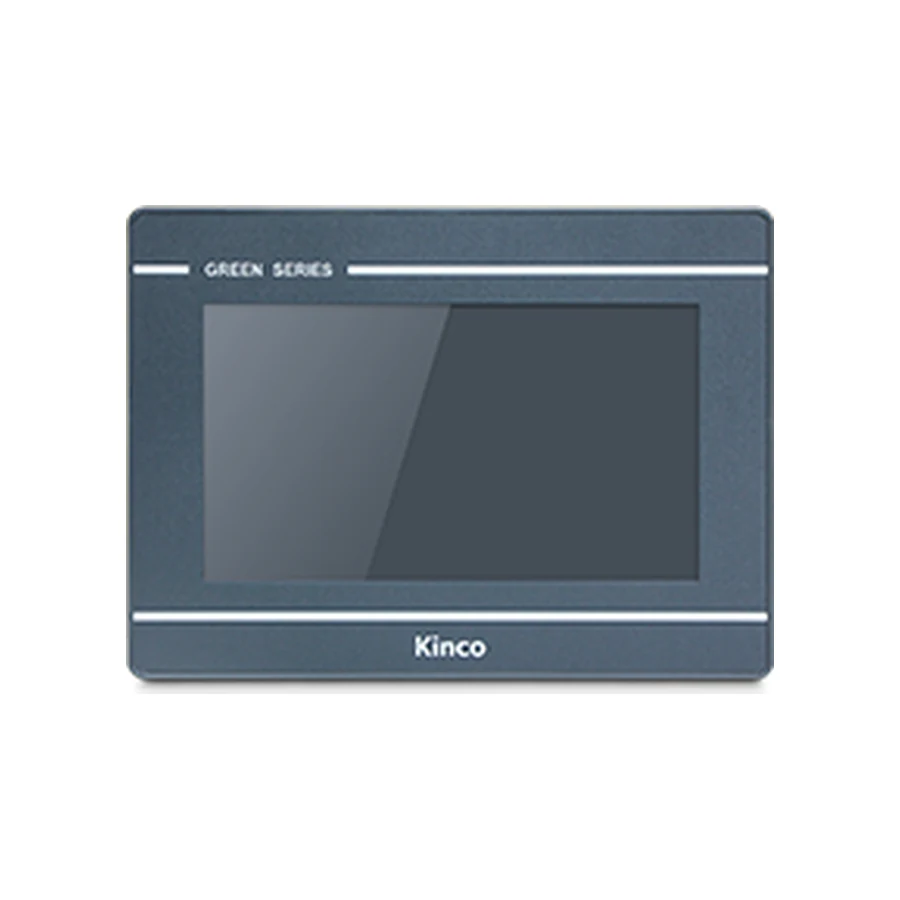
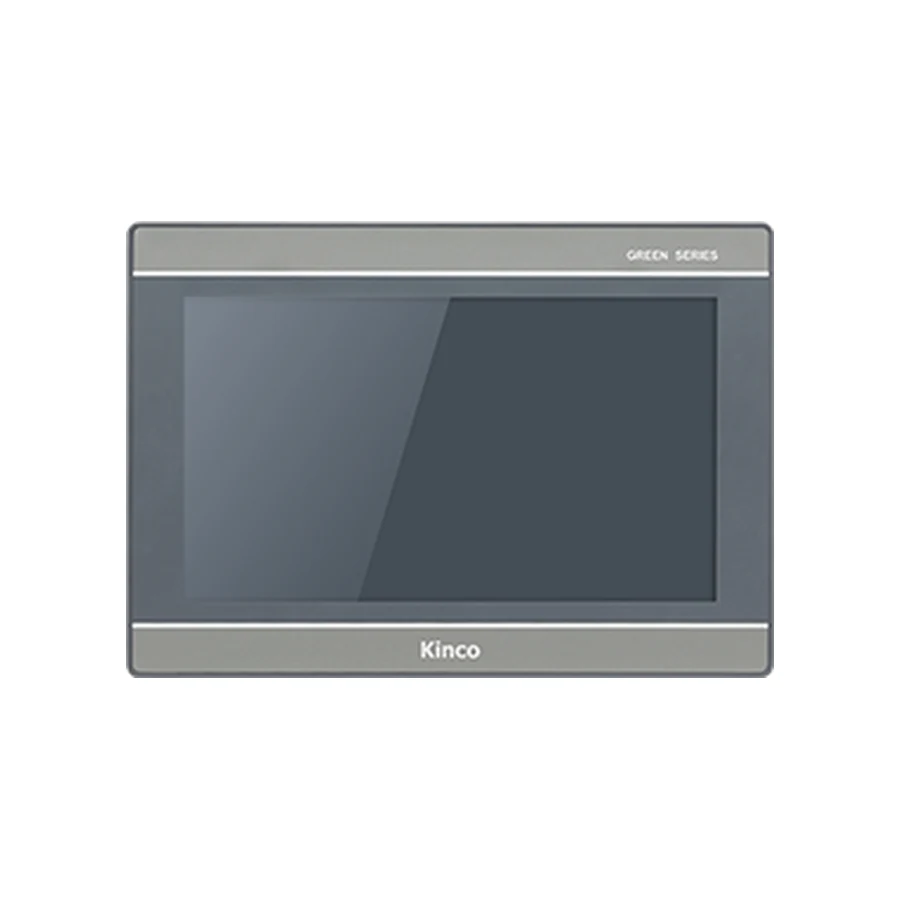
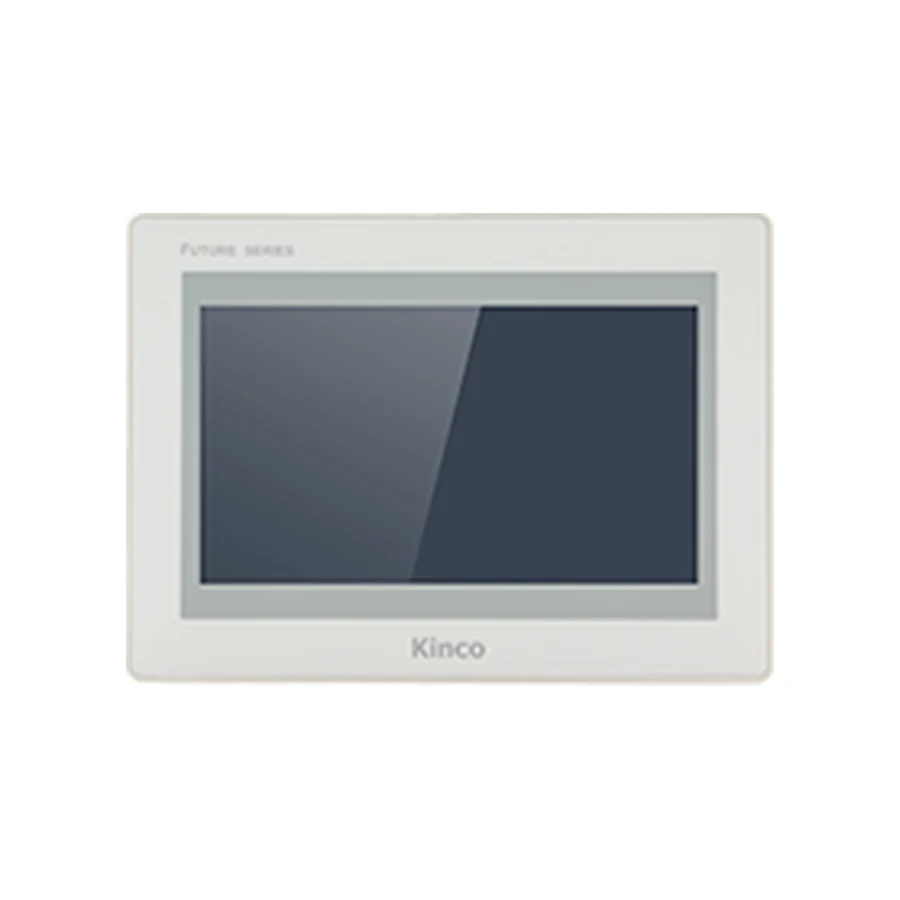
Plan a Kinco HMI link to a Delta PLC by recording the full CPU code and the port used by the machine. DVP, AS and AH labels do not establish a shared protocol or memory map. Match the Kinco driver to the configured serial mode or Ethernet service, then verify how device names map to addresses. Compare a known read with the engineering tool before testing an approved write.
Identify the Delta CPU and Actual PLC Port
Read the CPU label and identify any communication module separately. Keep the CPU firmware, engineering project and existing connection drawing with that identity. A description such as Delta serial PLC leaves unresolved which port is available, which protocol is enabled and which device map applies. Those details determine both the HMI driver review and the wiring work.
For an existing installation, preserve the working HMI project and record its channel assignments before disconnecting cables. Photograph the connector area and label both cable ends. Establish whether the intended port is already shared with another device or maintenance task. An accessible programming connection is not automatically a supported or available HMI data route.
The panel needs the correct electrical interface, but that is only the hardware stage. Compare the GL070 and GL070E interface choices with the GL2070HE target and software information when checking candidate hardware. These records help identify the panel and its documentation; they do not certify a Delta connection.
Verify the Driver for the Configured Protocol
Use the software family listed for the selected panel and inspect the actual driver help in the applicable release. Record the driver name, supported PLC scope, transport and address-entry rules. If an archived project specifies a driver, establish whether that driver and its settings remain available for the intended target. Do not substitute a similarly named option without reviewing its documented behavior.
Use the Kinco download center to find the matching software documentation. Save the package identity and the driver-help reference with the worksheet. A software family name by itself is insufficient evidence because target coverage and driver details must be checked in the release used for commissioning.
DVP Evidence Does Not Establish AS or AH Support
The Delta DVP catalogue and communication overview provides context for the specified DVP models. It is not an AS or AH compatibility table and does not prove that every DVP CPU exposes the same port functions. Obtain the installed CPU and module manuals, identify their applicable revisions, and compare them with the selected Kinco driver help.
A Kinco HMI Delta AS PLC inquiry therefore needs its own CPU, service and driver evidence. The same applies to AH. Where that evidence is missing, describe the connection as requiring review rather than extending a DVP example across the brand.
Match RTU, ASCII or Ethernet Settings
For serial communication, establish whether the PLC port uses Modbus RTU, Modbus ASCII or another documented mode supported by the selected driver. RTU and ASCII are not interchangeable simply because both may use a serial connector. Match the protocol mode, station identification, baud rate, parity, data bits and stop bits to the accepted configuration. Verify the electrical standard and pin assignments independently.
Record the actual HMI channel as well as the physical connector. A multi-channel connector arrangement can be misidentified when a cable is moved during replacement. Use the panel and PLC pin-assignment documents to review wiring, bus arrangement, termination and grounding. Avoid transferring a cable assumption from a different controller or electrical standard.
For Ethernet, identify the PLC’s configured service and the driver requirements. Keep the actual network endpoint, addressing arrangement and applicable service settings. A programming-tool connection or a successful ping does not establish the application service needed by the HMI. The RTU versus TCP commissioning guide explains the additional protocol checks when Modbus is the documented route.
Translate Device Names with the Correct Memory Map
Select an approved observation variable in the PLC engineering project. Record its device name and meaning before entering it in the HMI. Determine whether the selected driver addresses Delta device areas directly or requires a protocol register representation. These entry methods can look similar on a screen while describing different things.
Named Devices Versus Modbus Register Addresses
A D, M, X or Y device label and a Modbus register address are not interchangeable labels. Use the CPU’s actual map and the driver’s entry convention together. Identify the memory area, permitted operation and address notation, then document the translation. Do not invent an offset from a third-party example or assume a map from another Delta family applies.
| Worksheet field | Evidence to preserve |
|---|---|
| PLC device symbol | Device name and meaning in the accepted project |
| Protocol register | Applicable map entry and supported operation |
| Driver input format | Required area selection and address convention |
| Data type | Width, signedness and interpretation |
| Scaling | Raw value, engineering unit and documented conversion |
Keep a source reference beside each mapping decision. If the map is incomplete, request the relevant manual section rather than trying neighboring addresses until a believable value appears. A valid response from the wrong register can remain inside an accessible memory range and still be unsuitable for the application.
Compare Data Width, Scaling and Word Order
Display the selected read-only value on a small diagnostic page and compare it with the engineering tool under the same machine condition. Check width and signedness before applying display formatting. For a value spanning multiple words, establish the starting location and documented word order. A plausible floating-point result is not enough to validate the interpretation.
Record the raw observation, the engineering value and the expected unit. Confirm whether scaling is performed in the controller, driver or display object so it is not applied twice. Observe an approved change where possible and ensure that the HMI follows the PLC value rather than a retained display or local variable. Save the working minimal project before extending the tag list.
Approved Test Variables Versus Special Registers
Special registers can affect controller behavior or expose functions with specific access conditions. Do not use them for trial writes. After the read is established, the machine owner should designate a commissioning variable with an understood range and effect. Confirm permissions, PLC interlocks and the expected read-back before any controlled write. The PLC remains responsible for control and safety logic throughout the test.
Diagnose No Response Versus Wrong Values
If every read fails, work through the physical channel, serial mode or Ethernet service, driver scope and target configuration. For serial, a protocol mismatch can remain even after the baud rate matches. For Ethernet, reaching the address can coexist with an unavailable or incorrectly configured application service. Record the exact error and stage rather than reporting only that communication failed.
If some values respond, concentrate on the smallest failing case. Compare working and failing device areas, address-entry formats, widths and access permissions. If values appear but differ from the engineering tool, review mapping, scaling and multiword interpretation before changing hardware. Preserve the accepted baseline and change one justified setting at a time.
Use the PLC No Response diagnostic sequence with the recorded observations when the failing layer remains unclear. A completed HMI application download belongs to the computer-to-panel record and does not close the panel-to-PLC checks.
Keep the Delta Connection Worksheet
Save the panel code, software release, driver, Delta CPU and module identity, configured route and test-variable mapping together. Include expected and observed values, test date and any open restrictions. When evaluating another panel such as F2070E, carry these requirements into its target review instead of assuming interface similarity preserves the connection.
For a documentation request, identify the missing evidence precisely: CPU protocol configuration, port pinout, device map or driver entry rule. Add quantity and destination separately when requesting a quotation. This keeps a hardware inquiry distinct from an unresolved commissioning requirement.
Delta Connection Questions
Does a DVP Modbus example apply to every Delta PLC?
No. Check the exact CPU, module and driver scope. AS and AH require their own applicable documentation.
Why can a Delta connection return the wrong values?
A valid response can use the wrong device mapping, data width or scale. Compare a known variable with the engineering tool.
Which serial settings distinguish RTU from ASCII?
Confirm protocol mode and the complete framing configuration, including station, baud, parity, data bits and stop bits, against both devices’ documentation.