Plan a Kinco HMI for pump control around the information operators need during normal running and maintenance. A cabinet-based pump group may need pressure, level, availability, mode and fault status on different screens. Identify which values come through the PLC and whether any direct drive link is required. Include stale-data behaviour and cabinet conditions in the brief before choosing display size, connections or remote maintenance options.
Map Normal Operation and Maintenance Tasks
Consider a hypothetical supply-pump group installed in a control cabinet. It uses a PLC to coordinate the process, drives to operate equipment and measurement information supplied through the approved control arrangement. This is a requirements example, not a tested water-treatment installation or a control program included with a panel. Kinco’s constant-pressure application background provides context without validating this proposed configuration.
Routine operators may need the system mode, measured pressure, level and pump availability. Maintenance personnel may need individual drive states, fault meaning and permitted service records. Discuss those tasks separately before deciding how much information belongs on the main screen. Raw tag lists rarely explain which device needs attention or what a requested state means.
HMI Commands Versus Approved Pump Control
The HMI presents information and permitted requests. The PLC and approved system design determine sequencing, limits and interlocks. A start request is not confirmation of a running pump. Define the actual feedback that establishes accepted mode and equipment operation, including how a refused request is explained.
Any commissioning write needs an identified variable, permitted machine condition, responsible engineer and recovery step. Keep control and safety logic in its approved architecture. A panel selection guide does not specify a complete pump controller or replace the machine’s operating procedure.
Define Pump, PLC and Drive Data Paths
Direct Drive Links Versus PLC Aggregation
Decide where every displayed value originates. The PLC may supply the operator’s complete data interface, including drive information. Alternatively, a specific maintenance task may require a separate documented HMI-to-drive link. The second arrangement adds a driver, address map and channel requirement; it should have an explicit purpose.
| Information source | Route to define | Evidence needed |
|---|---|---|
| PLC operator data | Selected HMI driver and enabled PLC service | CPU, module, software help and address definition |
| Drive status | PLC-supplied information or direct link | Exact drive, protocol, role and fault map |
| Pressure or level | Approved controller or measurement interface | Source, engineering unit and validity information |
| Maintenance record | Controller or project storage | Update, retention and reset ownership |
A sensor requirement does not establish that the HMI has a suitable physical sensor input. Identify the actual device publishing the measurement. Similarly, a drive’s serial connector does not prove a supported direct protocol. The PLC compatibility review helps retain the connection evidence rather than relying on port descriptions alone.
Plan Pressure, Level and Status Screens
Define each numerical display with a source, unit, range, precision and quality state. A level percentage needs an agreed reference; pressure needs an unambiguous engineering unit. Keep scaling responsibility visible so the same value is not unintentionally scaled in both the PLC and HMI.
Show pump identity consistently across overview, alarm and maintenance screens. Distinguish available, requested, running and faulted states using the actual controller definitions. A selected mode may be pending or rejected, so the interface should show accepted feedback rather than change its indication solely because the operator touched a button.
Review the longest labels and fault descriptions at the installed position. An overview should identify the affected pump without forcing users to interpret every engineering field. Individual-device pages can then provide detailed context. Choose display size and navigation from those tasks rather than from a photograph of an empty process graphic.
Show Stale Data and Communication Loss Clearly
Displayed Values Versus Valid Current Data
A pressure number can remain visible after its source stops updating. Without an explicit indication, an operator may reasonably interpret that retained number as current. Define how the project identifies unavailable information, which device has lost communication and which displayed values are affected.
A timestamp or quality indication may help, but the implementation must be supported and designed for the target. Specify the required meaning before choosing the mechanism. Distinguish the last successfully received measurement from the time the interface itself refreshed. A moving screen element does not prove the process data is fresh.
| Acceptance condition | Required observation | Evidence to retain |
|---|---|---|
| Normal data flow | Known controller value and unit agree | Source and displayed comparison |
| Approved link interruption | Affected values are visibly unavailable or stale | Device identity, indication and timing requirement |
| Pending operator request | Interface does not imply controller acceptance | Request and actual feedback states |
| Link recovery | Fresh data returns through the intended source | Recovery observation and project version |
Perform interruption tests only under the approved maintenance plan. Define the required response and observation period with the project engineer; this guide does not invent a universal timeout. Local control behavior remains a separate property of the system design and must be demonstrated where required.
Specify Alarms, Trends and Maintenance Records
Connect each alarm to a documented condition, device identity and permitted next step. A drive fault should use the actual drive documentation for its meaning. A measurement fault should remain distinguishable from a valid low reading. That distinction matters because the information quality and the process condition require different investigation.
Acknowledgement should not be mistaken for cause removal or restart permission. Document the controller state that clears the event and the feedback needed before operation resumes. For several pumps, use consistent naming so an alarm and its detailed status screen clearly refer to the same equipment.
A trend requirement should explain the maintenance question it addresses. Record values, units, sampling needs, timestamps, retained duration and retrieval method. Do not derive guaranteed history from flash capacity. Verify the supported software functions and storage arrangement with representative project data.
For running-time or service records, specify the source and reset permissions. A displayed history is not automatically predictive maintenance. Keep requirements to collect data, behavior to implement and acceptance evidence distinct so purchasing understands what application work remains.
Check Cabinet Conditions and Remote Service Needs
Describe the actual cabinet interior, not just the room around it. Review operating temperature, humidity, condensation risk, cleaning exposure, mounting dimensions and connector clearance. Front protection does not qualify rear connectors or the whole enclosure for every wet or outdoor location.
The cabinet installation and power guide provides the dedicated inspection structure. If exposure includes weather or direct sunlight, add those requirements explicitly. A cabinet-mounted planning example does not establish suitability for an unprotected outdoor pump station.
For remote maintenance, name the task: viewing an operator screen, retrieving a record, transferring an HMI project or accessing PLC engineering. The EdgeAccess2 task-planning guide separates those conditions. An internet route does not prove correct local pump data, and correct local data does not establish remote-service readiness.
Assign network, account and local-support ownership. Define what happens when remote connectivity disappears and how the maintenance task is recovered. Do not infer continued local operation solely from the panel code; it depends on the actual project and approved control design.
Build the Pump Panel Acceptance Brief
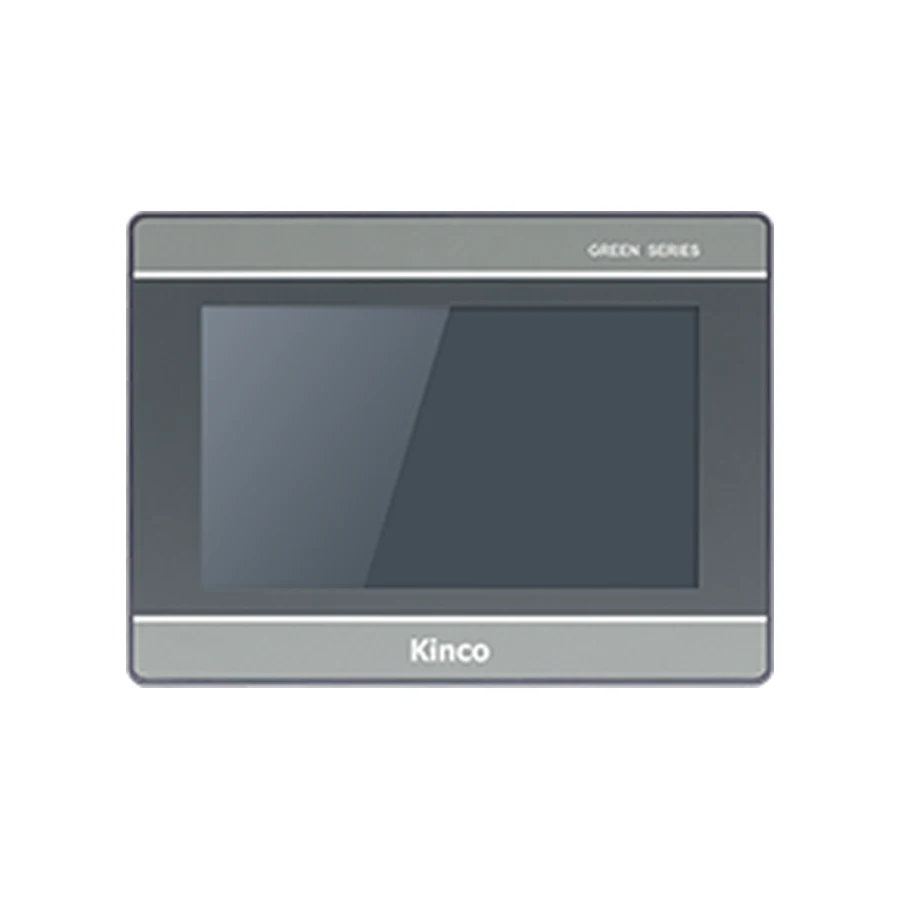
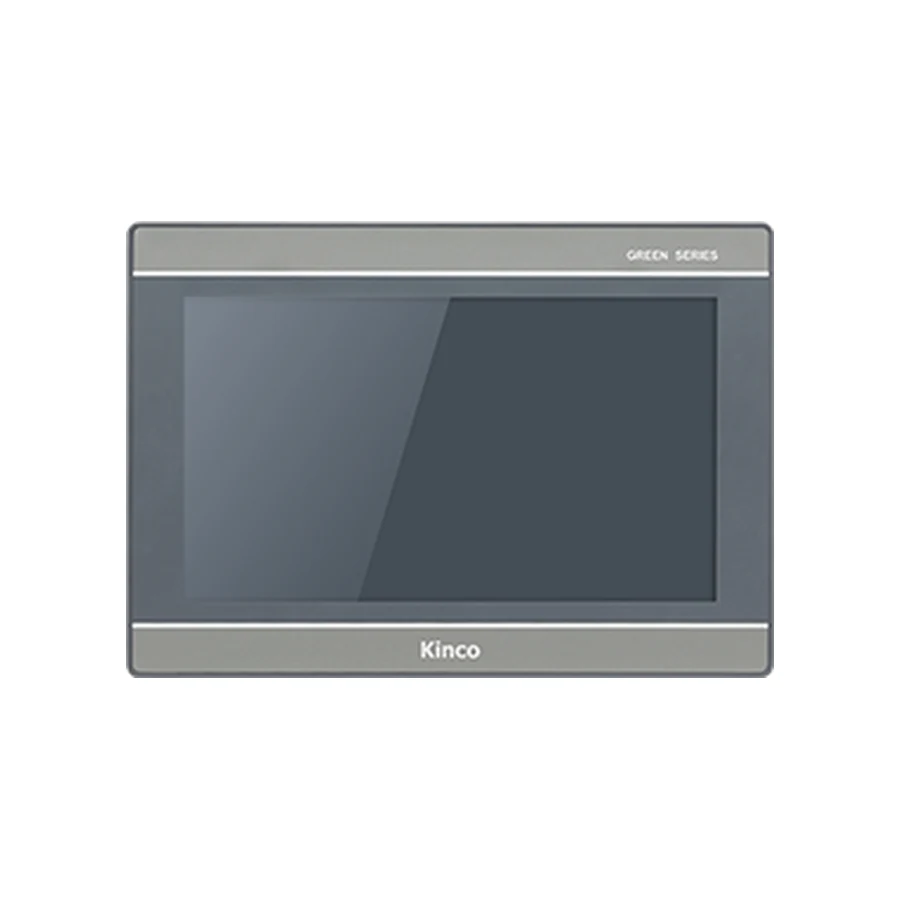
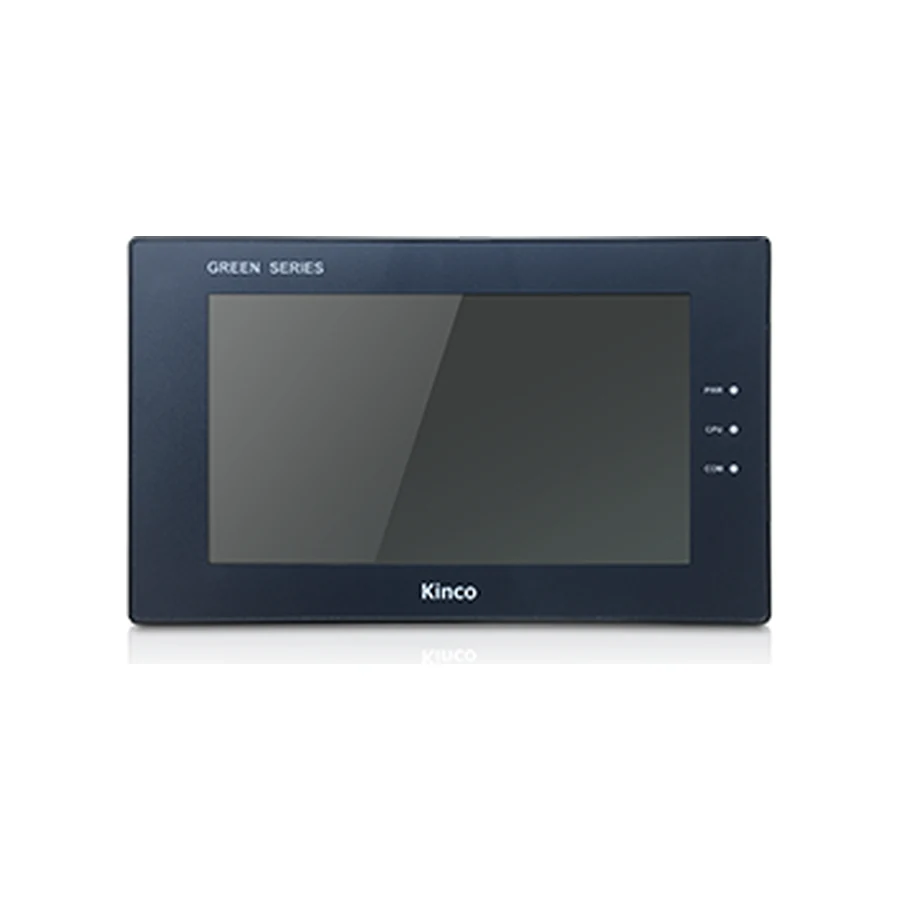
Use the GL2070HE model and document record and G2070HE candidate information as hardware review entries where their requirements fit the brief. Neither is a universal drive or pump compatibility statement. Compare exact interfaces and project requirements before deciding on a code.
Send pump arrangement, PLC and drive codes, measurement sources, data routes, screen examples and stale-data requirements. Include alarm definitions, trend purpose, cabinet measurements, power, environment, quantity and destination. Identify hardware supply separately from integration and commissioning.
Acceptance should retain the project version, known-value comparison, requested versus accepted state, representative alarm, communication interruption and recovery result. Add remote tests only when they are in scope. These proposed checks become evidence after the responsible people perform them.
Pump Panel Questions
How should a pump HMI indicate stale pressure or level data?
Define a clear unavailable or stale state tied to the actual source connection. Verify it under an approved interruption test and distinguish retained readings from fresh measurements.
Does every drive need a direct HMI connection?
No. The PLC may already provide all required operator information. A direct link is justified only by a specific task and documented protocol, driver and mapping.
Which cabinet conditions belong in a pump panel brief?
Include internal operating conditions, condensation, cleaning exposure, supply, opening, rear clearance and any weather or sunlight exposure. Use the exact installation limits rather than a general waterproof description.