Plan a Kinco HMI connection to a Mitsubishi PLC around the exact CPU and communication module. An FX programming connection and an Ethernet MC protocol or SLMP route require different driver checks. Record the configured service, transport, frame and encoding rather than assuming one standard port. Use the relevant module manual and Kinco driver memory map to verify a known device value before expanding the application.
Identify the Mitsubishi CPU and Communication Module
Record the full CPU order code, firmware and any separate communication module. Distinguish the physical port used by the machine from other available connectors. A description such as Mitsubishi Q series or FX5 Ethernet is a useful starting point, but it does not identify the complete communication configuration. Keep the accepted engineering project and tool release with the equipment identity.
For an existing machine, preserve the working HMI source and capture its driver and channel assignments. Photograph cable ends and record the accepted network or serial settings before disconnecting the old panel. Establish whether another device or maintenance task uses the same interface. An engineering-tool session may use a different service from the HMI application.
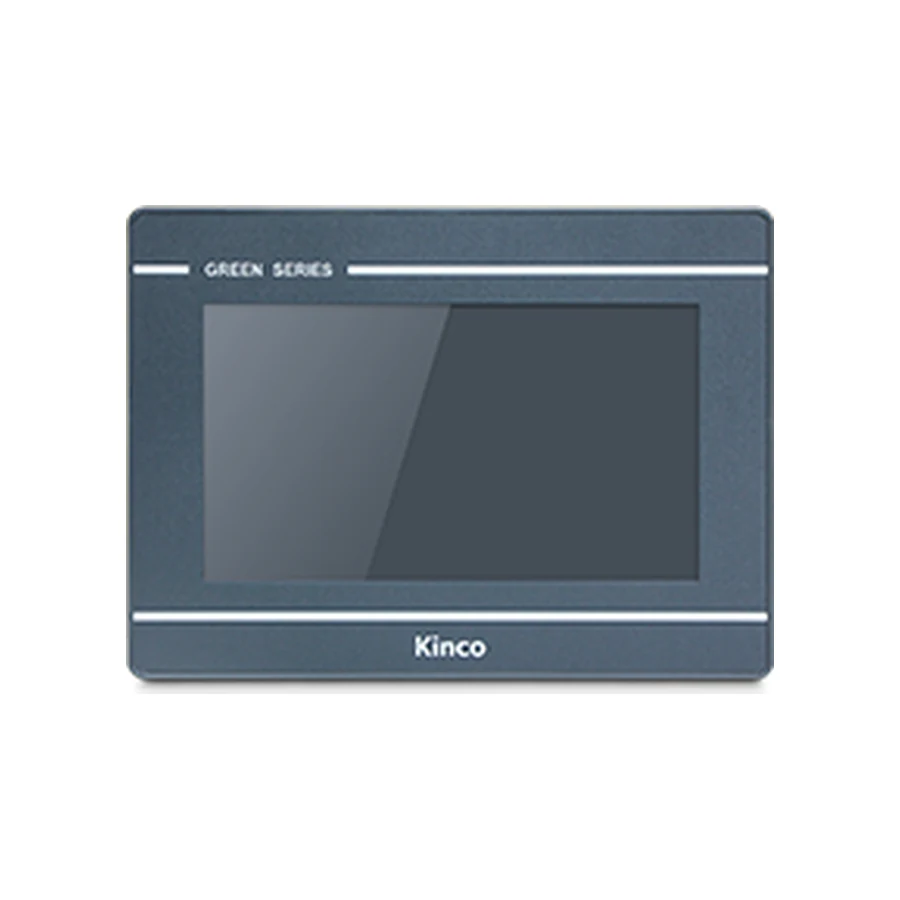
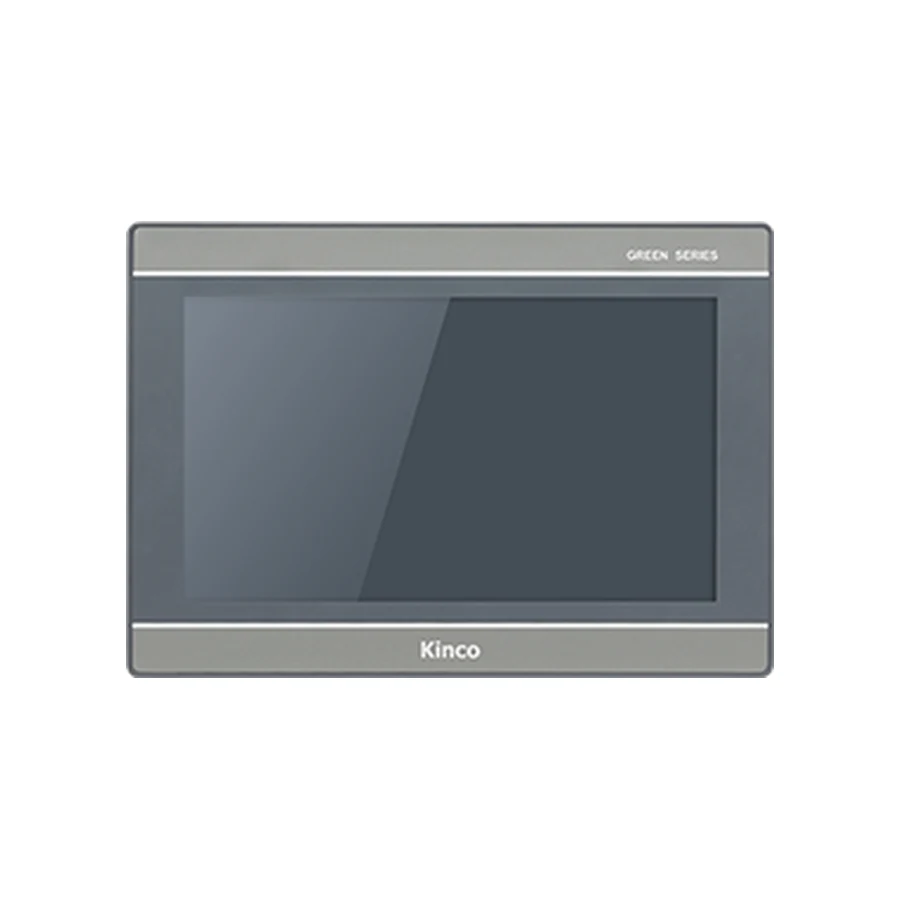
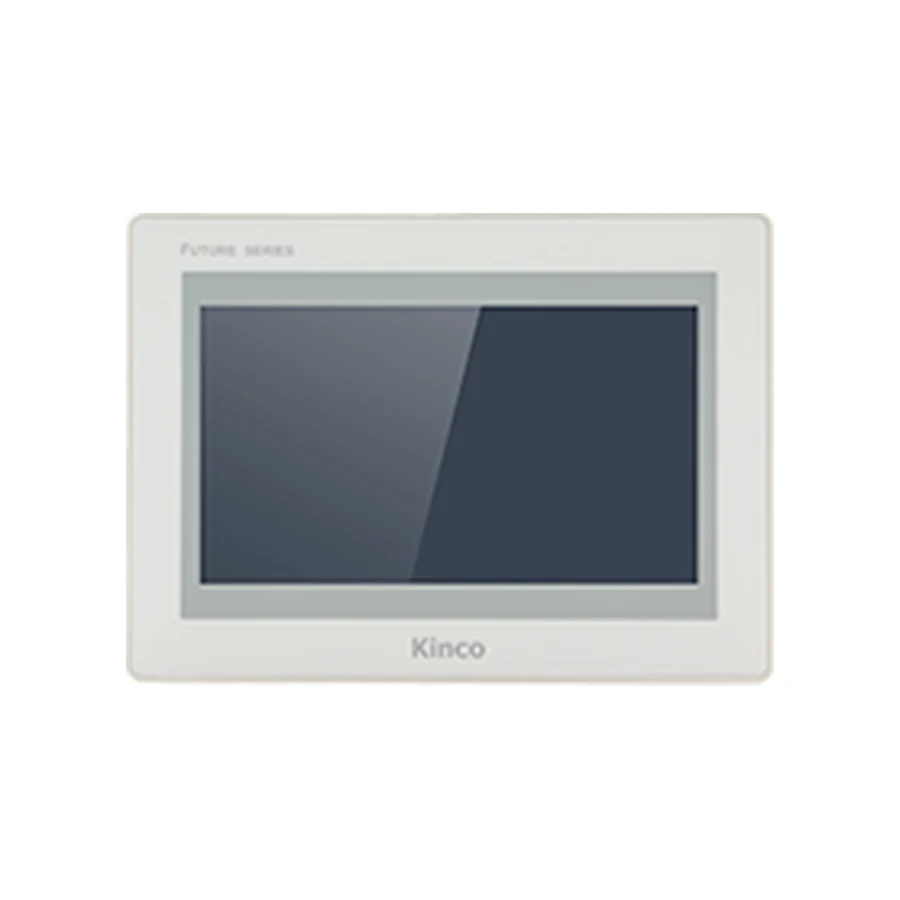
Candidate panels still need their own hardware and software review. The GL070 and GL070E record identifies variant choices, while the GL2070HE model resources provide a different target environment. Neither page establishes compatibility with every Mitsubishi CPU or communication module.
Separate FX Serial from Ethernet MC or SLMP Routes
An FX serial programming route and an Ethernet MC protocol or SLMP route are separate connection cases. Identify the route actually configured on the machine before choosing a driver. A Kinco HMI FX3U request needs its full CPU and interface details; a Kinco HMI FX5U Ethernet request needs the applicable service and target evidence. The family name alone cannot supply those details.
For serial, confirm the supported electrical interface, communication mode, station and cable pinout. A connector with the same shape can carry different signals. Compare the HMI channel and PLC connection documents, then retain the installed cable identity. Do not carry a serial wiring assumption into an Ethernet review or vice versa.
For Ethernet, identify the CPU or module that provides the service and the documented conditions for enabling it. MC protocol and SLMP references must be read within their stated equipment scope. The broader PLC compatibility checklist helps organize that evidence without turning a brand-level example into universal support.
Match the Kinco Driver and Supported Family
Use the configuration software listed for the exact HMI target. Inspect the driver help in the release intended for the work and record its name, supported family, communication route and address-entry convention. Confirm that the installed PLC and module fall within that scope. An option with a similar name is not sufficient when the documented route differs.
Use the Kinco manufacturer download center to locate matching software and driver documentation. Keep the release identity alongside the project. If the target family or route is absent from the applicable help, retain that as an unresolved requirement rather than declaring support from the presence of Ethernet hardware.
For migration, compare the old and new target’s driver availability and object requirements on a source duplicate. Opening the project and finding a familiar PLC name are intermediate checks. Communication still needs to be demonstrated through the intended route on the proposed hardware.
Record Frame, Encoding and Configured Service
Build a connection record specific to serial or Ethernet. For serial, include the communication mode, station, complete framing parameters and documented cable. For Ethernet, include the transport, frame format, encoding, endpoint and configured service parameters required by both the selected driver and PLC module.
Module-Specific Service Parameters
There is no single service-port assumption that validates every Mitsubishi installation. Record the actual configured service and its source in the accepted engineering project or applicable manual. Likewise, do not select a frame or encoding merely because an unrelated example used it. The required combination belongs to the actual module and driver pairing.
The Mitsubishi Electric MC protocol and SLMP manual search is an existing manufacturer reference route. Obtain the document applicable to the installed CPU or module and record its title, revision and relevant pages. A search entry alone is not a completed configuration review.
Keep a successful engineering-tool connection as separate evidence. It can confirm one form of access while the HMI service remains incorrectly configured. A network link indication also cannot establish that the driver and controller agree on frame format or data encoding.
Verify Device Areas and Address Notation
Choose a known read-only device in the accepted PLC project and record its meaning before configuring a display. Match the memory area, address and access range with the driver help. If the HMI uses an area selector and a separate number, preserve both fields in the worksheet. A number without its device area is incomplete evidence.
Decimal Versus Hexadecimal Device Notation
Determine how the PLC engineering tool displays the selected device number and how the HMI driver expects it to be entered. Decimal and hexadecimal notation cannot be translated by appearance alone. Use the relevant device-memory and driver references rather than inventing a conversion rule across all areas or families.
| Address review field | Record for the chosen observation variable |
|---|---|
| Device area | Applicable PLC area and driver selection |
| PLC display address | Address as shown in the engineering tool |
| Driver input address | Actual entry format required by help |
| Number convention | Decimal or hexadecimal where applicable |
| Width and meaning | Bit, word or multiword value with its purpose |
Bit Devices Versus Word Data
A bit indication and a word display involve different interpretation checks. If a bit works, that does not validate a word object’s area, width, signedness or scaling. For a multiword value, confirm the start location and order from the applicable documentation. Compare the HMI with the same variable in the engineering tool under the same machine condition.
Observe an approved change to establish that the value updates from the intended source. A retained display or local variable can look plausible without reading the PLC. Save the small working project and its map before adding more objects.
Diagnose Total Failure Versus Wrong Device Values
When every read fails, investigate driver scope, physical channel or network endpoint, module service configuration, transport and frame agreement. Keep the exact error and test condition. A completed application download belongs to the computer-to-HMI route and does not close these checks.
When only particular areas or data types fail, compare the smallest working and failing cases. Review device selection, number notation, width and access conditions. If bits respond but word values are wrong, concentrate on address interpretation and data format before replacing a cable or panel. Use the PLC No Response troubleshooting sequence to keep the failure stage explicit.
Change one justified setting at a time and retain its result. Randomly altering service settings and addresses together can produce an apparent improvement without a reproducible explanation. Preserve the accepted baseline so the next addition can be reviewed against known behavior.
After the first reads pass, plan any controlled write with the machine owner. Use a designated commissioning variable under an approved maintenance condition, confirm its permitted range and expected read-back, and preserve PLC interlocks. The PLC remains responsible for control and safety logic; a command button is not a substitute for a connection test.
Save the Mitsubishi Connection Evidence
Keep the CPU and module identity, engineering project release, Kinco target and software release, driver, route and address worksheet together. Add test dates, expected and observed values and the exact documents used. If another candidate such as F2070E is considered, carry the same requirements into its review rather than assuming a matching connector preserves the application.
A useful document request identifies the missing item: module service instructions, driver scope, frame requirements or device-entry notation. Include actual errors and a minimal failing variable. Add quantity and destination separately for a quotation.
Mitsubishi Connection Questions
Can an FX serial example validate an MC protocol connection?
No. Verify the actual CPU, interface, driver and Ethernet service independently.
Is there one service port for every Mitsubishi PLC?
No universal value is established here. Use the installed module’s accepted configuration and applicable instructions.
Why can bit devices work while word values are wrong?
Device area, address notation, width and interpretation can differ. Compare the same word value in the engineering tool before expanding the project.