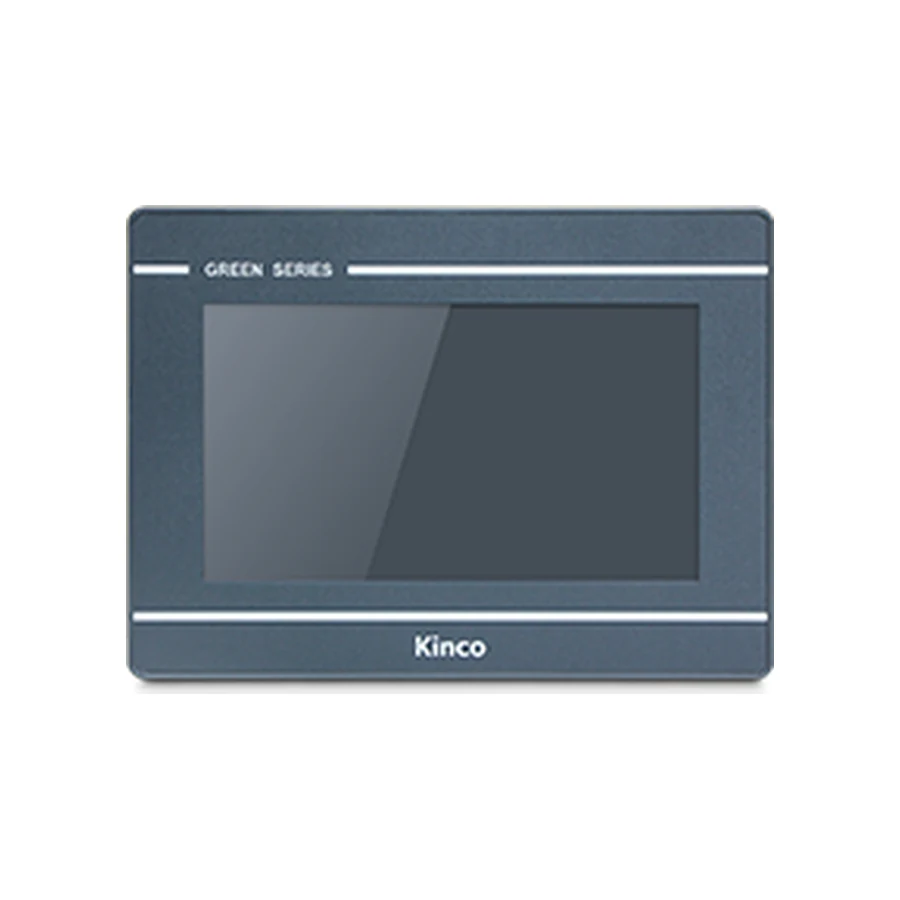
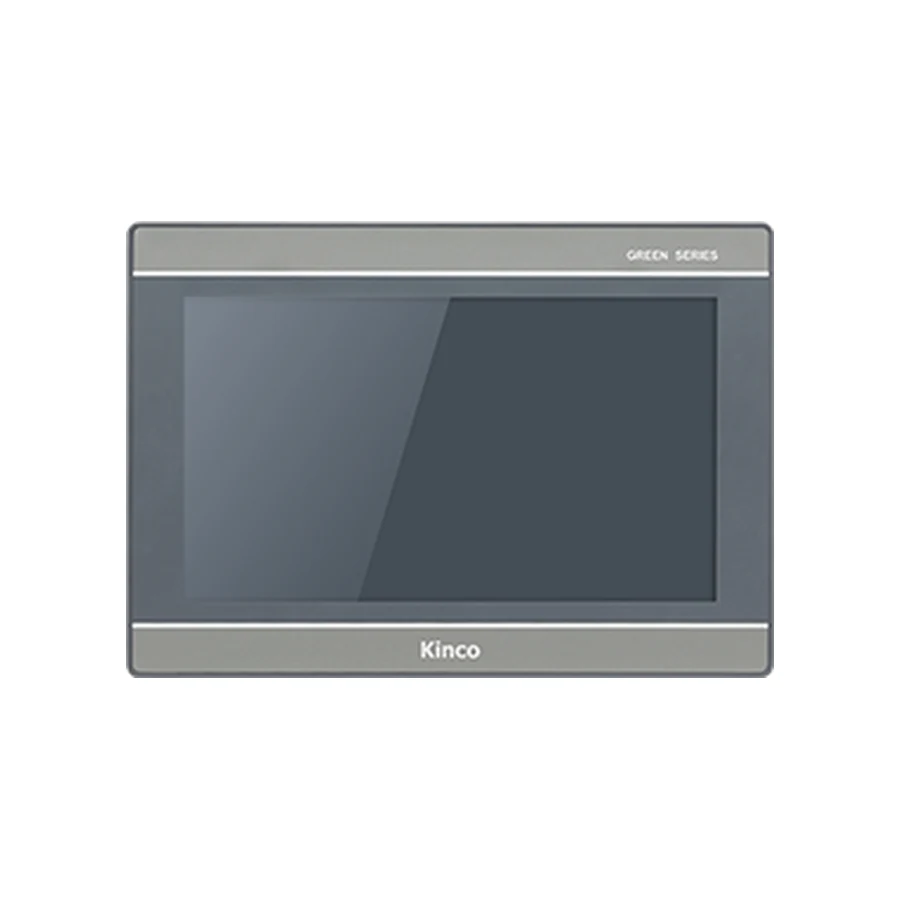
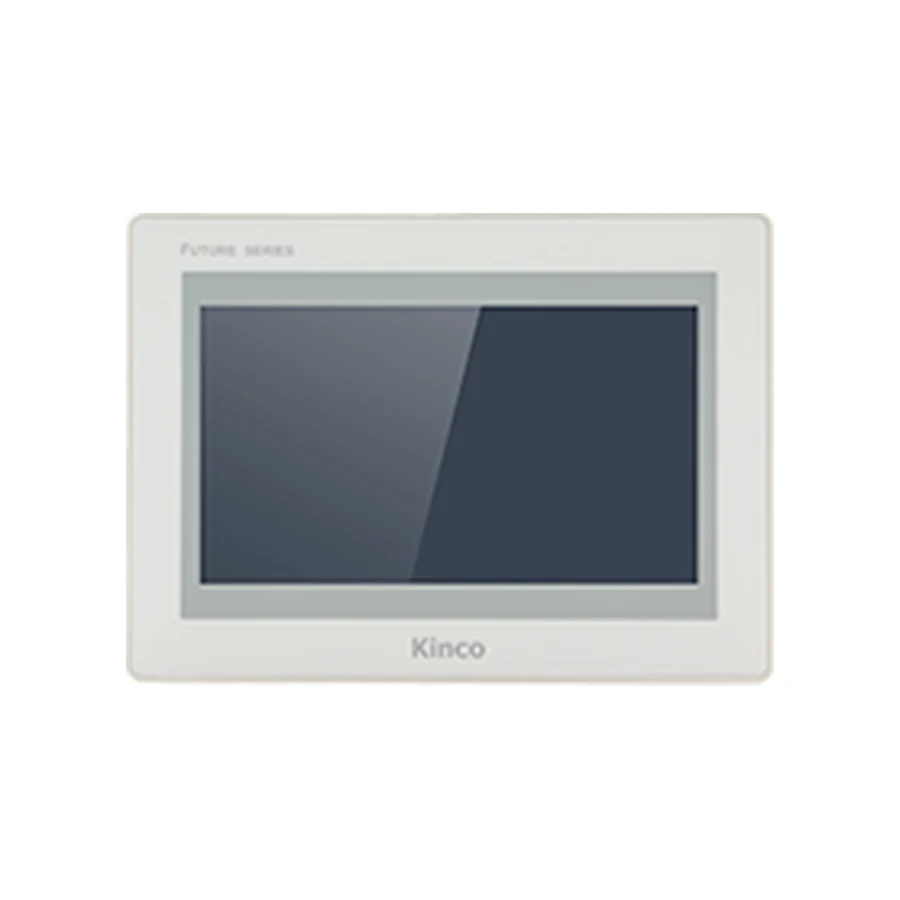
Plan a Kinco HMI connection to an Allen-Bradley PLC by identifying the controller family and its addressing model. MicroLogix or SLC file addresses need different checks from Logix tags. Record the CPU, firmware, communication route and the exact driver available in the matching Kinco software. For Logix applications, verify tag scope, data type and approved External Access before proving one known read.
Separate File-Addressed Controllers from Logix Tags
Begin with the controller order code, not a general Allen-Bradley brand selection. Record whether the machine uses MicroLogix, SLC, CompactLogix or ControlLogix, together with installed firmware and any communication module. The addressing model influences the HMI driver, test address and diagnostic path. A network socket alone does not establish a supported EtherNet/IP connection.
MicroLogix and SLC File Notation
For a file-addressed application, retain the actual file type, file number, element and bit information required by the selected driver. Preserve the working notation from the engineering project and compare it with driver help. Do not turn a Logix tag example into an address for a file-based controller or guess a file that might contain a useful value.
Choose one approved address with a known value and documented type for the initial test. Record whether the HMI should display an integer, bit state or another supported representation. The address and its interpretation are separate questions; communication can succeed while a display remains wrong because the type or scaling is incorrect.
Logix applications instead require a complete tag reference with the appropriate scope and supported member or index access. Keep these two record formats separate throughout troubleshooting so evidence for one controller architecture is not mistaken for evidence about the other.
Verify the Kinco Driver and Controller Family
Identify the software family and exact target for the HMI. The GL070 and GL070E record and GL2070HE record provide relevant hardware and software entry points, but those links do not approve an Allen-Bradley connection. In particular, base GL070 has no Ethernet; the physical route must match the selected code.
Open a copy of the project in its matching package and inspect available driver help. Retain the driver name, software release, supported controller family, addressing syntax and connection limitations. If the required family or route is absent, leave compatibility unresolved instead of selecting a similarly named driver.
Use the Kinco Download Center for matching documentation. Compare that evidence with the manual for the installed CPU and module. Both sides are needed: a controller manual can establish a PLC capability without showing that the chosen Kinco driver implements the required access. The PLC compatibility checklist provides the wider evidence record.
Record Module, Slot and Communication Route
Write down the route the HMI actually uses to reach the controller. Depending on the supported driver and hardware, that can involve a controller interface, communication module or route parameters. Record slot or path fields only where required by the applicable documentation; do not prefill assumed values from another machine.
| File-addressed connection record | Evidence to retain |
|---|---|
| Controller and firmware | Actual MicroLogix or SLC code and installed release |
| Interface and route | Used port, module and documented driver route |
| Test address | File type, number, element and bit detail as applicable |
| Interpretation | Supported type, signedness, units and scaling |
| Logix connection record | Evidence to retain |
|---|---|
| Controller and firmware | Actual CompactLogix or ControlLogix code and release |
| Module, slot and path | Only parameters required by this driver and route |
| Test tag | Complete name, scope and supported member or index |
| Access | Type and owner-approved External Access for the task |
For Ethernet, retain the assigned network settings from the machine record rather than inventing example addresses or service ports. For a serial route, preserve the electrical mode, pinout and required serial settings. A replacement review should also preserve connector photographs and the last known working configuration.
Check Logix Tag Scope and External Access
The Rockwell External Access documentation describes read/write, read-only and no-external-access choices. Apply the documentation appropriate to the installed controller and engineering release. A successful engineering-tool session does not establish that an external HMI has the same access to every tag.
Logix Scope, Arrays and Structures
Record whether a tag is controller-scoped or program-scoped and preserve the complete reference expected by the driver. Check spelling and any qualification against driver help. A valid engineering name is not sufficient if the external driver expects a particular supported reference form.
For arrays and structures, confirm the supported element, member and data-type access. Do not assume that every nested structure or complete array can be transferred because one scalar tag works. When only part of the application fails, reduce the failing reference to a documented member or element and compare it with a known working scalar.
Read-Only Access Versus Write Permission
Select access according to the machine owner’s intended task. A displayed process value may need only reading. A bounded operator setpoint may require approved writing, while internal control information may appropriately have no external access. Do not change every tag to read/write to resolve one failed request.
Even approved external write permission does not establish that the PLC program accepts or retains the requested value. Logic, limits or operating state may reject or overwrite it. Keep permission diagnosis separate from the machine’s application behavior and preserve the PLC’s control responsibility.
Prove One Approved Read and Controlled Write
Create a minimal test page containing one approved read-only value and a communication indication. Compare the value with the PLC engineering view. Check type, signedness, units, scaling and any driver-specific data representation. Confirm freshness so a retained or local HMI value is not mistaken for live controller data.
Only after the read path is established should a controlled write be considered. Use a designated commissioning variable under the machine owner’s approved test conditions. Define allowed values, expected result and restoration steps. Keep normal PLC interlocks and safety logic intact; do not attach an unproven test control to a production command.
Observe the PLC value and resulting application behavior during the test. Record whether the request was accepted, whether logic changed the value afterward and whether the HMI displayed the confirmed result. Remove temporary controls after testing. Successful writing to one approved variable does not authorize broader tag access.
Diagnose Missing Tags or Rejected Writes
For total connection failure, return to controller family, firmware, physical route and driver parameters. Establish whether the failure occurs at the physical connection, protocol session or address request. A successful ping, engineering connection or HMI download proves a different stage and cannot close the whole diagnosis.
For missing tags with other reads working, compare scope, complete spelling, aliases, types, array indexes and structure members against the driver documentation. Capture one minimal failing reference and one working reference. That comparison is more useful than changing the whole network when the route already carries valid data.
For readable but unwritable data, inspect approved External Access, driver-supported write type, object configuration and PLC application behavior. If the value changes briefly and returns, investigate what the PLC logic is doing before treating the event as a network fault. Maintain machine limits and permissions while diagnosing.
The PLC No Response troubleshooting guide helps organize broader failures. Change one relevant setting at a time and retain the observed result so a successful configuration can be reproduced.
Save a Reproducible Connection Record
Keep the HMI code, software release, driver help reference, CPU, firmware, module route and approved test reference together. Add the exact error, test conditions, result and reviewer. Preserve separate file-address and Logix-tag records where a site contains both controller types.
For a panel inquiry, include the intended physical route, cabinet requirements, quantity and destination. For technical review, add the minimal failing example and access status. Describe compatibility as unresolved until both the Kinco driver evidence and the controller documentation support the actual configuration.
Frequently Asked Questions
Can a Logix engineering connection prove HMI tag access?
No. External driver support, tag scope, type and External Access remain separate requirements. Prove the approved HMI read with the selected driver.
Why can a Kinco HMI read a tag but not write it?
The tag may be read-only, the driver may limit the write type, or PLC logic may reject or overwrite the value. Review the approved access and application behavior before changing networking.
Which address details are needed for a MicroLogix project?
Retain the actual file type, file number, element and bit detail required by the driver, plus data interpretation and connection settings. Use an approved known address from the machine project.