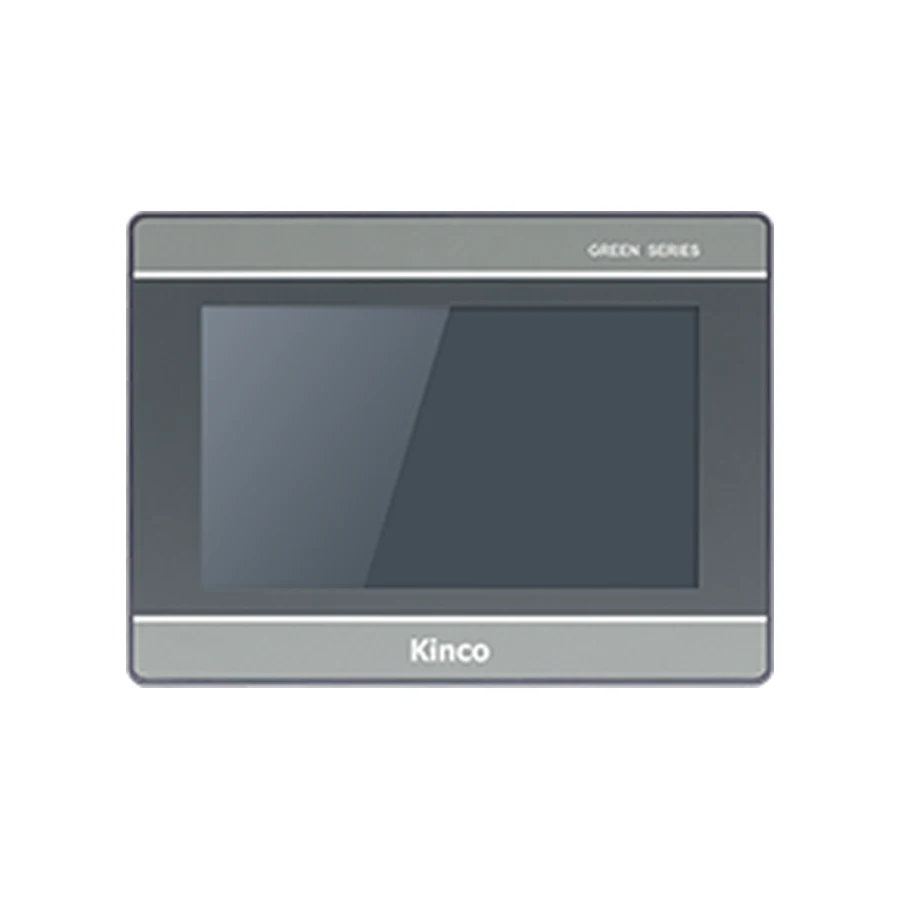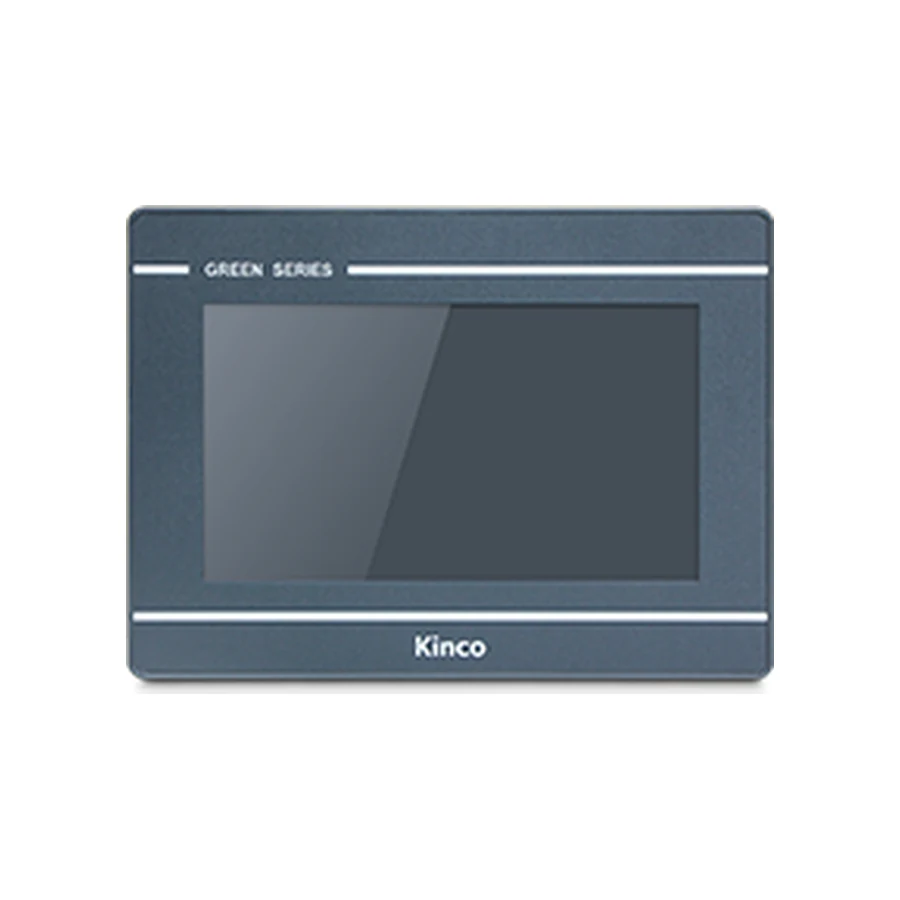
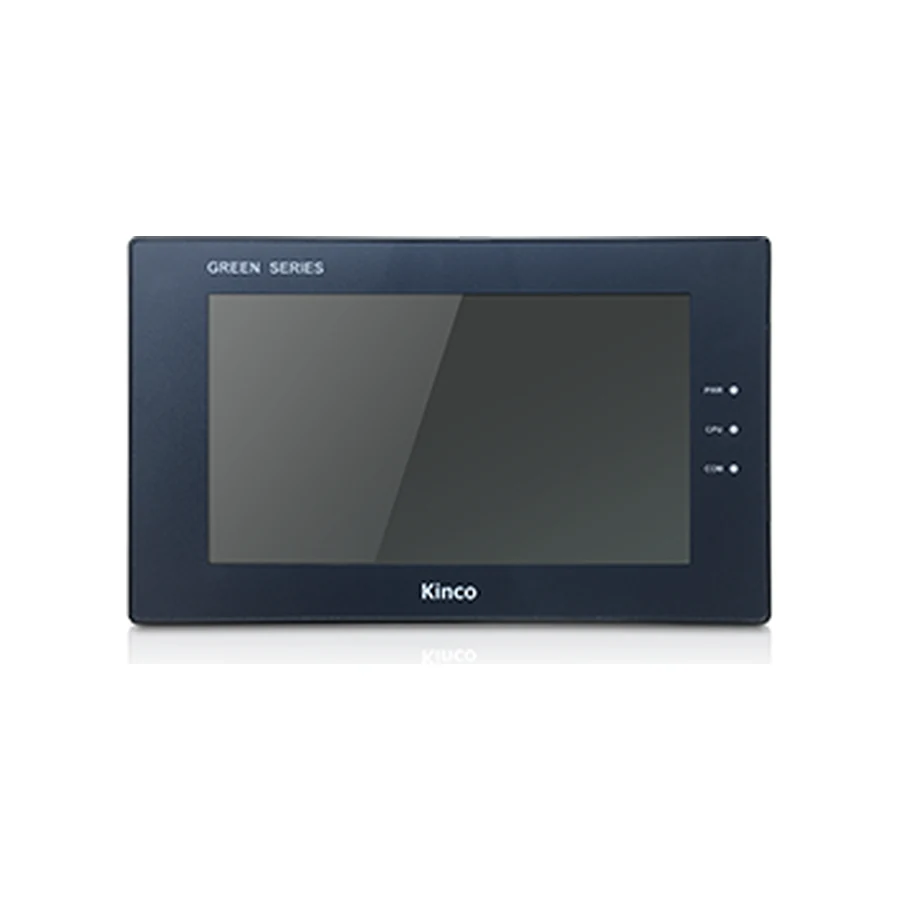
A 7-inch screen size does not identify a panel cut-out, PLC connection or programming package. Start with the cabinet and any existing project, then compare the complete Kinco model code. Use the comparisons below to distinguish resolution, ports and software before opening a product record. A candidate that meets one requirement still needs to match the remaining installation and communication requirements.
Start with the Cabinet Opening and Existing Project
For a replacement, photograph the rear label before removing the old panel. Record the opening in the cabinet door, the available rear space and each connected cable. Preserve the editable engineering project, software release and controller information. These details usually remove unsuitable candidates faster than browsing screens by appearance. For a new machine, define the operator tasks and PLC connection before deciding which panel family to use.
When the Same Screen Size Needs a Different Cut-out
GL070 and GL070E have a recorded 192 × 138 mm opening. GH070 and GH070E use 194 × 113 mm. Both groups contain 7-inch panels, but their opening proportions differ. A wider opening with less height is not interchangeable with the taller opening simply because the screen diagonal matches. Compare mounting clips, bezel coverage and cabinet condition using the applicable installation drawings.
The 7-inch panel catalogue helps locate candidate product groups. Use it after defining the mechanical limits; this guide explains how to evaluate those candidates rather than repeating every catalogue card. Keep a rejected candidate on the comparison sheet with the reason for rejection so later enquiries do not restart the same unsuitable selection.
Compare Resolution and Viewing Requirements
Resolution controls the available pixel layout, while physical display size controls the area an operator sees and touches. A denser screen can accommodate more detail, but retaining small buttons from another project can still produce an awkward interface. Review alarm text, numeric entry fields and the most frequently used machine screen at the intended operating distance.
| Complete code | Recorded resolution | Configuration software |
|---|---|---|
| GL070 / GL070E | 800 × 480 | DTools |
| GH070 / GH070E | 800 × 480 | DTools |
| MT070 | 800 × 480 | DTools |
| M2070H | 1024 × 600 | DTools |
| GL2070HE | 1024 × 600 | DTools Pro |
| G2070HE | 1024 × 600 | DTools Pro |
| F2070E | 1024 × 600 | DTools Pro |
These are code-specific comparison examples from the catalogue records, not a performance ranking. The listed examples use resistive touch panels. Their brightness, viewing angle and other display characteristics require separate comparison if the cabinet sits high, receives glare or is operated from the side. The display size and touch comparison explains those distinctions without reducing selection to diagonal size.
If an existing project changes from 800 × 480 to 1024 × 600, inspect its layout at the target resolution. Extra pixels do not establish that graphics scale cleanly or that touch areas remain aligned. Retain readable labels, sufficient button spacing and a clear distinction between operating commands and displayed status.
Choose the Required Serial or Ethernet Interface
Write the controller CPU, communication module where applicable, firmware and intended protocol beside the panel code. Then compare physical ports and the supported software driver separately. An Ethernet socket identifies a network connection; it does not establish support for every PLC protocol, every CPU variant or every required service.
GL070, GH070, MT070 and M2070H are recorded without Ethernet. GL070E and GH070E each have one Ethernet port. GL2070HE, G2070HE and F2070E also have one in their base-code records. G2070HE2 is a distinct two-port code. Do not substitute its port count for G2070HE, or assume that an additional socket provides the network separation your system requires.
Serial arrangements also differ. GL2070HE lists COM1 as RS485; G2070HE lists COM1 as RS485/RS422. Both list COM0 as RS232/RS485/RS422 and COM2 as RS232. These descriptions concern electrical interfaces, not automatic driver compatibility. Confirm connector pin assignments, cable wiring and the channel used by the engineering project before retaining an old cable.
Allow for every connected device, including instruments or drives that share the operator interface. A machine with one PLC may still require another communication channel. Count actual connections and identify their settings before deciding that a particular number of ports is sufficient.
Match DTools or DTools Pro to the Full Code
The software column above shows why screen size and resolution cannot select the engineering package. M2070H has the higher listed resolution but remains a DTools target. GL2070HE and G2070HE use DTools Pro. Keep the software family, installed release and supported-target information together when assessing a project.
If conversion is documented for the old and proposed targets, work on a copy. Review fonts, language resources, alarm handling, recipes, data storage and any macros or scripts used by the machine. Opening a project file is only one part of the assessment. It does not demonstrate that the compiled application, device driver and connected controller behave as required.
Use the GL versus GL2 comparison when considering that generation change. Ask for the document or software information applicable to the complete requested code; this article does not provide a downloadable project conversion package or a model-specific manual file.
Compare Suitable 7-inch Model Groups
GL070 and GL070E: Choose the Required Interface
The GL070 and GL070E product record is useful when a DTools project and 800 × 480 layout are part of the shortlist. These two codes share the recorded 192 × 138 mm opening and 204 × 150 × 37.2 mm body dimensions. Their Ethernet provision differs, so the enquiry must specify which code is needed. Matching the enclosure measurements does not settle controller communication.
The GH070 and GH070E record provides another DTools comparison with a different cabinet opening and serial-channel arrangement. GH070E also has recorded serial isolation. Select that feature only against the code documentation and electrical requirements; do not extend it to every GH code or assume it replaces appropriate cabinet wiring.
Compare GL2070HE and G2070HE Ports and Installation Fit
The GL2070HE group and G2070HE group both include base codes with 1024 × 600 resolution, DTools Pro and a 192 × 138 mm cut-out. Their base body dimensions are recorded as 204 × 150 × 37 mm. The COM1 distinction described earlier can still matter when a machine needs RS422 on that channel.
Wireless and additional-port variants require their own checks. Preserve the complete suffix in the purchase request and compare the corresponding row, rather than treating the group title as the supplied specification. Where a wireless option is relevant, establish its intended use and permitted access arrangement before making it a selection requirement.
Prepare a Model-Specific Inquiry
Send the shortlisted complete codes, quantity, delivery destination and required documents. For a replacement, attach the old label, measured opening, connector photographs and engineering software information. State which constraints are fixed and which can change, such as whether cabinet modification is possible or the original project must be retained.
Before changing an operating machine, agree the acceptance checks with the responsible controls engineer. Establish stable read-only communication first. Any controlled write test needs a designated nonhazardous test variable, an agreed machine state and PLC-side permissions and interlocks under that engineer’s responsibility. A successful display connection alone does not approve the machine for production.
Frequently Asked Questions
Do all 7-inch panels share a cut-out?
No. GL070 uses 192 × 138 mm, while GH070 uses 194 × 113 mm in the catalogue records. Use the drawing for the selected full code and confirm the actual cabinet opening before machining or adapting it.
Which codes have Ethernet?
Examples include GL070E, GH070E, GL2070HE, G2070HE and F2070E. Their unsuffixed or similarly named neighbours must be checked independently. Physical Ethernet availability does not establish the required PLC driver or protocol support.
Can the old project be reused?
Possibly, depending on the source project, software release, target model and documented migration route. Obtain the editable source and review the converted result before commissioning. A screen of the same size is not evidence that an old application can be transferred unchanged.